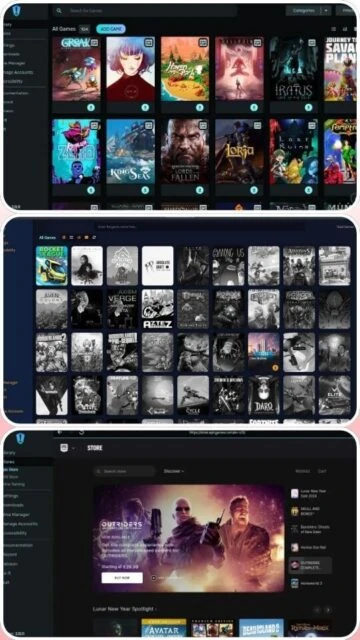
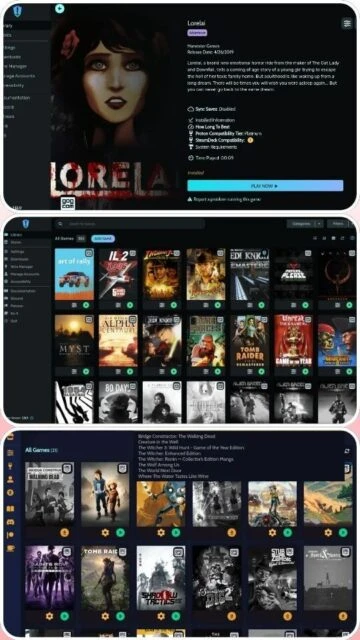
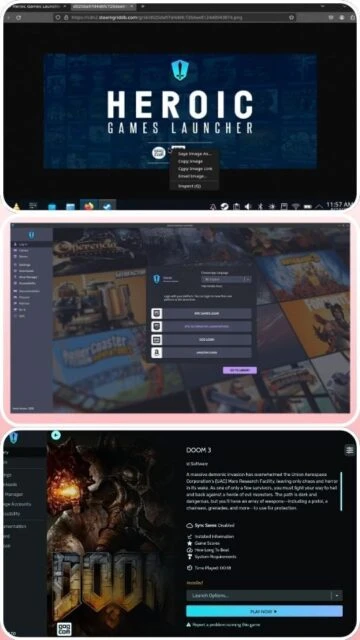
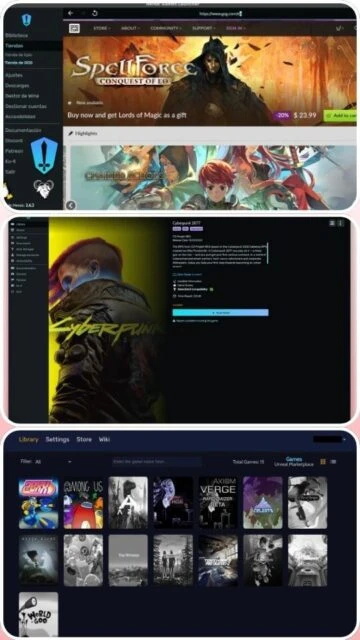
Heroic Games Launcher is a community-driven, open-source game management platform that unifies Epic Games Store, GOG, and Amazon Games libraries. Built with cross-platform support for Windows, Linux, macOS, and Steam Deck, Heroic provides advanced features like Proton compatibility, Wine management, and native game support. The launcher excels at performance optimization with customizable launch parameters, environment variables, and pre/post-launch scripts. Its active development community continuously adds features and improvements, making it ideal for gamers seeking control and flexibility beyond traditional launchers.
Processor:Intel Core 2 Duo or AMD Athlon II dual-core 1.8GHz
RAM:2 GB
Disk Space:500 MB
Additional Requirements:Internet connection for game downloads, optional: Proton/Wine for compatibility
Features Of Heroic Games Launcher
Multi-store library integration: Combine Epic Games, GOG, and Amazon Games in single launcher
Proton and Wine support: Run Windows games on Linux and macOS with advanced compatibility
Native game support: Play games compiled for Linux and macOS natively
Steam Deck optimization: Seamless integration with Steam Deck Gaming Mode
DLC management: Full install/uninstall capabilities for DLC on GOG and other stores
Custom launch scripts: Execute commands before and after game launches
Game categorization: Organize games into custom collections and categories
Discord Rich Presence: Display current game status to Discord friends
Wine Manager: Download and manage multiple Wine and Proton versions
Cloud save support: Configuration for cloud save paths across platforms
REDMod integration: Support for Cyberpunk 2077 community mods
Advanced settings: Fine-tune game performance with environment variables
Pros & Cons
Pros
Completely free and open-source software
Excellent multi-store library integration
Superior Linux and Steam Deck support
Regular updates with new features
Highly customizable game launch settings
Proton-GE as default for better compatibility
Active community development and support
No tracking or telemetry
Supports sideloading custom games
Cons
Steeper learning curve than commercial launchers
Some users report occasional library sync delays
Requires manual Proton configuration for some games
Limited built-in social features
Fewer cosmetic customization options
May need community help for game-specific fixes
Changelog
Version 2.17.0 Franky (May 22, 2025):
- New Game Page design with improved visuals
- macOS: Button to automate Windows Steam installation
- Option to download Proton versions directly to Steam compatibility folder
- File picker support for sideload game images
- Electron updated to v36.2.1
- Fixed Epic Games login and checkout issues
- HowLongToBeat data restoration
- Several UMU, DXVK, and GPTK fixes
Version 2.16.0 Scopper Gaban (March 2, 2025):
- Environment variables in known fixes
- Launch arguments via protocol URLs
- Steam shortcuts for uninstalled games
- Anti-cheat logging improvements
- Custom CSS styling support
Frequently Asked Questions
Is Heroic Games Launcher free?
Yes, Heroic is completely free and open-source. No subscription required. Download from GitHub or official website at no cost. The project is maintained by community volunteers.
Can I play Windows games on Linux with Heroic?
Yes, Heroic uses Proton compatibility layer to run most Windows games on Linux. Download Proton through Wine Manager, then launch games. Some anti-cheat games may not work due to restrictions.
Does Heroic support Steam Deck?
Yes, Heroic is fully optimized for Steam Deck. Install through Discover app or directly on SteamOS. Gaming Mode integration provides seamless controller support and customized UI.
How do I add my Epic Games and GOG libraries?
In Settings, add your Epic and GOG accounts via web authentication. Grant permission when prompted. Heroic automatically detects and imports your entire library from both stores.
What is Proton-GE and why should I use it?
Proton-GE is a community-enhanced version of Proton with additional fixes and improvements. It offers better compatibility for many games. Download through Wine Manager for superior Windows game support.
Can I manage game mods with Heroic?
Yes, Heroic supports mod management for supported games. REDMod integration available for Cyberpunk 2077. Custom launch scripts enable mod installation and configuration for other titles.
Heroic Games Launcher is a powerful open-source game management platform that consolidates your Epic Games Store, GOG, and Amazon Games libraries into one interface. Designed with Linux, macOS, and Windows users in mind, this guide demonstrates installation, platform compatibility, integration options, and detailed comparisons with rival launchers.
Installation & Setup
Visit the official GitHub releases page or heroicgameslauncher.com
Download the appropriate version for your OS (Windows .exe, macOS .dmg, or Linux .AppImage/.deb)
Execute the installer and follow installation prompts
Launch Heroic and add your store accounts
Authorize Epic Games, GOG, and Amazon Games access
Click sync library to discover all available games
Platform Availability
Platform
Support
Features
Windows 10/11 64-bit
Full Support
All stores, Proton, Wine, DLC management
Linux (Ubuntu, Arch, Fedora)
Full Support
All features, native games, Proton support
macOS 14+
Full Support
All stores, Wine, Proton, GPTK support
Steam Deck/SteamOS
Full Support
Optimized UI, native integration
Integration Ecosystem
Proton – Advanced compatibility layer for running Windows games on Linux
Wine – Additional compatibility support with multiple Wine versions
Enable Proton-GE for superior game compatibility and performance
Configure game-specific launch options to optimize resource usage
Use native Linux versions when available instead of Windows compatibility layers
Monitor and adjust DXVK settings for GPU optimization
Regularly update Proton versions through Wine Manager
Configure pre/post-launch scripts to automate setup tasks
User reviews and ratings for Heroic Games Launcher
See what users think about Heroic Games Launcher. Read honest reviews and ratings from real users.
4.6
★★★★★
4 reviews
Best Linux gaming launcher by far
by Alex Thompson
★★★★★
2025-12-08
Heroic is outstanding for Linux gaming. Perfect Steam Deck integration, easy multi-store library management, and Proton support is excellent. Regular updates add new features constantly. Highly recommend.
Powerful but requires some learning
by Emma Davis
★★★★★
2025-11-20
Very capable launcher with great customization options. Takes time to master all features but absolutely worth it. Performance optimization tools are impressive. Community support is helpful.
Game changer for multi-store gamers
by Marcus Liu
★★★★★
2025-10-15
Finally, a launcher that consolidates all my game libraries. Interface is smooth, library sync works flawlessly, and launching games is seamless. Free and open-source makes it even better.
Some compatibility issues but improving
by Patricia Anderson
★★★★★
2025-09-28
Most games work great but encountered issues with several titles. Proton configuration can be finicky sometimes. Support community is helpful but steep learning curve for beginners.
Write a Review
Heroic Games Launcher Screenshots & Photos
Browse through screenshots and photos of Heroic Games Launcher to see how it looks and works.
Heroic Games Launcher Videos
Watch videos to see how this software works and learn about its features.

 42
42