
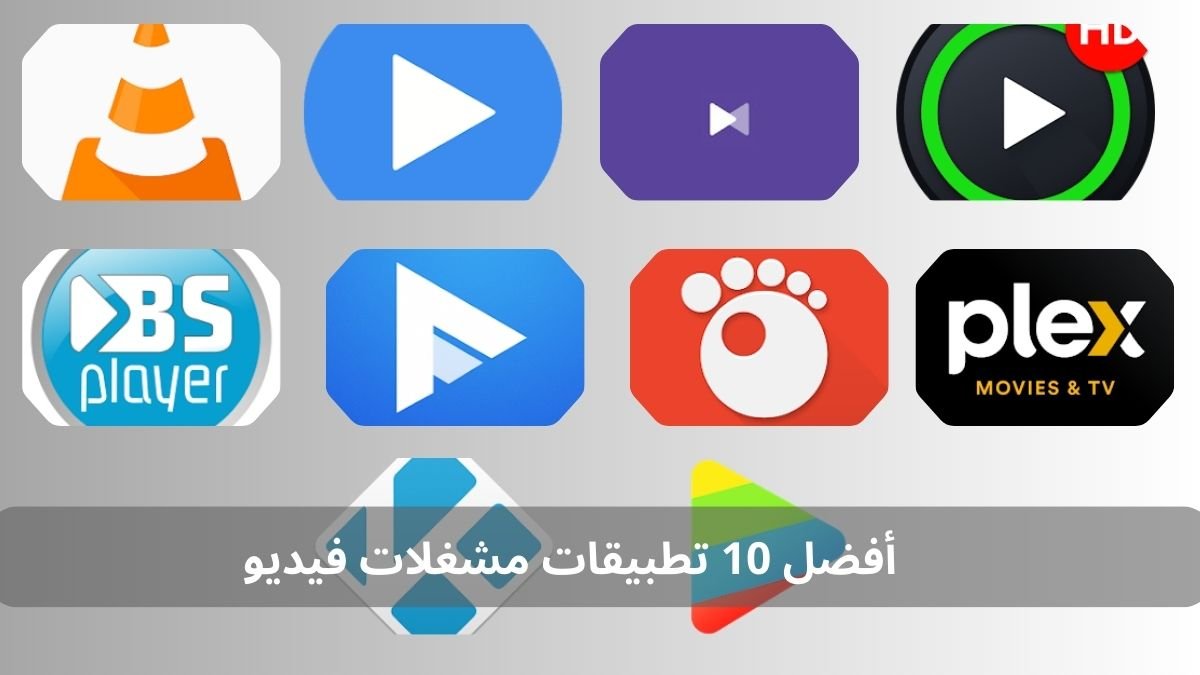
Video player apps are essential tools for any user looking for a smooth viewing experience. They offer wide format support, advanced customization features, and stable performance across different devices. This makes them an ideal solution for playing high-quality content with minimal resource usage. On Rumman, we present the best apps that help users make a precise choice.
What are the top 10 video player apps?
Whether you are looking for a lightweight player or a feature-rich one, this list includes the top 10 video player apps available on Android. They stand out for speed, multi-format support, and smooth playback without lag.
- VLC Media Player
- MX Player
- KMPlayer
- XPlayer
- BSPlayer
- PlayerXtreme
- GOM Player
- Plex
- Kodi
- nPlayer
VLC – VLC Media Player
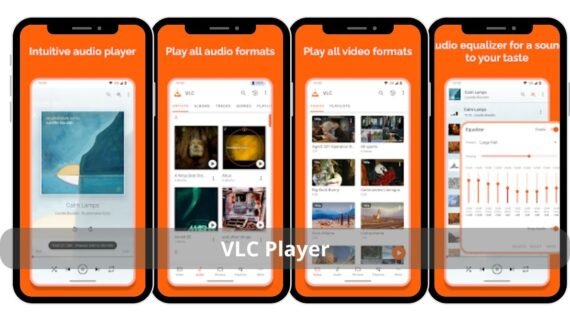
An open-source player with no ads. It supports almost all formats, works with local networks and live streaming, and offers a simple interface that is light on the device.
| VLC | Main features | Specifications | Download link |
 |
No ads, all formats supported, network playback | 30 MB, v3.5.4, Android 4.3+ |
Download the app VLC Media Player |
MX Player
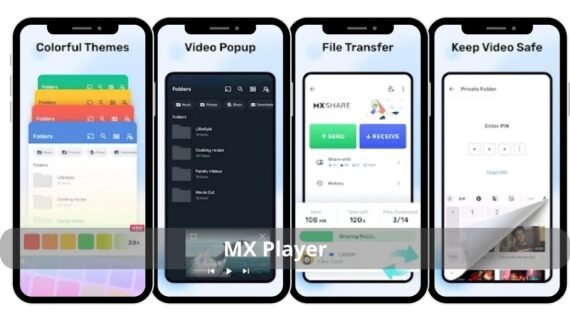
Features hardware acceleration, gesture support, and compressed subtitle playback. Delivers smooth performance even on mid-range devices.
| MX Player | Main features | Specifications | Download link |
 |
Hardware acceleration, gestures, compressed subtitles | 45 MB, v1.75.4, Android 5.0+ |
Download the app MX Player |
KMPlayer
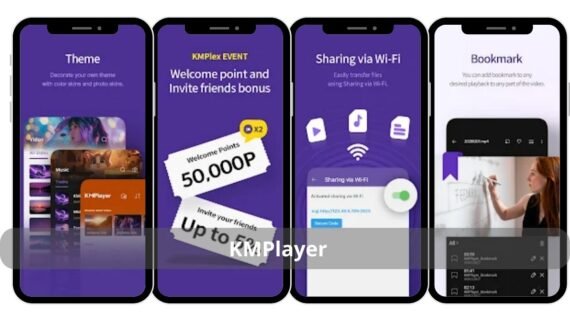
Supports 4K, 8K, and 360-degree videos. Allows downloading videos from YouTube for offline viewing.
| KMPlayer | Main features | Specifications | Download link |
 |
4K/8K, 360°, YouTube download | 35 MB, v33.04.011, Android 6.0+ |
Download the app KMPlayer All Video Player |
XPlayer
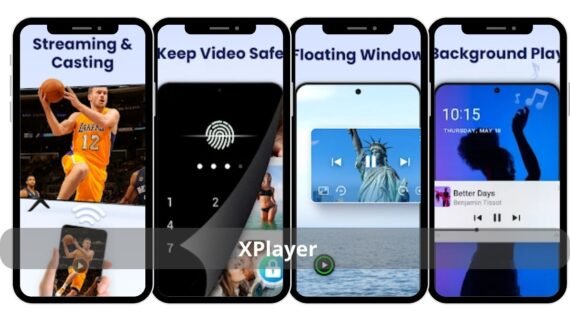
A modern material design interface with floating playback mode and fingerprint protection for private files. Works efficiently on modern devices.
| XPlayer | Main features | Specifications | Download link |
 |
Floating mode, fingerprint protection, material design | 20 MB, v2.3.6, Android 5.0+ |
Download the app Video Player All Format XPlayer |
BSPlayer
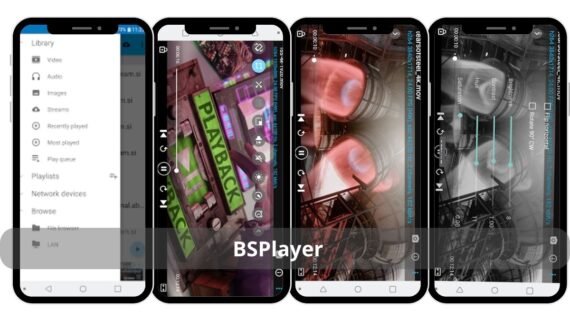
A lightweight player that automatically manages memory usage. Ideal for low-end devices. Supports multiple subtitles and hardware acceleration.
| Logo | Main features | Specifications | Download link |
 |
Memory management, HW support, multiple subtitles | 38 MB, v3.15.232, Android 4.1+ |
Download the app BSPlayer Media Player |
PlayerXtreme
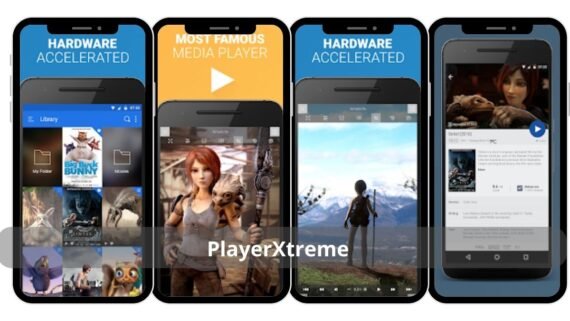
Connects directly to cloud storage services like Google Drive and Dropbox. Plays videos without downloading them to the device.
| PlayerXtreme | Main features | Specifications | Download link |
 |
Cloud playback, rare format support, file encryption | 25 MB, v2024.6, Android 6.0+ |
Download the app PlayerXtreme |
GOM Player
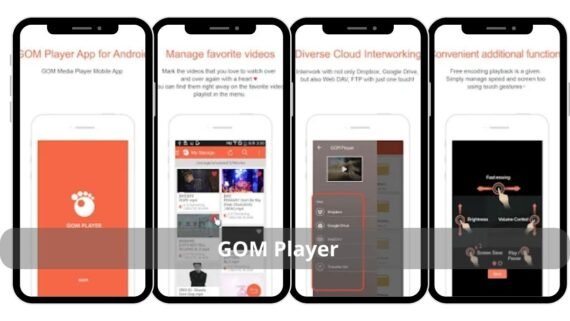
Automatically downloads subtitles from its database. Supports 360-degree videos and allows easy subtitle timing adjustment.
| GOM Player | Main features | Specifications | Download link |
 |
Auto subtitles, 360°, timing control | 28 MB, v1.7.1, Android 5.0+ |
Download the app GOM Player Free Video |
Plex
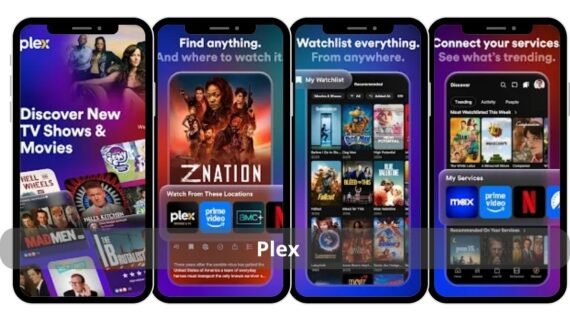
Turns your device into a complete media server. Streams content to TVs and phones on the same network, with an electronic content guide.
| Plex | Main features | Specifications | Download link |
 |
Personal server, TV streaming, electronic guide | 45 MB, v10.0.0, Android 7.0+ |
Download the app Plex Streaming |
Kodi
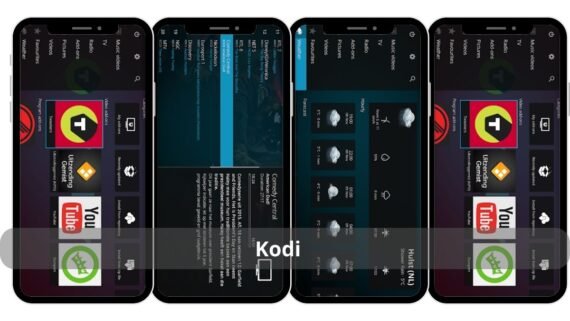
An open platform that supports add-ons. Allows watching channels, movies, and music from multiple sources, with switchable interfaces.
| Kodi | Main features | Specifications | Download link |
 |
Unlimited add-ons, IPTV, multiple skins | 75 MB, v21.0, Android 6.0+ |
Download the app Kodi Media Center |
nPlayer
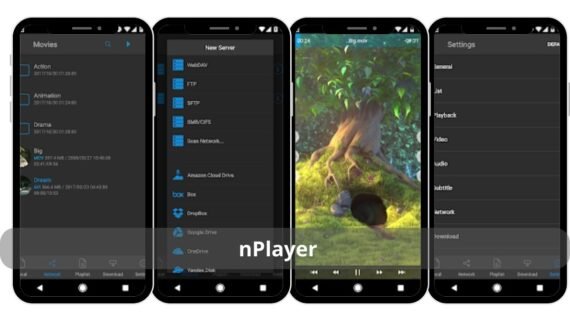
Supports Dolby Mobile technology. Allows precise audio and video adjustment and performs efficiently with high-quality video files.
| Logo | Main features | Specifications | Download link |
 |
Dolby Mobile, audio equalizer, color adjustment | 32 MB, v1.7.9.6, Android 5.0+ |
Download the app NPlayer Video Player |
Choosing the right video player app improves device performance and delivers an ideal viewing experience. Pick the app that fits your use case and remove the rest. Quality beats quantity.