

Video editing no longer needs experience or a powerful computer; today, video editing apps offer professional tools that help you create polished visual content in minutes. In this guide from Rumman website, Rumman website suggests the top 10 video montage apps that give you ready effects, artificial intelligence, and full control to produce high-quality videos easily.
What are the top 10 video editing apps?
With the rising demand for fast visual content, mobile video editing apps are the quickest way to turn ordinary clips into professional videos ready to publish on social platforms, providing AI tools, layers, and advanced effects without needing a computer. Among the most popular video editing apps that fit all needs:
- CapCut CapCut
- Adobe Express Adobe Express
- InShot InShot
- KineMaster KineMaster
- FilmoraGo FilmoraGo
- VN VN
- LumaFusion LumaFusion
- PowerDirector PowerDirector
- Alight Motion Alight Motion
- Splice Splice
CapCut – CapCut
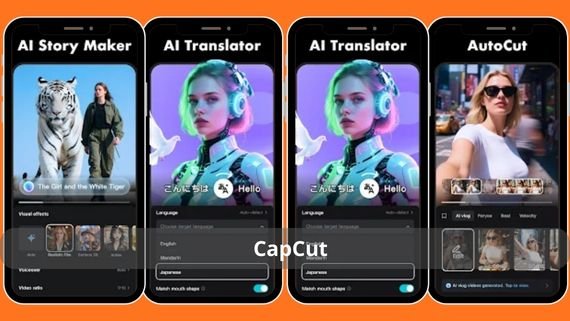
CapCut provides a complete workspace for short-form content creation, combining a precise timeline, a library of free effects updated weekly, and the ability to add animated Arabic text. It is the top choice for TikTok and Instagram Reels users because it allows 4K export and a 9:16 ratio without a watermark.
| CapCut | Core features | Specifications | Download link |
|---|---|---|---|
| CapCut |
|
|
👈🏻 Download 👉🏻 CapCut |
Adobe Express Adobe Express
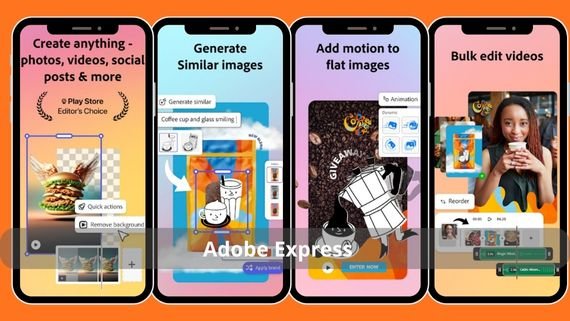
Rush brings the simplified Premiere interface to mobile with instant cloud sync, allowing you to start on your phone and finish on your computer. It features the ability to edit multiple audio and video tracks together, and automatically adjust colors using Adobe Sensei style.
| Adobe Express | Core features | Specifications | Download link |
|---|---|---|---|
| Adobe Express |
|
|
👈🏻 Download👉🏻 Adobe Express |
InShot – InShot
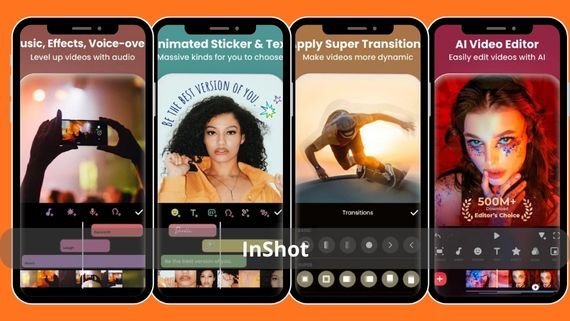
InShot offers a fast experience for trimming long videos into Reels, with a free royalty-cleared music library and the ability to add live voice-over directly. It features an intuitive drag-and-drop interface and supports export in 1080p at 60 fps.
| InShot | Core features | Specifications | Download link |
|---|---|---|---|
| InShot |
|
|
👈🏻 Download 👉🏻 InShot |
KineMaster – KineMaster
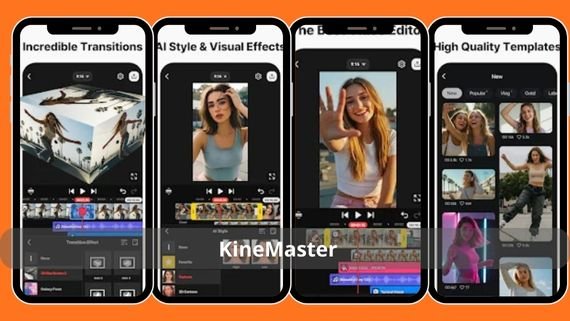
KineMaster enables professional editing with 16 video and audio tracks, supporting chroma layers and blending, plus an asset library updated weekly. It is the preferred choice for educational content creators thanks to tools for drawing directly on the footage.
| KineMaster | Core features | Specifications | Download link |
|---|---|---|---|
| KineMaster |
|
|
👈🏻 Download 👉🏻 KineMaster |
FilmoraGo – FilmoraGo
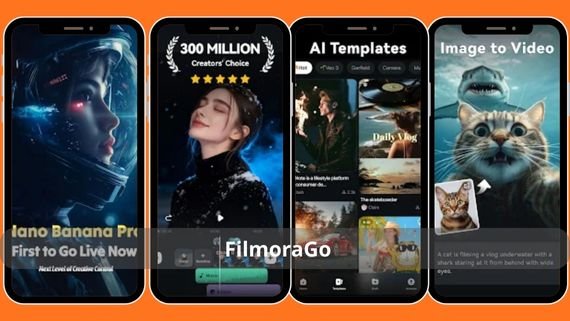
FilmoraGo offers an easy interface with ready templates for YouTube and TikTok clips, with a library of cinematic transitions and Glitch and Retro effects. It allows 4K export while preserving the color grading brand look.
| FilmoraGo | Core features | Specifications | Download link |
|---|---|---|---|
| FilmoraGo |
|
|
👈🏻 Download 👉🏻 Filmora |
VN – VN
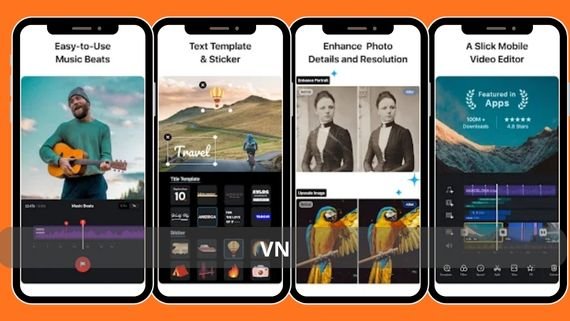
VN provides a professional interface free of watermarks, with control over the speed curve and chroma key. It supports editing HDR10 clips and allows saving projects on Google Drive to continue work from any device.
| VN | Core features | Specifications | Download link |
|---|---|---|---|
| VN |
|
|
👈🏻 Download 👉🏻 VN |
LumaFusion – LumaFusion
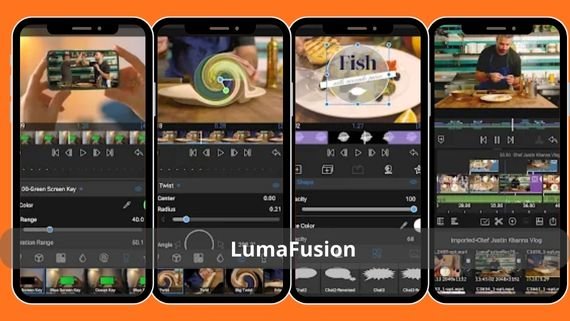
LumaFusion is the closest among video editing apps to professional editing stations on iPad and Android tablets, supporting 12 video tracks with multi-track audio and precise 10-bit color indicators. It is preferred by short film creators because it enables ProRes export.
| LumaFusion | Core features | Specifications | Download link |
|---|---|---|---|
| LumaFusion |
|
|
👈🏻 Download 👉🏻 LumaFusion |
PowerDirector – PowerDirector
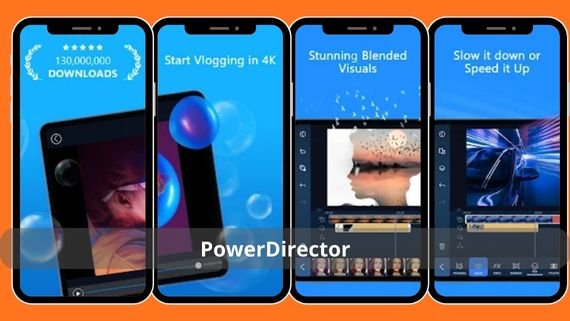
PowerDirector comes with a 64-bit engine that enables smooth 4K editing without stutter, with a library of AI effects such as background replacement and video stabilization. It supports H.265 export and allows syncing projects with a computer via CyberLink Cloud.
| PowerDirector | Core features | Specifications | Download link |
|---|---|---|---|
| PowerDirector |
|
|
👈🏻 Download 👉🏻 PowerDirector |
👈🏻Alight Motion – Alight Motion
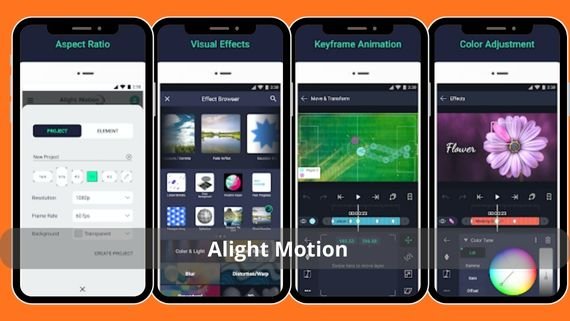
Alight Motion, among the best video editing apps, lets you create animations and motion effects using vector layers, with support for shading and blur keyframes. It is the ideal choice for designing short intros or adding animated text in an exportable JSON format.
| Alight Motion | Core features | Specifications | Download link |
|---|---|---|---|
| Alight Motion |
|
|
👈🏻 Download 👉🏻 Alight Motion |
Splice – Splice
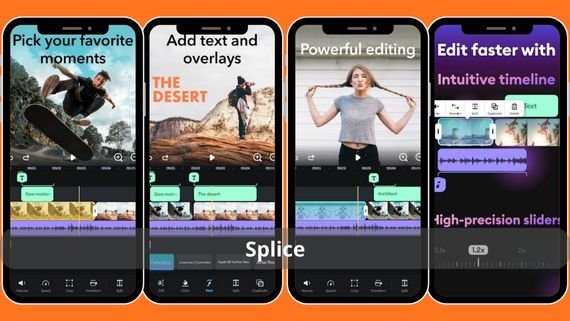
Splice offers a fast trimming experience with a music library synced to the beat, and the ability to adjust clip speed with a Bezier curve. It exports in 4K and supports direct sharing to YouTube and Instagram without a watermark.
| Splice | Core features | Specifications | Download link |
|---|---|---|---|
| Splice |
|
|
👈🏻 Download 👉🏻 splice |
Choosing the most suitable video editing apps depends on the nature of your project. If you make fast short content, start with CapCut or InShot. If you aim for multi-layer editing, invest your time in KineMaster or LumaFusion. Try the free versions first, then choose the paid plan that gives you high-resolution export without a watermark to keep your visual brand professional.