
Did you accidentally delete an important photo or valuable video from your phone? Do not worry, deleted files do not disappear immediately from memory. The top 10 specialized file recovery apps mainly work on recovering lost data from Android. Whether you lost personal photos or important work documents from your phone. Rumman Net website (RummanNET) provides you with a comprehensive review covering free apps and paid ones with advanced features. You can choose the options that suit you and support restoring photos, videos, and other files easily and smoothly.
What are the best 10 deleted file recovery apps for Android?
File recovery apps differ in how they work, their capabilities, and their success rate. Some focus on photos and videos, while others support all types of files and data. Knowing the differences helps you choose the right program for your needs. Most apps do not require root permissions for basic operation, but performance improves significantly with root. We explain them below:
- DiskDigger app.
- Dr.Fone app.
- Dumpster app.
- Undeleter app.
- Recuva app.
- MobiSaver app.
- StellarRecovery app.
- RecoverIt app.
- Disk Video Recovery app.
- File Recovery app.
DiskDigger App
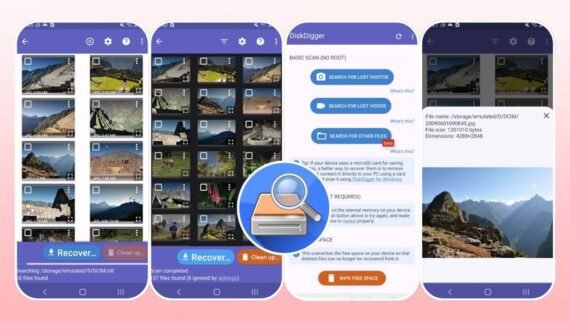
DiskDigger is considered one of the best deleted file recovery programs in the world with over 100 million downloads. It specializes in recovering photos, videos, and various files from the internal and external memory of the phone. Suitable for beginners due to its simple interface, and also suitable for professionals due to its advanced file scanning capabilities.
- Deep Scan to search for lost files throughout the phone.
- Restore photos, videos, and files quickly and with very high efficiency.
- Upload recovered files directly to cloud storage services.
- Full support for external memory (SD Card) and easy searching.
- Does not require root for basic operation, but root significantly improves results.
- A very simple and easy-to-use interface even for beginners.
| App Name | DiskDigger |
|---|---|
| Main Function | Recover deleted photos, videos, and files |
| Operating Systems | Android |
| Price | Free with paid Pro version |
| Supports Artificial Intelligence | No |
| Ease of Use Level | Very easy |
| Download Link | Download DiskDigger App |
Dr.Fone App
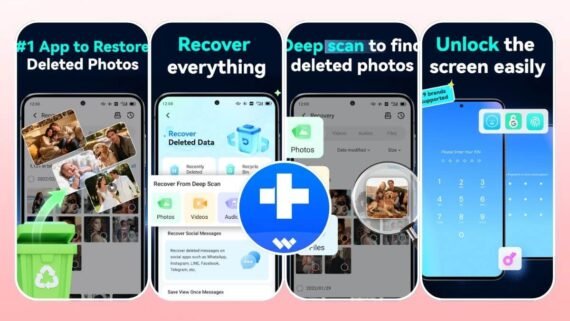
Dr.Fone is developed by the global company Wondershare, specialized in data recovery software. Dr.Fone app provides a comprehensive integrated solution to recover deleted files from the phone with very powerful additional features. It supports recovering photos, videos, messages, contacts, and other files with high efficiency. Suitable for those who want a complete solution to manage and protect phone data comprehensively.
- Restore contacts, messages, and permanently deleted files.
- Screen unlock feature without losing data and essential files.
- Easy and complete data transfer between phones (WhatsApp Transfer).
- Secure and powerful privacy space to protect personal photos and videos.
- Improve the quality of old and damaged photos using artificial intelligence technology.
- Full end-to-end data encryption with comprehensive protection.
| App Name | Dr.Fone |
|---|---|
| Main Function | Comprehensive file and data recovery |
| Operating Systems | Android, iOS |
| Price | Free with subscription plans |
| Supports Artificial Intelligence | Yes |
| Ease of Use Level | Easy to medium |
| Download Link | Download Dr.Fone App |
Dumpster App
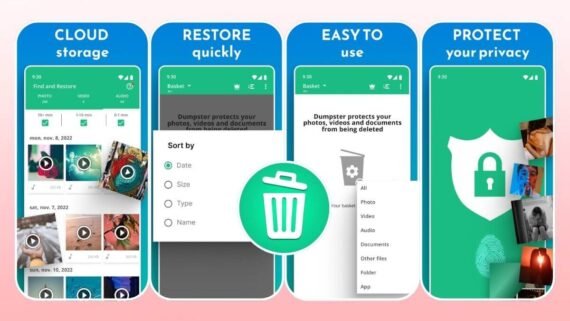
Dumpster is a unique and powerful app because it works as a real recycle bin for the phone instead of searching for deleted files. It automatically saves all files you delete before permanently deleting them, making it easy to restore them later without the need for complex deep scans. Dumpster app has achieved over 50 million downloads because it provides real and effective protection against sudden loss of important files.
- Instant automatic saving of all deleted files before permanent deletion.
- Restore photos, videos, apps, and other files very easily.
- Unlimited and secure cloud storage (in the paid version).
- Screen lock and custom themes to enhance security and privacy.
- Does not require root for basic operation and instant protection.
- Very smart interface and exceptionally easy to use.
| App Name | Dumpster |
|---|---|
| Main Function | Save and recover deleted files |
| Operating Systems | Android |
| Price | Free with Premium subscription |
| Supports Artificial Intelligence | No |
| Ease of Use Level | Very easy |
| Download Link | Download Dumpster App |
Undeleter App
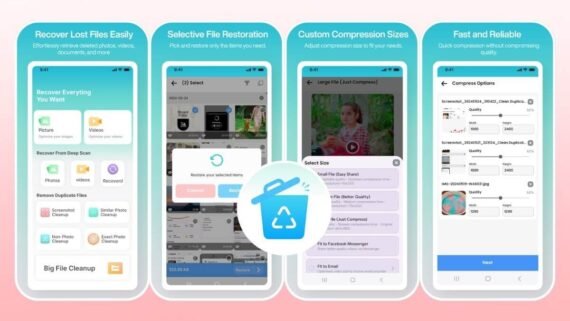
Undeleter specializes in recovering deleted files from the phone and external memory in a direct and easy way. It has effective features to recover files even if they were permanently deleted from the recycle bin. It supports recovering photos, videos, music files, documents, and other important files efficiently.
- Recover permanently deleted files without the need for root.
- Fast scan for recently deleted and lost files with high efficiency.
- Quick preview of files before recovery to confirm your choice.
- Support recovery from both internal and external memory.
- Very easy interface and lightweight on phone performance and battery.
- Advanced filtering options to search for specific files and easy navigation.
| App Name | Undeleter |
|---|---|
| Main Function | Recover deleted files |
| Operating Systems | Android |
| Price | Free |
| Supports Artificial Intelligence | No |
| Ease of Use Level | Very easy |
| Download Link | Download Undeleter App |
Recuva App
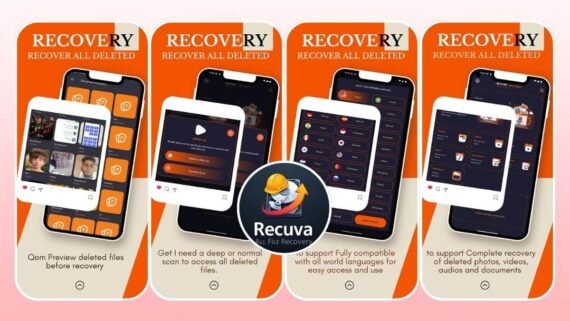
The Recuva app available on Google Play Store provides a direct and easy solution to recover deleted files from the phone with practical efficiency. The Recuva app supports multiple file types such as photos, videos, music files, documents, and important files. It also combines two different scan modes: quick scan for recent files and deep scan for older files according to your actual needs.
- Quick scan for recently deleted files with ease and high speed.
- Deep and comprehensive scan to search for old and lost files accurately.
- Support for multiple file types and comprehensive formats.
- Multi-language support (more than 15 languages) for ease of use.
- Quick preview of files before recovery to confirm.
- Does not require root in most cases.
| App Name | Recuva |
|---|---|
| Main Function | Recover deleted files |
| Operating Systems | Android |
| Price | Free |
| Supports Artificial Intelligence | No |
| Ease of Use Level | Very easy |
| Download Link | Download Recuva App |
MobiSaver App
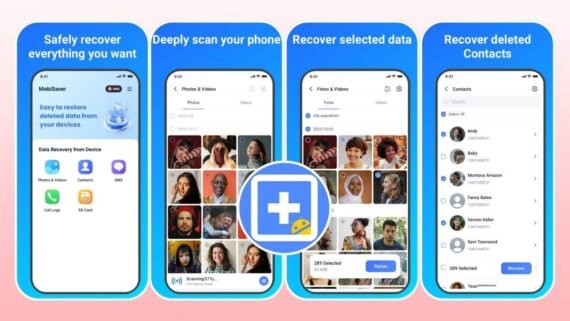
The MobiSaver app is developed by EaseUS, a globally well-known company in data and file recovery software. It specializes in recovering photos, videos, contacts, and messages from the phone effectively. The MobiSaver app provides powerful and fast scanning tools to search for lost and deleted files with high accuracy.
- Recover photos, videos, and music files with very high efficiency.
- Quick scan for recently deleted files and deep scan for old files.
- Recover contacts, SMS messages, and other sensitive data.
- Support recovering files from external memory card easily.
- Preview files before recovery to ensure correct selection.
- Full encryption and high protection for your privacy and phone data security.
| App Name | MobiSaver |
|---|---|
| Main Function | Recover photos and data |
| Operating Systems | Android |
| Price | Free with paid plans |
| Supports Artificial Intelligence | No |
| Ease of Use Level | Easy to medium |
| Download Link | Download MobiSaver App |
StellarRecovery App
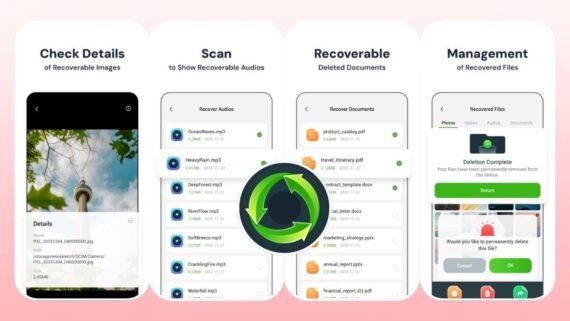
The StellarRecovery app provides a comprehensive set of phone management and file recovery tools. The StellarRecovery app combines data recovery, cleaning unnecessary files, and improving device performance in an integrated way. Suitable for those who want a complete solution to manage and protect their phone data comprehensively and effectively.
- Recover photos, videos, music files, documents, and other files.
- Clean unused files and cache files to free up space.
- Manage large and heavy files and free valuable storage space.
- Detect very similar and duplicate photos and delete them easily.
- Track data usage for each app on the phone accurately.
- Detailed information about phone performance, network, and battery consumption.
| App Name | StellarRecovery |
|---|---|
| Main Function | File recovery and storage cleaning |
| Operating Systems | Android |
| Price | Free with ads |
| Supports Artificial Intelligence | No |
| Ease of Use Level | Easy to medium |
| Download Link | Download StellarRecovery App |
RecoverIt App
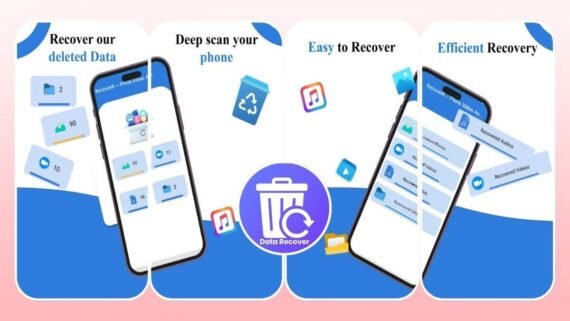
RecoverIt specializes in recovering deleted files from the phone easily and very quickly. It provides powerful smart scanning tools to search for photos, videos, music files, and documents. The RecoverIt app and program feature a very simple and easy-to-use interface even for beginners with no experience.
- Recover deleted files from internal and external memory efficiently.
- Fast and effective scan for lost and deleted files directly.
- Support for multiple file types and comprehensive formats.
- Quick preview of files before recovery to confirm selection.
- Very easy, simple interface and quick learning for users.
- Does not require root permissions for basic and effective operation.
| App Name | RecoverIt |
|---|---|
| Main Function | Recover deleted files |
| Operating Systems | Android |
| Price | Free |
| Supports Artificial Intelligence | No |
| Ease of Use Level | Very easy |
| Download Link | Download RecoverIt App |
Disk Video Recovery App
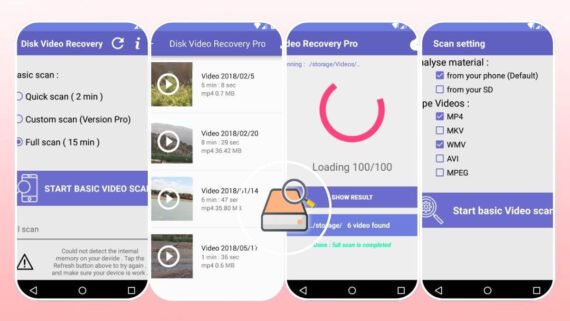
Disk Video Recovery is one of the top 10 file recovery apps, fully specialized in recovering deleted video files from the phone and external memory directly. The Disk Video Recovery program focuses on recovering video clips in high quality from different formats. The app suits those who want a specific and fast solution to recover important videos only.
- Recover video clips in multiple formats (MP4, AVI, MOV, FLV).
- Comprehensive and deep scan for deleted or lost videos.
- Quick preview of videos before recovery easily.
- Scan both internal and external memory efficiently.
- Very simple and easy-to-use interface directly.
- Very high speed in searching, scanning, and recovery.
| App Name | Disk Video Recovery |
|---|---|
| Main Function | Recover deleted videos |
| Operating Systems | Android |
| Price | Free with ads |
| Supports Artificial Intelligence | No |
| Ease of Use Level | Very easy |
| Download Link | Download Disk Video Recovery App |
File Recovery App
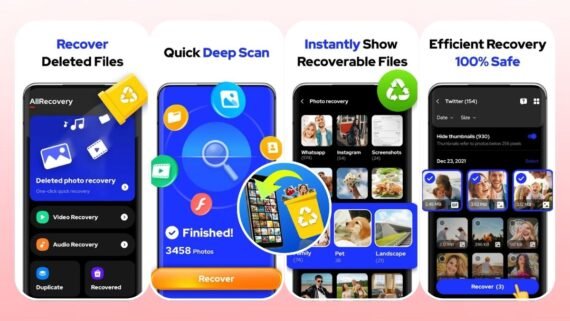
The File Recovery app provides an effective comprehensive solution to recover all types of files from the phone and external memory. The File Recovery program supports recovering photos, videos, music files, documents, and other files efficiently. The File Recovery app features a very easy interface and a powerful and reliable search operation.
- Restore photos, videos, music files, documents, and other files.
- Deep and comprehensive scan throughout the phone and external memory.
- Quick preview of files before direct recovery to confirm.
- Very simple and extremely easy-to-use interface.
- No need for root for basic operation and effective scanning.
- Support for multiple, comprehensive, and modern file formats.
| App Name | File Recovery |
|---|---|
| Main Function | Recover all types of files |
| Operating Systems | Android |
| Price | Free with ads |
| Supports Artificial Intelligence | No |
| Ease of Use Level | Very easy |
| Download Link | Download File Recovery App |
How to Successfully Recover Deleted Files
File recovery requires quick and careful action to increase the chances of success. When you delete a file from your phone, the space it occupied remains available, but the file may not be completely erased immediately. The faster you act, the higher the chance of fully and safely recovering the files.
- Use apps like DiskDigger and Dr.Fone as soon as possible after deleting files.
- Avoid installing new apps or saving files because they overwrite empty space.
- Make sure your phone battery is sufficiently charged before starting the scan.
- Using root access gives deeper access and significantly improves recovery chances.
The earlier you start scanning, the much higher the chance of recovering your files, so do not delay taking the first step.
How do you compare deleted file recovery apps according to your needs?
When choosing a file recovery app, you should consider several important factors that affect performance and efficiency. The following table shows a comprehensive comparison between the best deleted file recovery apps, clearly showing the advantages and disadvantages of each app. This helps you determine the optimal app that suits your needs accurately according to your priorities, budget, and ease of use.
| App | Main Advantages | Main Disadvantages |
|---|---|---|
| DiskDigger | 100 million downloads, very powerful deep scan, very easy interface | May display many unimportant cache files in results |
| Dr.Fone | Very comprehensive integrated solution, advanced AI, unlocking | Relatively very high subscription cost, some features are paid |
| Dumpster | Instant protection from file deletion, very easy recovery | Works only for files deleted after installing the app |
| Undeleter | Completely free, very light on phone performance and battery | Relatively low rating, many ads, may not work on all devices |
| Recuva | Support for many languages, fast and deep scan | App from a developer other than the original company |
| MobiSaver | From globally known company EaseUS, comprehensive recovery, encryption | Very low rating (2.1 stars), paid subscription, negative reviews |
| StellarRecovery | Multiple management and cleaning tools, duplicate photo removal | Very low rating, very many ads in the free version |
| RecoverIt | Very simple interface, fast and effective scan | Very few downloads, may not be well known |
| Disk Video Recovery | Specialized in video, very simple interface | Many ads, average rating, many negative reviews |
| File Recovery | Comprehensive for all file types, completely free | Many ads, scan results may be relatively limited |
Recovering deleted files is no longer a distant dream at all in 2025-2026, using the top 10 file recovery apps that provide very effective and reliable solutions to restore your lost data. If you are looking for a very powerful professional solution, choose RecoverIt or Stellar Recovery. If you want a simple and easy free app, try DiskDigger or Dumpster. Choose what suits your specific needs and protect your important files from now on.