RecoverIt – Photo Video Audio – Easy file recovery tool

Smart data recovery app for Android that restores deleted photos, videos, audio files, and documents without root access.

About RecoverIt – Photo Video Audio

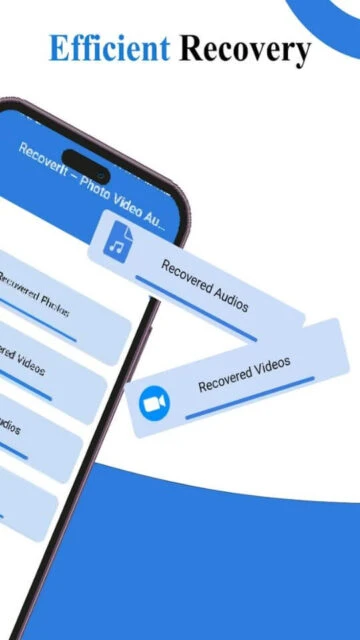
RecoverIt is a dedicated Android data recovery application that helps users restore accidentally deleted or lost media files. It specializes in recovering photos, videos, audio files, and documents from device storage without requiring root access.

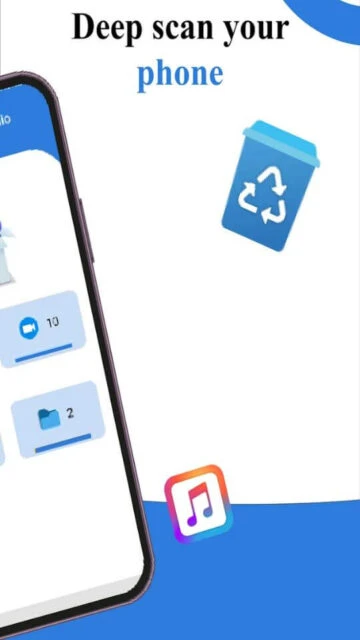
The app combines powerful scanning technology with an easy-to-navigate interface, allowing even non-technical users to recover their important files efficiently. It supports recovery from both internal device storage and external storage devices, making it versatile for various data loss scenarios.

Features Of RecoverIt – Photo Video Audio

  • Restore deleted photos with preview thumbnails before recovery
  • Scan internal and external storage devices simultaneously
  • Supports video recovery in multiple formats like MP4 and AVI
  • Recover audio files including music and voice recordings
  • Document recovery for PDF, DOC, and other formats
  • Simple three-step recovery interface for easy navigation
  • No root access required on Android devices
  • Preview and select specific files before final recovery

Premium Features in the Paid Plan

  • Unlimited file recovery without size restrictions per day
  • Priority fast scanning mode for quick results
  • Batch recovery of multiple files simultaneously
  • Advanced preview options for media files
  • Cloud backup integration for recovered files
  • Custom file format filtering and organization
  • Remove ads from recovery interface
  • Priority customer support and recovery assistance

Free with in-app purchases

Free vs Premium Comparison

Feature Free Premium
File Recovery Basic recovery with 10 files daily limit Unlimited file recovery per session
Scanning Speed Standard speed scanning Fast-track priority scanning mode
File Preview Limited preview thumbnails Full preview with metadata display
Storage Access Internal storage only Internal and external storage access
Advertisements Standard ads during recovery Ad-free experience
Customer Support Email support only 24/7 priority email and chat support

Frequently Asked Questions

Do I need to root my Android device to use RecoverIt?

No, RecoverIt works on standard Android devices without requiring root access. The app functions with standard user permissions and can scan both internal and external storage directories to locate and recover deleted files.

What file types can RecoverIt recover?

RecoverIt supports recovery of photos (JPG, PNG), videos (MP4, AVI), audio files (MP3, WAV), and documents (PDF, DOC). The app continuously expands its format support through regular updates to include emerging file types.

How long does a file recovery scan take?

Scan duration depends on storage size and file quantity. Quick scans typically complete in 1-5 minutes, while deep scans may take 10-30 minutes for thorough device coverage. Premium users access faster priority scanning modes.

Can I preview files before recovering them?

Yes, RecoverIt displays preview thumbnails of recoverable photos and video files. Free users see limited previews, while premium subscribers access full preview functionality with complete metadata information about each file.

Is RecoverIt safe to download from Google Play?

Yes, RecoverIt is verified on Google Play Store and meets Google's security standards. The app collects no personal data, encrypts information in transit, and maintains strict privacy practices. All recovery operations occur locally on your device.