
Graphic design is no longer limited to professionals, it has become a daily language through which every user expresses an idea, product, or personal identity. Specialized graphic design apps shorten the distance between imagination and execution, giving those who do not know code or complex tools the chance to create polished visual content in minutes. Rumman website guides your thinking toward the importance of choosing the right tool that balances output power with ease of use, turning the phone into a mobile design studio.
What are graphic design apps?
Whether you are designing a poster for an event, a logo for your online store, or a social media post, the following ten apps offer integrated toolsets without the need for a computer. They combine layer editing, text manipulation, background removal, and professional visual effects generation, making them first choices for anyone who wants high quality in record time. Below are the best 10 graphic design apps:
- Fotor – Fotor
- Desygner – Desygner
- VistaCreate – VistaCreate
- Over – Over
- Polarr – Polarr
- Ibis Paint X – Ibis Paint X
- SketchBook – SketchBook
- ArtFlow – ArtFlow
- MediBang Paint – MediBang Paint
- Concepts – Concepts
Fotor App (Fotor)

Fotor approaches a full studio in your pocket, combining a comprehensive photo editor with a ready-made design creator. It offers bundled templates for social media, ads, and business cards, with automatic color adjustment tools based on artificial intelligence, saving time and ensuring balanced lighting and contrast without deep manual intervention. Key features include:
- Support for high-resolution RAW and JPEG files
- Export up to 4K without watermark
- 1 GB free cloud storage
- One-click AI color correction
- Cinematic LUTs library updated weekly
- Short video templates for reels
- Advanced editing tools for professionals
- Ability to create professional collages
- Multi-layer design support
- Compatible with Android devices
Download Fotor 👈🏻 fotor 👉🏻
Desygner – Desygner
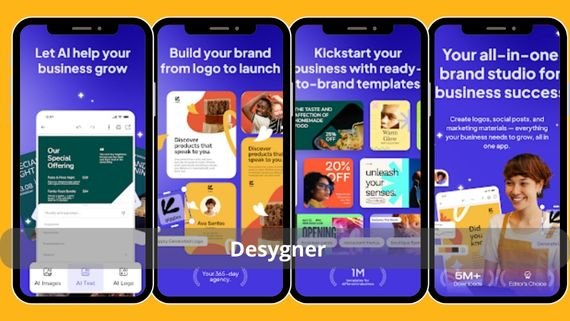
Desygner is designed for those who want fast designs without learning steep curves, its drag-and-drop interface allows moving and rearranging elements instantly. It stands out with a complete library of Arabic icons and fonts, with the ability to edit layers like professional software but with simplified icons, making it ideal for shop and restaurant owners who need daily updates to their posts. Key Desygner features:
- Export transparent PNG and printable PDF
- CMYK support for print
- Instant sync with business accounts
- Automatic brand watermark feature
- Batch editing for design packs
- Integration with Dropbox and Google Drive
- Complete Arabic icon and font library
- Simplified layer editing tools
- Ready-made social media templates
- Offline work capability
Download Desygner 👈🏻 Desygner 👉🏻
VistaCreate App (VistaCreate)
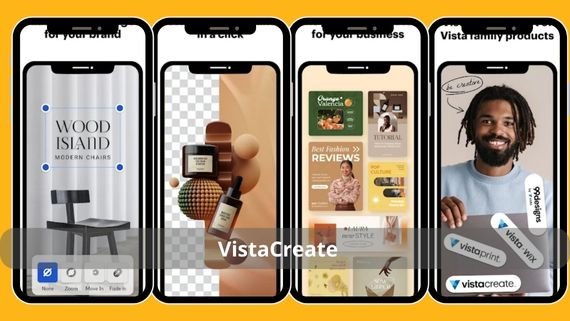
VistaCreate relies on a massive database of animated and static templates exceeding 150,000 fully customizable templates. It enables users to create animated graphics in MP4 or GIF format without coding and provides a harmonious color palette that updates automatically when the base color changes, keeping visual identity consistent across all platforms. Key features include:
- Export up to 300 dpi for print
- Auto-publish timer for social media
- 1080×1080 pixel video resolution
- Royalty-free photo and video library
- Bulk background removal feature
- Live team collaboration via link
- Auto-updating harmonious color palette
- Advanced video editing tools
- Ability to create animated presentations
- Multi-page design support
Download VistaCreate 👈🏻 VistaCreate 👉🏻
Over App (Over)
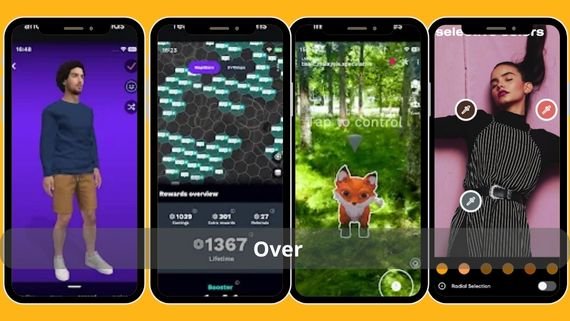
Over is known for its focus on typographic design, giving precise control over letter kerning, curves, and color gradients within text itself. It includes dual-layer filters stacked on both image and text, producing a dimensional look often used for ebook covers and music event posters. Key Over features:
- Export PNG without compression
- Support for custom OTF and TTF fonts
- Unlimited layers
- Ability to create editable text hashtags
- Ready-made gradient library updated weekly
- Direct Instagram ads mode
- Precise kerning control tools
- Dual-layer filters
- Ability to create 3D text effects
- Advanced design support for ebooks
Download Over 👈🏻 Over 👉🏻
Polarr App (Polarr)
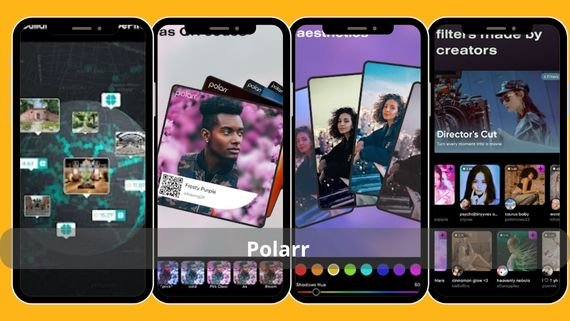
Polarr does not only provide high-resolution photo editing tools, it also offers a built-in LUT editor to create custom cinematic colors that can be saved and shared as (.cube) files. This feature makes it a favorite option for mobile photographers who want to apply a unified color signature to their images with one tap. Key features include:
- 16-bit RAW support
- Batch export up to 50 images
- Cloud filter sync
- AI for isolating people and sky
- Realistic analog frames
- In-app tutorial videos
- Ability to create and save custom presets
- Advanced editing tools for professionals
- Precise color correction support
- Fully customizable user interface
Download Polarr 👈🏻 polarr 👉🏻
Ibis Paint X App (Ibis Paint X)
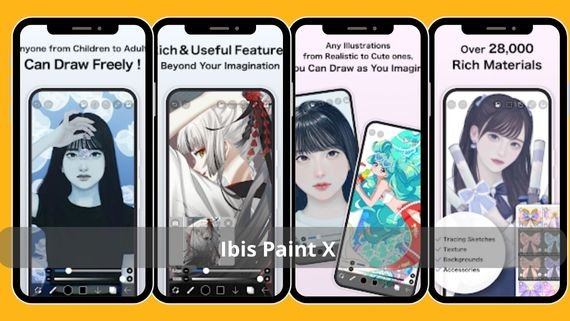
Designed for manga and anime artists, it offers more than 15,000 community brushes available for instant download, with a vector engine that preserves stroke quality without loss. It supports unlimited layers with advanced blend modes such as “cinematic lighting,” making it a complete tool for producing professional artwork on mobile or tablet with a stylus. Key features include:
- Export PSD while preserving layers
- Screen recording for timelapse creation
- 8192 pressure level pen support
- Daily updated brush library
- Live drawing broadcast mode
- Automatic stabilization for curved lines
- Over 15,000 community brushes
- Advanced blend mode tools
- Support for watercolor and oil painting
- Ability to create simple animations
Download Ibis Paint X 👈🏻Ibis Paint X 👉🏻
SketchBook App (SketchBook)
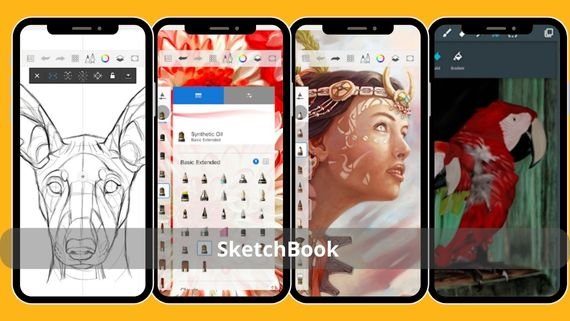
SketchBook offers a clean white interface and a digital pen with 144 Hz responsiveness on compatible devices, making it ideal for quick drawing and engineering sketching. It supports pen 3D dimensions (tilt & azimuth) to simulate real pencils, along with a “symmetry drawing” feature that helps industrial designers create balanced prototypes quickly. Key features include:
- Export vector SVG
- Interactive layers with grouping capability
- Support for files up to 100 megapixels
- Real Copic color box
- Perspective mode with adjustable guides
- Precise geometric shapes library
- Pen 3D dimension support
- Advanced symmetry drawing tools
- Ability to create precise technical drawings
- Simple and uncluttered user interface
Download SketchBook 👈🏻Sketchbook👉🏻
ArtFlow App (ArtFlow)
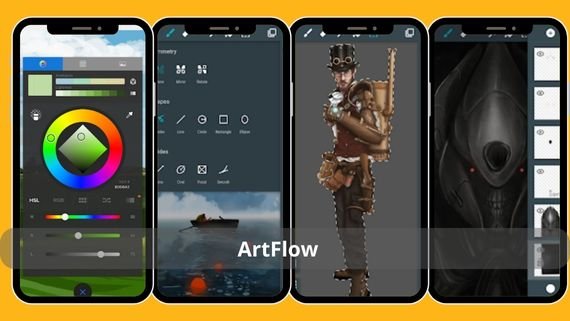
ArtFlow focuses on touch drawing performance, offering response latency of less than 4 milliseconds on modern Snapdragon processors. It includes more than 80 natural brushes with full customization of pressure and scatter parameters, allowing realistic simulation of oil and watercolor tools, making it an excellent choice for digital portrait artists. Key features include:
- Layer support up to 6144×6144 pixels
- Export PNG with alpha channel
- Import side reference images
- 4K timelapse video recording
- Advanced blend modes (Overlay, Color Dodge)
- Custom keyboard shortcut support
- More than 80 natural brushes
- Advanced brush customization tools
- Realistic oil and watercolor simulation
- Precise pressure and scatter controls
Download ArtFlow 👈🏻 ArtFlow 👉🏻
MediBang Paint App (MediBang Paint)
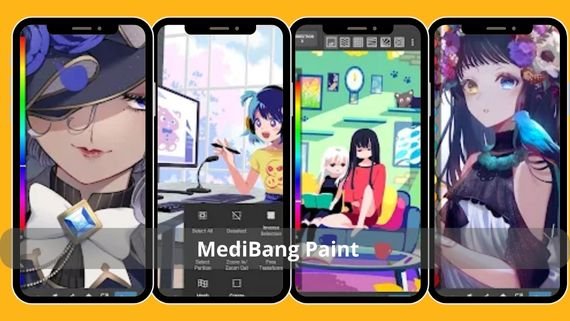
MediBang stands out with a collaborative cloud workspace that allows teams to share canvases and sync them in real time, with the ability to leave comments on each layer. It provides ready-made comic templates in global sizes (A4-B4) and exports directly to PDF for print, making it a complete platform for aspiring comic and manga artists. Key features include:
- Over 1000 free backgrounds
- Built-in Arabic and Japanese fonts
- Multi-page PDF export
- Automatic gradient brush library
- Integration with its own cloud storage service
- Automatic analog color palette mode
- Advanced team collaboration tools
- Ready-made comic templates
- Ability to leave comments on each layer
- Speech bubble creation tools
Download MediBang 👈🏻MediBang Paint 👉🏻
Concepts – Concepts
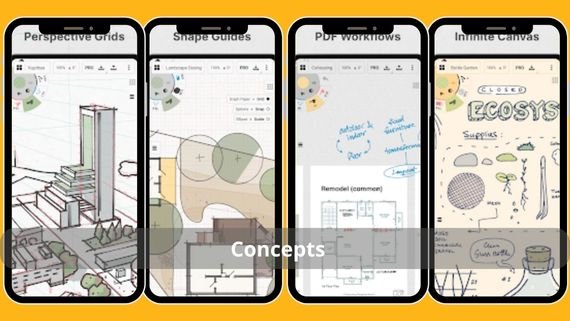
Concepts is considered the ultimate visual thinking tool, combining infinite vectors with true canvas freedom. It allows adjusting line thickness after drawing and adding infinite canvases that can be zoomed to any level without quality loss, making it ideal for product designers and architects who need to draw fine details and export them at 1:1 scale.
Key features include:
- Export CAD to DXF
- Support for Apple Pencil and Surface Pen
- Accurate CIELAB color palette
- Automatic angle and distance measurement
- Realistic materials library (wood, marble)
- Sync via iCloud and OneDrive
- Ability to adjust line thickness after drawing
- Zoomable infinite canvases
- Advanced technical drawing tools
- Export at 1:1 scale
Download Concepts 👈🏻 Concepts 👉🏻
Choosing the best graphic design app
When choosing the best graphic design app, you should consider the type of projects you will work on and the features you need. The following comparison table helps you make the right decision:
| App Name | Features | Drawbacks |
|---|---|---|
| Fotor | AI color correction, reel video templates, RAW support, 4K export | Some features are available in the paid version |
| Desygner | Drag-and-drop interface, Arabic language support, PDF export, cloud storage integration | Limited advanced tools for professionals |
| VistaCreate | Large template library, team collaboration tools, bulk background removal | Requires internet connection for full use |
| Over | Precise text control, dual-layer filters, custom font support | Heavy focus on text at the expense of other elements |
| Polarr | Advanced LUT editor, RAW support, batch export, AI element isolation | Complex interface for beginners |
| Ibis Paint X | Large brush library, PSD support, timelapse recording, live broadcast | Large app size and high resource consumption |
| SketchBook | 144 Hz responsiveness, symmetry drawing tools, Copic color box, SVG support | Limited advanced editing tools |
| ArtFlow | Low latency, natural brushes, advanced blend modes, 4K export | Compatible only with modern Snapdragon processors |
| MediBang Paint | Team collaboration tools, comic templates, Arabic and Japanese fonts, PDF export | Somewhat outdated user interface |
| Concepts | Post-draw line thickness editing, measurement tools, CAD export, realistic materials library | Requires a powerful device for optimal performance |
Graphic design apps have become essential tools for anyone who wants to express ideas visually in a professional way. The ten apps above offer diverse solutions that suit different needs and professional levels, from beginners to professionals. Choose the app that matches your project nature and requirements, and start turning your ideas into tangible reality with ease and professionalism. Remember, the right tool is the one that makes the design process enjoyable and productive at the same time.