
Animation software is considered one of the most important tools for creating professional visual content, whether you are looking for free programs to learn or professional solutions for cinematic projects. The top 10 animation programs provide advanced tools for creating 2D and 3D graphics, professional video clips, and whiteboard content. Options range from free open-source software like Blender and Synfig to paid professional solutions such as After Effects and Maya, which are used in Hollywood studios. With this wide variety, Rumman Net Rummannet presents the features, pricing, requirements, and a comparison between the best programs to help you choose what suits you best.
What are the best 10 animation programs for computer?
Between free open-source solutions and paid professional software, to meet the needs of all users from beginners to professionals. Animation programs provide advanced tools for creating 2D and 3D animations, professional video clips, and even whiteboard content. The list of the best animation programs you can use today includes:
- Adobe After Effects.
- Cinema 4D.
- Blender (Blender 4.2 LTS).
- Autodesk Maya.
- SideFX Houdini (SideFX Houdini 20.5).
- Autodesk 3ds Max.
- Adobe Animate.
- Moho Pro.
- Toon Boom Harmony.
- Synfig Studio.
How do you choose the right animation program for your needs?
When choosing the best animation software, several key criteria should be considered to ensure compatibility with your skills and project requirements.
- First, define the type of animation you want to create:
Do you need 2D animation software for whiteboard content or professional tools for 3D modeling?
- Second, consider system requirements:
Some programs are lightweight and suitable for beginners, while professional software requires high specifications.
- Third, evaluate the available budget:
There are free open-source animation programs like Blender and Synfig, as well as paid options with monthly or annual subscriptions.
- Fourth, review your experience level:
Are you looking for an easy program for beginners or a feature-rich professional tool for experts?
1. Adobe After Effects
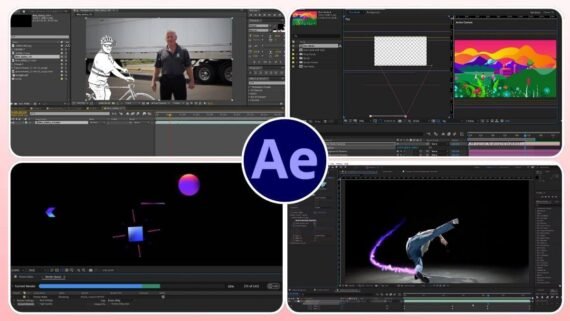
Adobe After Effects is the industry standard in visual effects and motion design, and one of the best animation programs for professionals working on cinematic and advertising projects. This software won the Oscar for Technical Achievement in 2019 and provides powerful tools for creating complex animations and professional video compositing. After Effects features seamless integration with other Creative Cloud applications such as Photoshop and Premiere Pro, making it an ideal choice for a complete visual content workflow.
Key features of After Effects:
- Advanced 3D camera tracking to realistically integrate CGI elements.
- Precise keyframing system for full control over motion.
- A massive library of plugins and ready-made templates.
- GPU acceleration support to speed up production workflows.
| Program name | Adobe After Effects |
|---|---|
| Main function | Professional visual effects and motion design |
| Supported operating systems | Windows / macOS |
| License type and price | Monthly subscription 22.99-34.49 USD or 263.88 USD annually |
| Interface difficulty level | Complex professional with a moderate learning curve |
| Target audience | Professionals, production studios, motion graphics designers |
| Download link | Download Adobe After Effects |
2. Cinema 4D
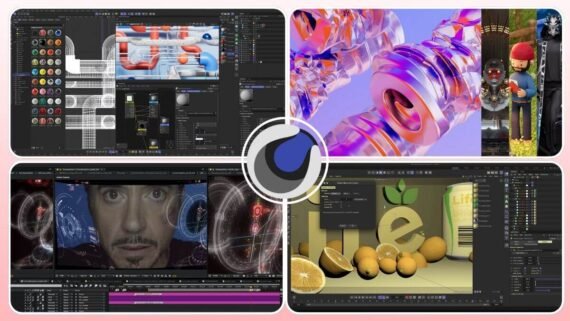
Cinema 4D by Maxon is one of the best 3D animation software programs, known for its intuitive interface and powerful motion graphics capabilities. It is widely used in advertising and film production to create cinematic-quality animations. The software includes the Redshift GPU renderer and features advanced MoGraph tools that make creating complex animations fast and efficient.
Why professionals choose Cinema 4D:
- An easy-to-learn interface compared to competing software.
- Perfect integration with After Effects via Cineware.
- MoGraph system for advanced procedural animation.
- Built-in Redshift engine for fast photorealistic rendering.
| Program name | Cinema 4D |
|---|---|
| Main function | 3D modeling and animation with a focus on motion graphics |
| Supported operating systems | Windows / macOS / Linux (command line) |
| License type and price | Annual subscription or perpetual license (available on Mac App Store) |
| Interface difficulty level | Medium – easy for beginners in 3D |
| Target audience | Motion graphics designers, advertising studios, freelance artists |
| Download link | Download Cinema 4D |
3. Blender (Blender 4.2 LTS)
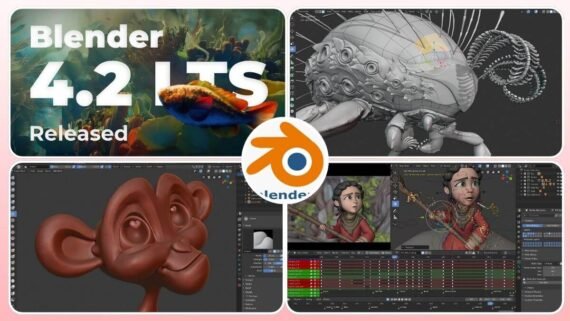
Blender tops the list of the best free open-source animation software and is a completely free all-in-one solution for 3D modeling, animation, and rendering. Version 4.2 LTS delivers major improvements to the EEVEE Next real-time renderer and the Cycles photorealistic engine, with long-term support until July 2026. Blender is used in professional studios worldwide to create short films, music videos, and even feature-length movies.
What makes Blender an exceptional choice among the top 10 animation programs:
- Completely free with no restrictions on commercial use.
- A massive community and countless learning resources.
- A new Extensions platform to expand capabilities.
- Geometry Nodes tools for advanced procedural modeling.
- Available on the Microsoft Store with automatic updates.
| Program name | Blender (Blender 4.2 LTS) |
|---|---|
| Main function | Comprehensive 3D suite – modeling, animation, rendering, simulation |
| Supported operating systems | Windows / macOS / Linux |
| License type and price | 100% free – open source (GPL v3) |
| Interface difficulty level | Medium to complex – but greatly improved in recent versions |
| Target audience | All levels – students, hobbyists, professionals, studios |
| Download link | Download Blender 4.2 LTS |
4. Autodesk Maya
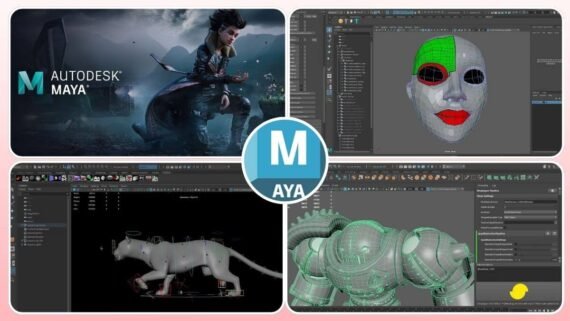
Autodesk Maya is the gold standard in the film and game industries for creating complex characters and Hollywood-level visual effects. Maya won the Academy Award for Technical Achievement in 2003 and is used in productions by Marvel, Pixar, and many AAA games. It features advanced rigging tools for character structures and powerful simulation systems for hair, clothing, and fluids, making it the top choice for projects requiring the highest professional quality.
Maya capabilities in professional production:
- New Golaem integration for realistic crowd simulation.
- ML Deformer for realistic muscle deformations using AI.
- Bifrost Liquids for fast and realistic fluid simulations.
- Full support for Windows, macOS, and Linux.
| Program name | Autodesk Maya |
|---|---|
| Main function | Cinematic-level character animation and visual effects |
| Supported operating systems | Windows / macOS / Linux |
| License type and price | Monthly or annual subscription from Autodesk (30-day trial) |
| Interface difficulty level | Highly complex professional – requires intensive training |
| Target audience | Film studios, game development companies, professional VFX artists |
| Download link | Download Autodesk Maya |
5. SideFX Houdini (SideFX Houdini 20.5)
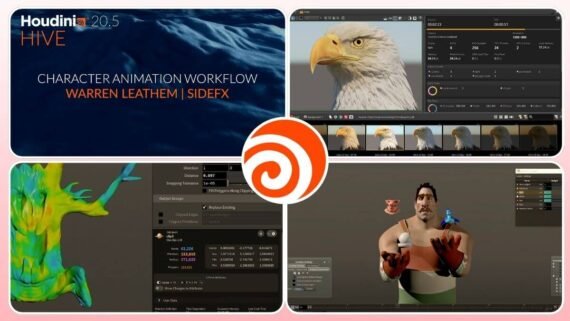
Houdini 20.5 is considered one of the most powerful animation programs for physical simulation and complex visual effects, used by Pixar, Disney, and DreamWorks. It features a procedural workflow that allows for easily adjustable and repeatable effects. Houdini 20.5 includes the MPM engine for solid material simulation and the new Copernicus tool for GPU-based image processing, making it the preferred choice for projects that require destruction, explosions, fluid simulations, or realistic natural effects.
Advanced technologies in Houdini:
- MPM Solver for realistic snow, soil, and mud simulation.
- Animation Layers system for easier character animation.
- Karma XPU for accelerated rendering on GPU and CPU together.
- Houdini Indie at 269 USD per year for small studios.
| Program name | SideFX Houdini (SideFX Houdini 20.5) |
|---|---|
| Main function | Advanced procedural physical simulation and visual effects |
| Supported operating systems | Windows / Linux / macOS |
| License type and price | Free Apprentice / Indie 269 USD per year / FX 4,495 USD perpetual |
| Interface difficulty level | Very complex professional – steep learning curve |
| Target audience | Professional VFX artists, cinematic effects studios, game effects developers |
| Download link | Download SideFX Houdini |
6. Autodesk 3ds Max
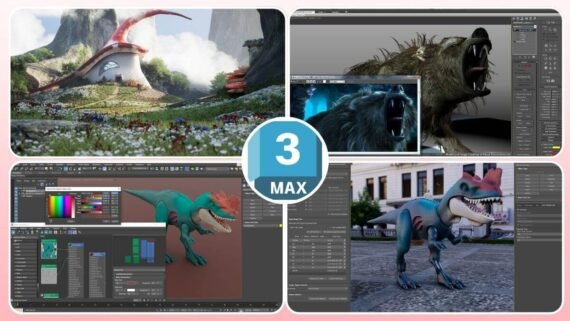
3ds Max by Autodesk is specialized software for architectural modeling and game development and runs exclusively on Windows. It is considered one of the best animation programs for architectural visualization and TV advertising thanks to its advanced modeling tools and the Arnold photorealistic rendering engine. 3ds Max features a Modifier Stack system that allows non-destructive design exploration and new Retopology tools in the 2026 release to automatically rebuild polygon meshes.
3ds Max production features:
- Smart Extrude for flexible and fast modeling operations.
- Material Switcher to manage multiple material variations.
- Excellent integration with Arnold and V-Ray for rendering.
- A massive library of models and plugins.
| Program name | Autodesk 3ds Max |
|---|---|
| Main function | 3D modeling and rendering specialized in architecture and games |
| Supported operating systems | Windows only (11 and 10) |
| License type and price | Monthly or annual subscription from Autodesk |
| Interface difficulty level | Medium to professional |
| Target audience | Architects, game developers, visualization designers, advertising studios |
| Download link | Download Autodesk 3ds Max |
7. Adobe Animate
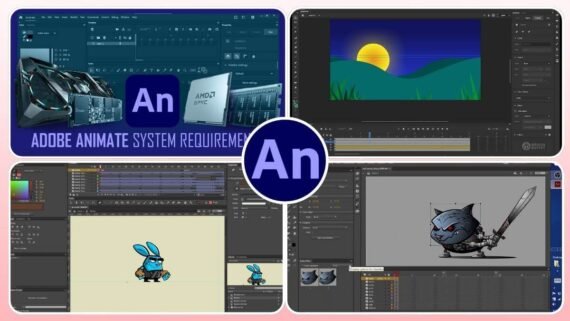
Adobe Animate (formerly Flash Professional) is one of the top 10 2D animation programs for interactive and web content. Animate was developed to meet modern web standards with support for HTML5, WebGL, and SVG, making it ideal for creating interactive ads, simple games, and animated educational content. Adobe Animate integrates seamlessly with other Creative Cloud applications and provides advanced vector drawing tools and Puppet Design tools for efficient character animation.
Practical uses of Adobe Animate:
- Creating cartoon videos for the web and social media.
- Designing interactive HTML5 banner ads.
- Developing simple 2D browser games.
- Interactive educational content for digital platforms.
| Program name | Adobe Animate |
|---|---|
| Main function | 2D animation and interactive web content |
| Supported operating systems | Windows / macOS |
| License type and price | Included with Adobe Creative Cloud subscription |
| Interface difficulty level | Easy for beginners and medium for advanced features |
| Target audience | Web designers, digital content creators, simple 2D game developers |
| Download link | Download Adobe Animate |
8. Moho Pro
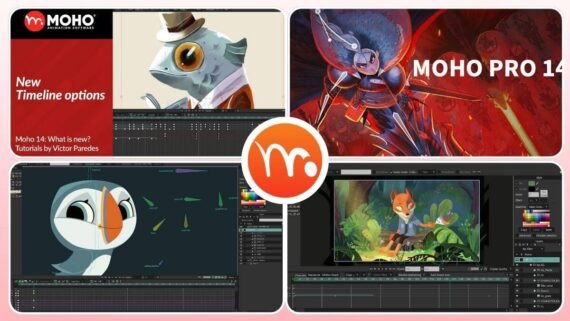
Moho Pro (formerly Anime Studio) is a professional vector-based 2D animation software featuring the unique Smart Bones system that provides advanced control over character movement. Moho is an excellent choice for independent artists and small studios looking for professional animation software at a reasonable price. Version 14 includes a new graphics engine that better utilizes the GPU, a physics engine for gravity and dynamics simulation, and 3D camera support with depth of field effects.
Why artists choose Moho Pro:
- Vitruvian Bones system for precise control over character proportions.
- Enhanced frame-by-frame animation for traditional styles.
- Support for importing and exporting multilayer Photoshop files.
- One-time purchase pricing with no monthly subscriptions.
| Program name | Moho Pro |
|---|---|
| Main function | Professional 2D animation with advanced rigging |
| Supported operating systems | Windows / macOS |
| License type and price | One-time purchase around 99-400 USD depending on edition |
| Interface difficulty level | Medium – easier to learn compared to alternatives |
| Target audience | Independent artists, small studios, YouTube content creators |
| Download link | Download Moho Pro |
9. Toon Boom Harmony
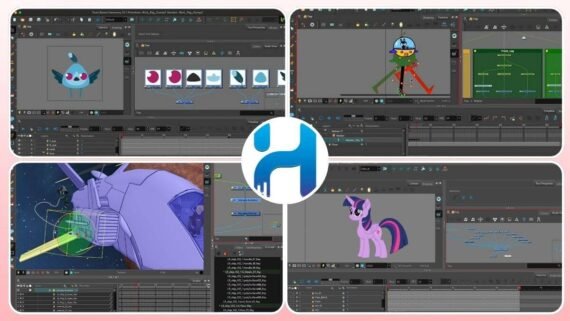
Toon Boom Harmony is the industry standard for professional television animation production and has won two Emmy Awards in 2005 and 2012. Harmony is used to produce famous animated series such as The Simpsons and Rick and Morty and provides advanced rigging tools, special effects, and professional lighting and shading to add volume and depth to 2D characters. It features integration with Unity for lightweight animation in game engines and supports importing multilayer PSD and Illustrator files.
Harmony strength in television production:
- Cut-out animation tools for fast and efficient production.
- Advanced layer system for complex scenes.
- Automatic coloring and shading tools to speed up workflows.
- Support for production up to 4K resolution at 200%.
| Program name | Toon Boom Harmony |
|---|---|
| Main function | Professional 2D animation production at television studio level |
| Supported operating systems | Windows / macOS |
| License type and price | Monthly or annual subscription with multiple tiers (Essentials, Advanced, Premium) |
| Interface difficulty level | Complex professional – aimed at experts |
| Target audience | Television animation studios, feature film production companies |
| Download link | Download Toon Boom Harmony |
10. Synfig Studio
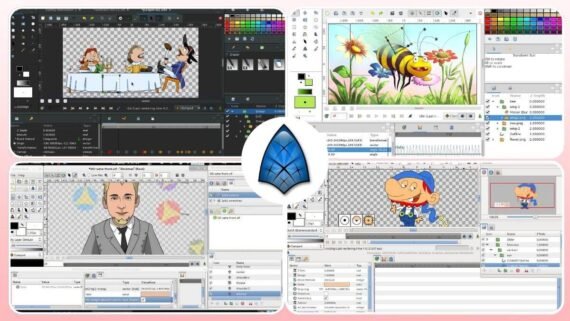
Synfig Studio tops the list of free open-source whiteboard animation programs and is a vector-based 2D software with a Vector Tweening system that automatically generates in-between frames. Synfig was launched as open source in 2005 under the GNU GPL license and provides more than 50 different layer types, a bone system similar to 3D software, HDRI support, and Python scripting. It is an ideal option for students and hobbyists looking for a free alternative to commercial software to create professional animations online or on their devices.
Free Synfig features:
- Vector Tweening to automatically generate smooth motion.
- Independence of Resolution – render at any resolution without quality loss.
- Onion Skinning to view multiple frames while animating.
- Support for exporting AVI, MPEG, GIF, PNG, and OpenEXR.
| Program name | Synfig Studio |
|---|---|
| Main function | Free vector-based 2D animation with automatic tweening |
| Supported operating systems | Windows / Linux / macOS |
| License type and price | 100% free – open source (GPL v3) |
| Interface difficulty level | Medium – requires time to learn |
| Target audience | Students, hobbyists, open-source projects, education |
| Download link | Download Synfig Studio |
What are the system requirements to run animation software efficiently?
Animation software varies in technical requirements depending on the professional level and the nature of the projects. In general, it can be divided into two main categories:
1) Mid-range and free software
Includes: Synfig Studio, Moho Pro, Pencil2D, OpenToonz. These applications do not require high-end hardware and run efficiently on moderate specifications such as:
- Intel Core i3 processor or equivalent.
- Memory between 4 to 8 GB.
- Graphics card: integrated or mid-range GPUs, as these programs do not heavily rely on GPU power.
2) Heavy professional software
Includes Autodesk Maya, Houdini 20.5, Cinema 4D, Blender (with large projects). These programs require higher capabilities, especially for complex 3D projects:
- Multi-core processor (at least 8–12 cores for excellent performance).
- RAM from 16 up to 64 GB depending on scene size and 3D objects.
- Graphics card: strong importance for NVIDIA RTX cards or equivalent to support fast rendering and GPU acceleration.
2D software such as Adobe Animate can run efficiently on lower-spec devices because it does not rely heavily on advanced graphics cards.
Before downloading any animation software, make sure to review the official requirements on the developer’s website and compare them with your device specifications to ensure smooth performance.
What are the pros and cons of the top 10 animation programs?
Are you confused between multiple animation programs? This table compares the key advantages and disadvantages to help you make a quick and informed decision. Review the main differences between the ten programs to determine the best fit for your next project:
| Program | Main advantages | Main disadvantages |
|---|---|---|
| Adobe After Effects | Creative Cloud integration, huge plugin library, industry standard for motion graphics | High subscription cost, steep learning curve, slow rendering without a strong GPU |
| Cinema 4D | Intuitive interface, powerful MoGraph tools, built-in Redshift, After Effects integration | High price, less powerful than Maya for character animation |
| Blender 4.2 LTS | Completely free, all-in-one 3D solution, large community, regular updates | Complex interface for beginners, some features weaker than paid software |
| Autodesk Maya | Hollywood industry standard, advanced rigging, strong simulation, Linux support | Very high price, dated interface, long learning time |
| SideFX Houdini 20.5 | The strongest software for physical simulation, flexible procedural workflow, Indie at reasonable price | Very steep learning curve, complex interface, FX version extremely expensive |
| Autodesk 3ds Max | Excellent for architectural modeling, built-in Arnold, flexible modifier stack | Windows only, high price, less used in cinema compared to Maya |
| Adobe Animate | Easy for beginners, HTML5 export, ideal for web and simple games | Limited for complex animation, requires Creative Cloud subscription |
| Moho Pro | Powerful Smart Bones, reasonable price, one-time purchase, ideal for freelancers | Less popular than Toon Boom, smaller community, limited features compared to alternatives |
| Toon Boom Harmony | Television industry standard, professional rigging, Emmy award winner | High price, complex interface, requires a powerful machine for large projects |
| Synfig Studio | Completely free, automatic vector tweening, open source, cross-platform | Outdated interface, fewer features than paid software, smaller community |
Important tips to achieve the best results with animation software
- Review the recommended system requirements before downloading the software, not just the minimum.
- Start with free 30-day trials available in most paid programs to evaluate suitability for your work.
- Invest enough time in learning keyboard shortcuts of the software you use to increase production speed.
- Save your projects in multiple backups on different devices or cloud services.
- Follow official YouTube channels of each program to get tutorials and tips from professionals.
Questions users ask about animation software
- Can free animation software be used for commercial projects?
Yes, open-source software like Blender and Synfig Studio allows commercial use without any restrictions or additional fees. You can create videos for clients or sell your artwork without paying any licenses, unlike paid software that may impose limitations on trial versions.
- What is the best animation software for beginners in 2025?
Adobe Animate and Synfig Studio are the most suitable for beginners in 2D animation thanks to their clear interfaces. For 3D modeling, Blender, despite its initial complexity, offers countless learning resources that make the learning journey much easier than other professional software.
- Do animation programs require a powerful graphics card?
It depends on the type of software. 2D animation programs like Adobe Animate and Moho Pro run efficiently on standard integrated graphics. 3D software such as Cinema 4D and Blender greatly benefit from NVIDIA RTX cards for fast rendering, especially in complex projects.
- How long does it take to learn animation software?
It varies depending on the software and your prior experience. Simple programs like Synfig and Animate may take 2–4 weeks to grasp the basics. Medium-level software like Cinema 4D requires 2–3 months for productive work. Programs like Houdini and Maya may take 6–12 months of intensive practice to master professional workflows.
- Can more than one animation software be used in a single project?
Absolutely, and it is recommended in professional production. For example, you can model in Cinema 4D or Maya, then composite and add effects in After Effects. Or use Blender for modeling and basic animation, then Houdini for complex physical simulations, and finally After Effects for final polishing.
After reviewing the list of the top 10 animation programs, you now have a clear view of what each program offers and how it suits beginners and professionals. Whether you choose to start with free software like Blender and Synfig Studio or decide to invest in professional solutions such as Adobe After Effects and Cinema 4D, remember that the tool is just a means; creativity and consistent practice are what make the real difference. Start downloading the program that fits your budget and skill level today, and watch your skills grow over time.