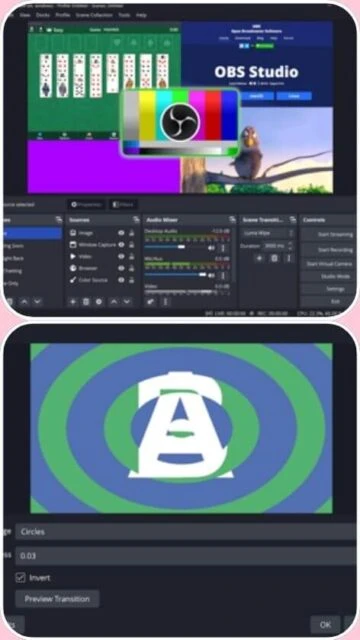
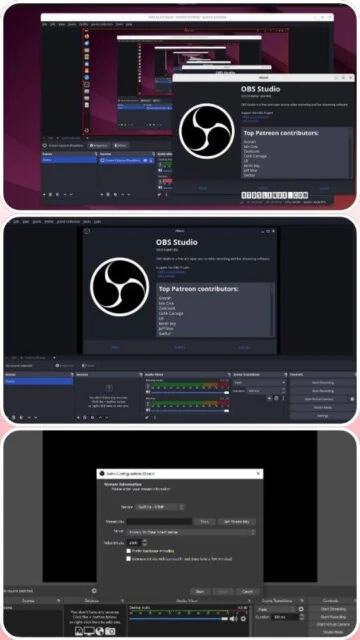
OBS Studio is a leading free and open-source software for live streaming and video recording. Developed collaboratively by the OBS Project community, it provides professional-grade tools for content creators, gamers, educators, and streamers worldwide. With over 68,000 GitHub stars, OBS Studio enables users to create complex productions with multiple video sources, audio mixing, real-time effects, and hardware-accelerated encoding. The software runs on Windows, macOS, and Linux, making it accessible across different platforms. Its powerful API and extensible plugin architecture allow developers to create custom integrations and effects.
System Requirements
Operating System:Windows 10 64-bit or macOS 12.0 or newer
Processor:Intel Core i5 2000-series or AMD FX series equivalent
RAM:4 GB (8 GB recommended for 1080p streaming)
Disk Space:2 GB
Additional Requirements:DirectX 10.1 compatible GPU, internet connection for streaming
Features Of OBS Studio
Multiple video source support including game capture, display capture, webcam, media files, and browser sources
Real-time audio mixer with per-source filters, noise gate, and noise suppression
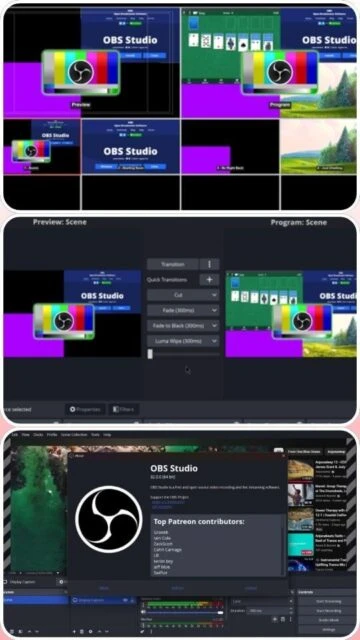
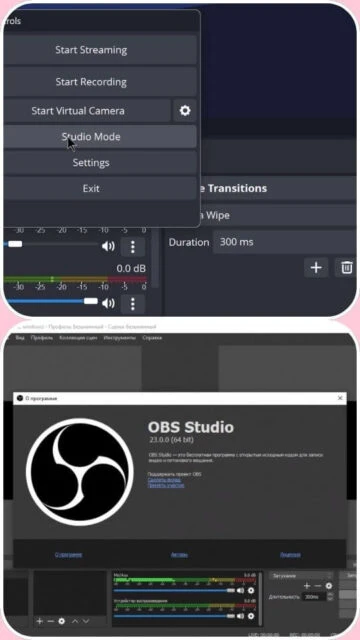
Studio Mode for previewing scenes before broadcasting
Multiview feature to monitor 8 different scenes simultaneously
Scene collections and transitions for smooth scene switching
Built-in filters for color correction, blur, and chroma key effects
Virtual camera output for use in video conferencing applications
Native NDI support for network-based video transport
VST plugin support for professional audio effects
Plugin Manager for easy discovery and installation of community plugins
Pros & Cons
Pros
Completely free and open-source with no premium features locked behind paywalls
Low CPU and GPU usage compared to competing solutions
Highly customizable interface that can be tailored to any workflow
Active development with regular updates and new features
Excellent community support through forums and documentation
Wide compatibility with streaming platforms and recording formats
Native plugin API for extending functionality
No spyware or bundled software
Cons
Steep learning curve for beginners due to complex interface
Requires separate plugin installation for advanced features like drawing tools
Limited built-in alert system compared to managed solutions
No official technical support available
Plugin installation process can be challenging for non-technical users
Changelog
Version 32.0.2 (October 28, 2025):
- Fixed plugin compatibility issues
- Improved NVIDIA RTX Audio Effects with Voice Activity Detection
- Added basic Plugin Manager for easier plugin discovery
- Changed default bitrate from 2500 to 6000 Kbps
- Made Hybrid MP4/MOV the default recording container
- Improved audio deduplication logic for nested scenes
Version 32.0 (September 22, 2025):
- Initial release of Plugin Manager
- NVIDIA RTX filter optimizations and hybrid MOV support
Version 31.0 (March 28, 2025):
- Various stability improvements and bug fixes
Frequently Asked Questions
Is OBS Studio truly free to use?
Yes, OBS Studio is completely free. There are no premium tiers, hidden fees, or required purchases. The source code is open-source under GPL-2.0 license, allowing anyone to review or modify it.
What is Studio Mode and how do I use it?
Studio Mode allows you to preview scenes and sources before broadcasting them live. Access it via View menu or Ctrl+Shift+T. You see the current live scene and a preview of the next scene, then click 'Transition' to switch.
How do I reduce CPU usage while streaming?
Enable hardware-accelerated encoding (NVENC/AMD VCE), reduce output resolution, close unnecessary applications, lower frame rate to 30fps, and disable CPU-intensive audio filters. Monitor usage in Settings > Advanced.
Can I multistream to multiple platforms at once?
OBS Studio does not have native multistreaming. You need third-party plugins like Multi-RTMP or services like Restream to broadcast to multiple platforms simultaneously.
How do I install OBS Studio plugins?
Use the built-in Plugin Manager (OBS 32.0+) to discover plugins, or manually download plugin files and copy them to the OBS plugins folder, then restart OBS Studio to load them.
What are the recommended specifications for smooth 1080p streaming?
Recommended specs include Intel Core i7 or AMD Ryzen 5 processor, 16GB RAM, NVIDIA RTX or AMD RX GPU, and 10+ Mbps internet upload speed for stable 1080p60 streaming.
OBS Studio is a free, open-source solution for capturing, compositing, encoding, recording, and streaming video content efficiently. This guide covers installation, platform availability, integrations, comparisons with alternatives, keyboard shortcuts, and performance optimization tips for content creators and streamers.
Installation & Setup
Visit obsproject.com/download and select your operating system (Windows, macOS, or Linux)
Download the installer executable file for your system
Run the installer and follow the setup prompts to choose installation location
Launch OBS Studio and complete the Auto-Configuration Wizard to optimize settings
Add sources (Game Capture, Display, Webcam, Media files) to your scenes
Configure audio inputs and apply filters for noise suppression
Set up streaming or recording output parameters before going live
Right-click on hotkey – Assign custom keyboard shortcuts
Performance Tips
Enable GPU-accelerated encoding (NVENC for NVIDIA, VCE for AMD) to reduce CPU load
Use Hybrid MP4/MOV format for recording to reduce file fragmentation
Adjust canvas resolution to 1920×1080 or lower for systems with limited resources
Close unnecessary applications before streaming to free up system memory
Update graphics drivers regularly for optimal hardware acceleration
Apply audio filters selectively to avoid unnecessary processing overhead
Monitor CPU and GPU usage in Settings > Advanced > General Statistics
User reviews and ratings for OBS Studio
See what users think about OBS Studio. Read honest reviews and ratings from real users.
4.7
★★★★★
4 reviews
Professional streaming platform for serious creators
by StreamPro_Mike
★★★★★
2025-11-28
OBS Studio offers incredible flexibility and performance for the price. Once you master the interface, it becomes an indispensable tool for any streamer. The plugin ecosystem is fantastic.
Powerful but demanding learning curve
by BeginnersGuide_Sarah
★★★★★
2025-11-15
Great software with extensive features, but definitely not for complete beginners. Requires patience and YouTube tutorials to set up properly. Worth the investment once you understand it.
Best free option available
by TechEnthusiast_Alex
★★★★★
2025-10-22
Cannot believe this is free. Compared to paid alternatives, OBS Studio delivers better performance and customization. The community support is excellent and development is active.
Excellent CPU efficiency
by ProGamer_Chen
★★★★★
2025-09-14
Switched from Streamlabs and immediately noticed lower CPU usage. Stream quality is noticeably better with same settings. Highly recommended for competitive gaming and resource-intensive content.
Write a Review
OBS Studio Screenshots & Photos
Browse through screenshots and photos of OBS Studio to see how it looks and works.
OBS Studio Videos
Watch videos to see how this software works and learn about its features.

 11
11