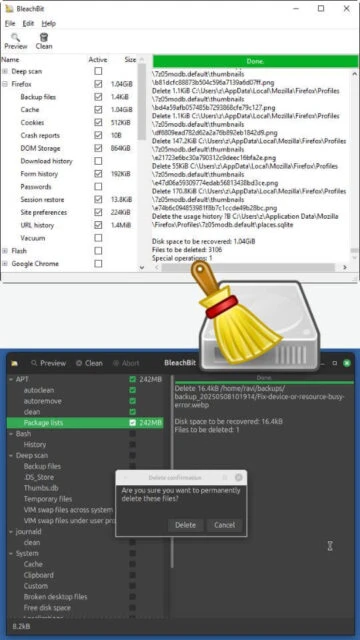
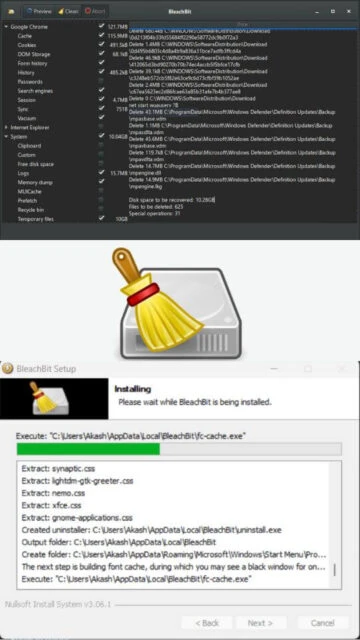
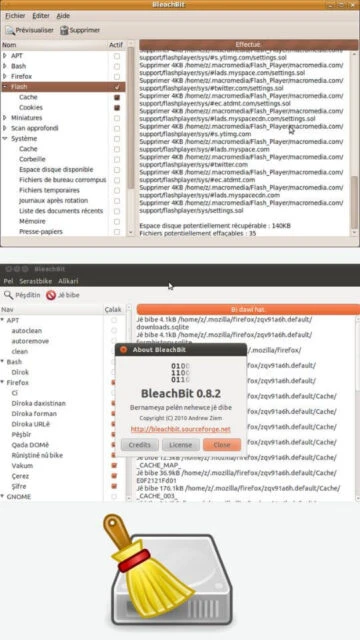
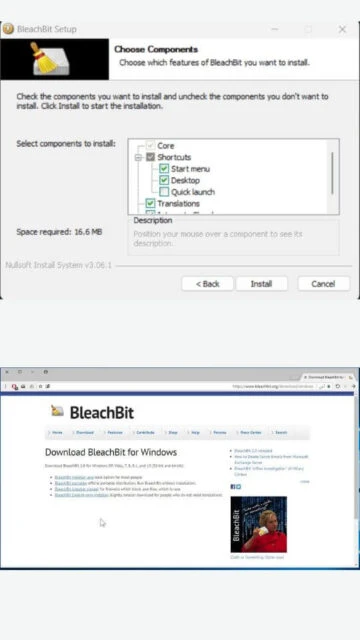
BleachBit quickly frees disk space and tirelessly guards your privacy. Free cache, delete cookies, clear Internet history, shred temporary files, delete logs, and discard junk you didn't know was there. Designed for Linux and Windows systems, it wipes clean a massive list of applications beyond just the web browser. It is completely free of charge, open source, and contains no adware, spyware, or malware.
System Requirements
Operating System:Windows 7, 8, 10, 11 (32-bit or 64-bit)
Processor:Intel Pentium 4 or AMD Athlon 64
RAM:512 MB
Disk Space:100 MB
Additional Requirements:Administrator privileges recommended for deep cleaning
Features Of BleachBit
Deep cleaning for 2500+ applications
Advanced file shredding to prevent recovery
SQLite database vacuuming for speed
Overwrite free disk space to hide deleted data
Command-line interface for automation
Portable version available (no installation)
Custom cleaners via CleanerML
Automatic import of winapp2.ini for expanded rules
Cross-platform support (Windows & Linux)
Translation support for 64 languages
Pros & Cons
Pros
Completely free and open source (GPL)
No bundled adware or toolbars
Extremely lightweight and fast
Portable option for USB drives
Scriptable via command line
Frequent community updates
Deep scan capabilities
Cons
Interface is utilitarian and dated
Can be aggressive if not configured carefully
Lacks real-time system monitoring
No automatic registry backup feature
Documentation can be technical
Changelog
Version 5.0.2 (October 20, 2025):
- Added new font size adjustment settings
- Introduced full-screen mode for better accessibility
- Improved cleaning rules for Google Chrome and Firefox
- Fixed minor bugs in the deep scan engine
- Updated translations for 12 languages
Frequently Asked Questions
Is BleachBit safe to use?
Yes, it is safe for standard cleaning. However, using advanced options like 'Deep Scan' without understanding them may remove useful temporary data.
Does it clean the Windows Registry?
BleachBit focuses primarily on file cleaning and privacy. It avoids aggressive registry cleaning to prevent system instability.
How is this different from CCleaner?
BleachBit is 100% open-source, completely free, and contains no ads or tracking, whereas CCleaner is commercial software with a paid tier.
What is BleachBit?
BleachBit is a robust, open-source system cleaner that deletes unnecessary files to free up valuable disk space and maintain privacy. Beyond simple file deletion, it includes advanced features to shred files to prevent recovery and vacuum applications to improve performance.
Unmatched Power
Unlike standard cleaners, BleachBit offers deep cleaning for thousands of third-party applications including Firefox, Adobe Flash, and Chrome. Its specialized tools can vacuum SQLite databases to speed up software, overwrite free disk space to hide previously deleted files, and create custom cleaners using CleanerML for specific needs.
Who Should Use It?
This utility is ideal for privacy-conscious users, system administrators, and tech enthusiasts who require a granular, scriptable cleaning tool without the bloatware often found in commercial alternatives.
User reviews and ratings for BleachBit
See what users think about BleachBit. Read honest reviews and ratings from real users.
4.7
★★★★★
3 reviews
The best open source cleaner period
by Sarah Jenkins
★★★★★
2025-11-28
I've been using this for years on both Linux and Windows. It does exactly what it says without nagging me to upgrade to a pro version. The new 5.0 update is solid.
Powerful but careful
by Mark D.
★★★★★
2025-11-02
Great tool for removing junk. The interface looks a bit old school, but the cleaning engine is top-tier. Just be careful with the 'free space' overwrite as it takes time.
Efficient and lightweight
by Alex Chen
★★★★★
2025-10-15
Does not run in the background eating up RAM like other cleaners. I only run it when I need it. Perfect for my older laptop.
Write a Review
BleachBit Screenshots & Photos
Browse through screenshots and photos of BleachBit to see how it looks and works.
BleachBit Videos
Watch videos to see how this software works and learn about its features.

 46
46