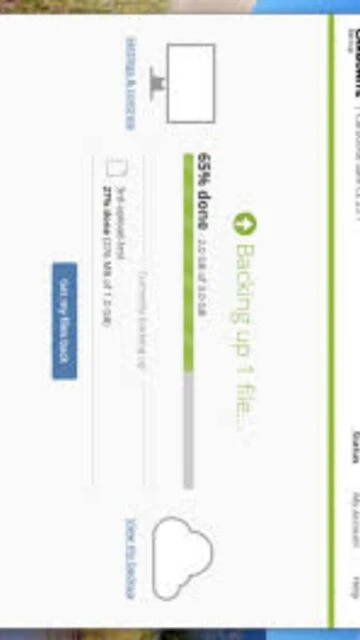
Carbonite Safe stands as a pillar of reliability in the personal backup market, designed specifically for users who want a “set it and forget it” solution. Unlike sync services that propagate deletions across devices, Carbonite is a true backup utility that keeps copies of your files safe in the cloud, regardless of what happens to your local machine. It distinguishes itself with unlimited storage capacity for a flat annual fee, freeing users from the anxiety of managing storage quotas. With robust ransomware recovery assistance and a lightweight background agent, it ensures that your photos, documents, and financial records are continuously protected without interrupting your daily workflow.
How to Install Carbonite Safe
The installation is intentionally simple, designed to get non-technical users backed up in minutes through a small web installer that manages the heavy lifting.
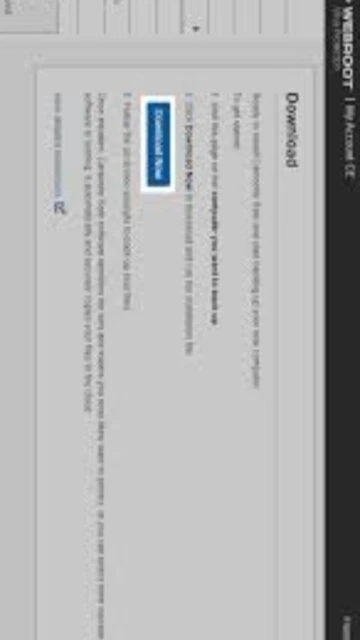
- Create Account & Download – Purchase a plan or start a trial on the Carbonite website to generate your unique installer token, then download the setup client.
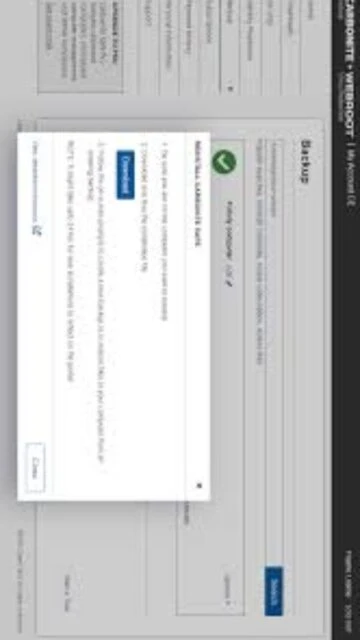
- Run Smart Installer – Execute the downloaded file; the smart installer will scan your system to ensure compatibility and automatically update to the latest version.
- Select Backup Mode – Choose “Automatic” to let Carbonite scan your user folders (Documents, Pictures, Desktop) or “Advanced” to manually select drives.
- Initial Backup – The software will immediately begin encrypting and uploading your files; this first pass may take days depending on your connection speed.
Who Should Use Carbonite Safe
Carbonite is tailored for home users and solopreneurs who prioritize simplicity and peace of mind over complex configuration options or technical granular control.
- Home Office Users – Freelancers and remote workers who need to ensure client work is protected against hardware failure without IT support.
- Family Historians – Individuals with massive libraries of irreplaceable family photos and videos who need unlimited storage space.
- Non-Technical Users – People who want a backup solution that requires zero maintenance or daily interaction once installed.
- NOT ideal for – Power users who need to back up external hard drives on the basic plan or require Linux support.
Carbonite Safe Platform Compatibility
Carbonite focuses strictly on the major desktop operating systems, providing stable and native clients for both Windows and macOS environments.
| Platform |
Min. Version |
Unique Features |
Limitations |
| Windows |
Windows 7 SP1 |
Colored dot status indicators |
Windows S Mode not supported |
| macOS |
macOS 10.13 |
Integrated into System Settings |
Full Disk Access required |
| Linux |
N/A |
No official client available |
Not supported |
| Web |
Any Browser |
Access Anywhere remote view |
Download only (no upload) |
Carbonite Safe Integrations & Plugins
As a pure backup utility, Carbonite integrates primarily with the operating system shell to provide status visibility and quick action capability directly from your desktop.
- Windows Explorer – Adds visual indicators (green/yellow dots) to file icons showing their backup status and context menu options to prioritize files.
- macOS Finder – Integrates with the Finder sidebar and status bar to show backup progress and allow for quick pausing or restoration of files.
- Webroot Security – Often bundled with Webroot antivirus, offering a unified security dashboard for managing both malware protection and data backup.
- Anywhere Access – A web integration that allows you to log in from any mobile device or browser to view and download your backed-up files remotely.
Best Alternatives to Carbonite Safe
Depending on your specific needs regarding cost, speed, or advanced features, several other backup heavyweights might be worth considering.
- Backblaze – Best for budget-conscious users, offering a similar unlimited backup model but often at a lower price point and faster upload speeds.
- IDrive – Best for multi-device users, allowing you to back up unlimited devices (PCs, Macs, mobiles) to a single account with a storage cap.
- Acronis Cyber Protect – Best for system cloning, offering full disk image backups that allow you to restore an entire crashed computer, OS and all.
- CrashPlan – Best for small businesses needing advanced retention policies, versioning controls, and Linux support.
Carbonite Safe vs Top Competitors
Carbonite competes on ease of use and customer support, positioning itself as the premium “service-first” option in the backup landscape.
| Feature |
Carbonite Safe |
Backblaze |
IDrive |
| Pricing |
~$83.99/year |
~$99/year |
~$79.50/year (5TB) |
| Key Strength |
Customer Support |
Simplicity & Speed |
Multi-device Support |
| Target Users |
Non-tech Home Users |
Tech-savvy Individuals |
Users with many devices |
| Unique Feature |
Courier Recovery Service |
Inherit Backup State |
Physical Drive Shipping |
| Learning Curve |
Very Easy |
Easy |
Moderate |
Carbonite Safe Keyboard Shortcuts
Carbonite is designed as a background service and relies primarily on mouse interaction via the system tray or context menus, with few keyboard commands.
| Action |
Windows |
macOS |
| Open Interface |
No default shortcut |
No default shortcut |
| Close Window |
Alt + F4 |
Cmd + W |
| Context Menu |
Shift + F10 (on file) |
Right-click (on file) |
| Help |
F1 |
Cmd + ? |
Carbonite Safe Performance Optimization
While designed to run invisibly, users can optimize Carbonite to ensure it doesn’t interfere with daily tasks or slow down internet performance.
- Internet Throttling – Adjust the “Internet usage” settings to prevent Carbonite from using your full upstream bandwidth during working hours.
- Backup Schedule – Configure backup freezes during specific times of day if you have a slow connection and need full speed for video conferencing.
- Exclude Folders – Manually exclude large temporary folders or build artifacts to reduce the processing time of scanning for new files.
- Sleep Mode Settings – Ensure your computer is set to not go to sleep during the initial backup, or use the “Keep awake” setting if available.
- vSS Troubleshooting – On Windows, ensure the Volume Shadow Copy Service is set to automatic to prevent backup failures on open files.
Carbonite Safe Accessibility Features
Carbonite’s accessibility support is functional, relying heavily on standard operating system frameworks to provide access to users with disabilities.
- Screen Reader – The main dashboard and settings menus are navigable with standard Windows Narrator and macOS VoiceOver tools.
- Visual – The interface uses high-contrast text and supports standard OS font scaling settings for better readability.
- Motor – Most primary functions in the desktop application can be accessed via tab navigation, though context menus are mouse-heavy.
- Languages – The application and support are primarily English-focused, which is a limitation compared to global competitors.
Carbonite Safe Support & Documentation
Carbonite distinguishes itself with superior support options, including direct phone access which is increasingly rare in the consumer software market.
- Official Documentation – A searchable knowledge base covering everything from installation errors to restoring files to a new computer.
- Community Forum – While less active than some open-source projects, the community provides answers to common legacy configuration questions.
- Video Tutorials – A library of step-by-step video guides helps visual learners understand the restore process.
- Contact Support – Award-winning support team available via phone, chat, and email, providing a safety net for non-technical users.

 90
90