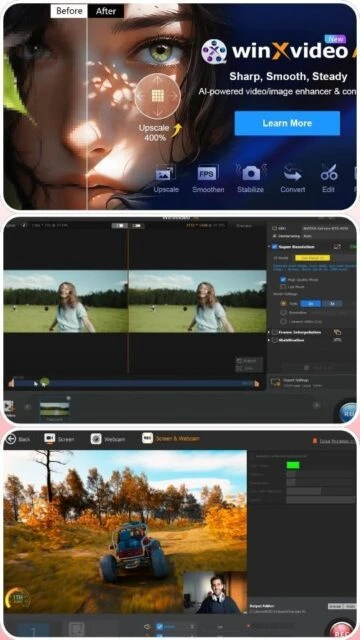
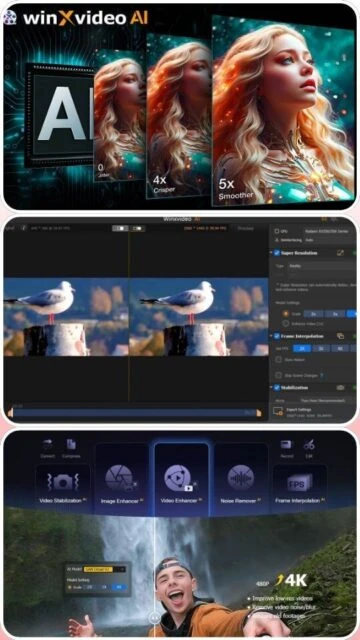
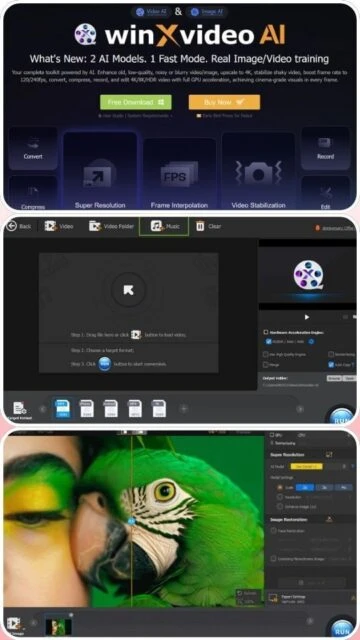
WinxVideo AI represents the evolution of WinX HD Video Converter Deluxe, rebranded to emphasize its AI-centric capabilities. Developed by Digiarty Software since 2006, it combines video conversion, stabilization, upscaling, and editing in one comprehensive suite. The software leverages advanced neural networks trained with custom ML models to deliver professional-grade video enhancement. NVIDIA TensorRT integration provides dramatic speed improvements, while support for 4K, 8K, and HDR content addresses modern content creation needs. The application appeals to video professionals, content creators, and enthusiasts seeking affordable alternatives to expensive professional software.
System Requirements
Operating System:Windows 7 SP1 or later (64-bit version required)
Supports latest codecs including AV1 and upcoming H.266
Active development with regular updates and new capabilities
Cons
Windows-only application with macOS support still in development phase
AI enhancement results depend heavily on input video quality and resolution
Subscription renewal required after initial term unless lifetime purchased
GPU acceleration requires compatible NVIDIA or Intel graphics hardware
Batch processing capabilities are more limited than professional software
Some advanced features restricted to higher subscription tiers
File size limitations mentioned for certain stabilization operations
Changelog
Version 4.3 (September 13, 2025):
- Enhanced AI models V3 with improved detail preservation
- New colorize black-and-white photo feature
- Advanced facial detail restoration technology
- 40-80% faster processing speed compared to v3.9
Version 4.0 (June 2025):
- Introduced Gen Detail V3 and Real Smooth V3 AI models
- Significant speed optimization reducing CPU/GPU usage
- Improved output quality and detail in all enhancement modes
Version 3.5 (Previous):
- Photo colorization capabilities
- Face restoration features
- Additional AI model options
Frequently Asked Questions
What's the difference between lifetime and subscription licenses?
Lifetime licenses offer permanent access with all future updates at one-time cost. Subscription licenses renew annually at $39.95. Lifetime is more economical long-term, while subscription provides lower initial barrier to entry.
How much faster is GPU acceleration compared to CPU processing?
WinxVideo AI achieves 47x speed improvement with GPU acceleration on compatible hardware. Processing time reduces from hours to minutes for 4K enhancement. NVIDIA RTX and Intel Arc cards provide optimal performance.
Can WinxVideo AI handle 8K video files?
Yes, WinxVideo AI fully supports 8K video processing including upscaling, stabilization, and frame interpolation. Recommended RAM is 8GB minimum with discrete GPU acceleration for practical encoding speeds.
What video formats can be converted?
Output formats include MP4, H.264, H.265, MPEG, MKV, MOV, AVI, WMV with support for device-specific optimization for iPhone, iPad, and Android. Codec conversion between H.264, HEVC, and AV1 supported.
Is there a free trial available?
WinxVideo AI occasionally offers limited-time promotional trials during marketing campaigns. Check official website for current trial availability or money-back guarantee options within 30 days of purchase.
How often are AI models updated?
WinxVideo AI continuously trains new ML models with regular updates released quarterly. Subscription includes automatic model updates ensuring access to latest enhancement algorithms without additional cost.
WinxVideo AI is a comprehensive multimedia suite leveraging artificial intelligence for video and image enhancement. It combines super resolution upscaling, video stabilization, frame interpolation, and traditional video conversion in one application. Powered by NVIDIA TensorRT acceleration and custom neural networks, WinxVideo AI delivers cinema-grade results for professional and consumer video processing workflows.
Installation & Setup
Download WinxVideo AI installer from the official WinXDVD website
Run the executable file and accept the license agreement terms
Choose installation directory and select components to install
Complete the installation wizard and restart your computer if prompted
Launch WinxVideo AI from desktop shortcut or applications menu
Register or activate with license key for full feature access
Configure GPU acceleration settings in preferences for optimal performance
Platform Availability
Platform
Support Level
Acceleration Type
Windows 11 (64-bit)
Fully Supported
NVIDIA CUDA, Intel Arc
Windows 10 (64-bit)
Fully Supported
GPU acceleration available
Windows 8/7
Legacy Support
CPU-based processing
macOS
Partial (planned)
AI features coming soon
Linux
Not Supported
Windows only application
Integration Ecosystem
Adobe Creative Suite – Export enhanced videos directly to Premiere Pro and After Effects
DaVinci Resolve – Integration for professional color correction workflows
YouTube – Direct upload functionality with platform optimization presets
NVIDIA GeForce Experience – GPU acceleration coordination for RTX cards
Intel Arc GPU drivers – Hardware acceleration support for Intel discrete graphics
WinxVideo AI vs Alternatives
Feature
WinxVideo AI
Topaz Gigapixel
Adobe Premiere Pro
AI Upscaling
Up to 10K resolution
Up to 6K resolution
Limited native support
Video Stabilization
Advanced AI-based
Not available
Standard optical flow
Frame Interpolation
Up to 480 fps
Not available
Mercury engine only
Pricing Model
Lifetime/Subscription
Subscription only
Subscription only
Learning Curve
Beginner-friendly
Professional-focused
Steep learning curve
Batch Processing
Limited batch capability
Advanced batch tools
Full Media Encoder
Keyboard Shortcuts
Ctrl+O – Import video or image file
Ctrl+P – Preview enhancement result in real-time
Ctrl+E – Start encoding or enhancement process
Spacebar – Play/pause preview window
Ctrl+S – Save current project settings
F1 – Open help documentation
Performance Tips
Enable NVIDIA CUDA or Intel Arc GPU acceleration in settings for 40-80% faster processing speed
Use Fast Mode for real-time content delivery requiring quicker turnaround than High Quality Mode
Reduce input resolution before upscaling if working with very large 8K files
Close other GPU-intensive applications to dedicate graphics memory to processing
Monitor GPU temperature during extended sessions; pause if thermal throttling occurs
User reviews and ratings for WinxVideo AI
See what users think about WinxVideo AI. Read honest reviews and ratings from real users.
4.4
★★★★★
4 reviews
Game-changing AI video upscaling
by David M.
★★★★★
2025-11-30
WinxVideo AI transformed my old family videos into 4K quality. The stabilization removed all the camera shake from my GoPro footage. Worth every penny. GPU acceleration makes processing lightning fast on my RTX 3080.
Impressive results with learning curve
by Jennifer L.
★★★★★
2025-10-12
Upscaling quality is genuinely impressive for the price. The AI models deliver professional results. Interface could be more intuitive for beginners. Documentation and video tutorials help significantly with getting started.
Outstanding value for content creators
by Alex C.
★★★★★
2025-09-18
Replaced expensive Topaz software with WinxVideo AI. Quality is comparable and cost is substantially lower. Batch processing and frame interpolation features save hours on project workflows weekly.
Good tool but GPU dependency limits flexibility
by Michelle R.
★★★★★
2025-08-25
Enhancement quality excellent when GPU acceleration available. Without dedicated graphics, processing becomes impractical. Windows-only limitation frustrating for mixed studios. Subscription model less appealing than lifetime option.
Write a Review
WinxVideo AI Screenshots & Photos
Browse through screenshots and photos of WinxVideo AI to see how it looks and works.
WinxVideo AI Videos
Watch videos to see how this software works and learn about its features.