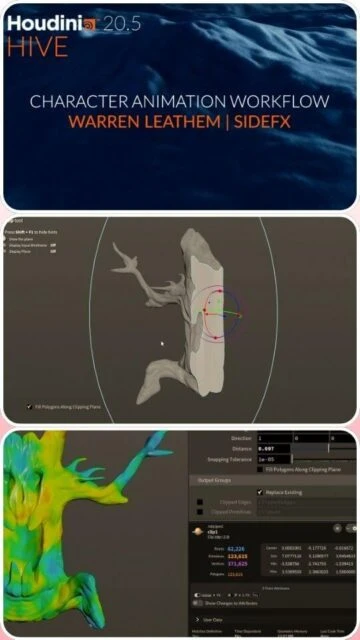
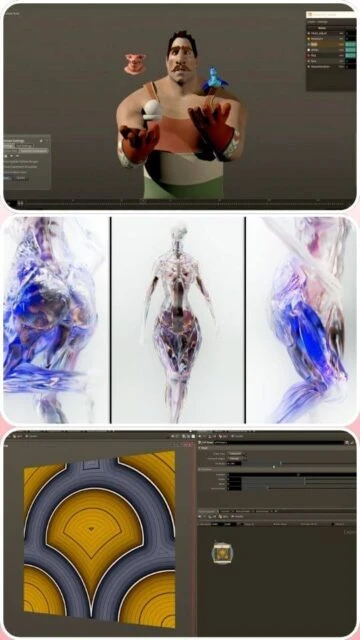
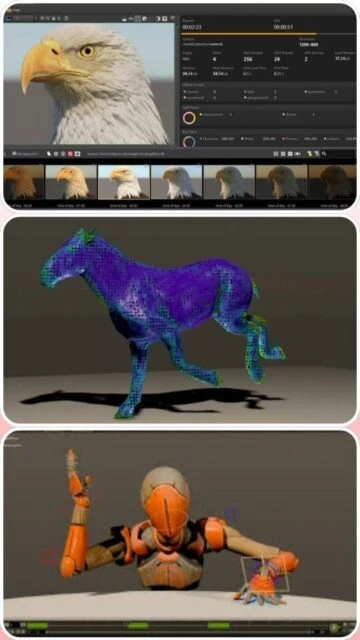
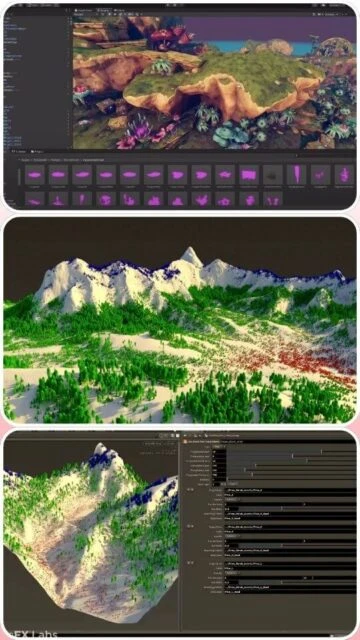
SideFX Houdini, developed by Side Effects Software Inc. since 1987, is the industry-standard procedural 3D software for visual effects, simulation, and dynamic animation in film and television. Houdini 20.5 represents the latest evolution of the platform, introducing Copernicus for GPU-accelerated 2D/3D compositing, enhanced MPM multiphysics solver for realistic simulations, and sophisticated character rigging through APEX Script interface. With its node-based procedural workflow, Houdini enables artists to create complex, reusable, and editable visual effects faster than traditional modeling approaches, making it the preferred choice for major studios creating blockbuster films and cutting-edge visual effects.
System Requirements
Operating System:Windows 10 64-bit or later; macOS 11 Big Sur or later; Linux Ubuntu 20.04+ LTS, RHEL 7+, CentOS 7+, Debian 10.0+
Processor:Intel or AMD x64 CPU with SSE 4.2 instruction set
RAM:16 GB
Disk Space:5.0 GB for installation
Additional Requirements:OpenGL 4.0 compliant graphics card with 12 GB VRAM minimum; NVIDIA Maxwell or newer for GPU acceleration; Wacom tablet recommended for brush tools
Features Of SideFX Houdini
Procedural node-based modeling workflow
Advanced particle and dynamics simulation systems
Vellum cloth and soft-body solver
Pyro FX for large-scale fire and smoke simulation
FLIP fluids for water and liquid dynamics
Karma XPU GPU-accelerated renderer
Mantra photorealistic CPU renderer
Copernicus GPU-accelerated compositing framework
APEX character rigging and animation system
KineFX advanced character tools
Solaris lighting and look development
USD and Alembic support for pipeline integration
MPM multiphysics solver for advanced simulations
Pros & Cons
Pros
Industry-standard with unmatched procedural workflow flexibility
Powerful simulation engines outperform most competitors
Node-based approach enables procedural asset creation and reusability
Expensive perpetual license at $4495 per workstation
Complex interface overwhelming for beginners and non-technical artists
High system resource requirements limit accessibility
Slow procedural rendering compared to real-time engines
Changelog
Version 20.5.550 (March 2025):
- Multiple bug fixes and stability improvements
- Performance enhancements for large scene handling
- GPU acceleration optimizations
Version 20.5.487 (January 2025):
- Copernicus compositor improvements
- Enhanced MPM solver physics
- KineFX character animation tools updates
- APEX script interface refinements
Frequently Asked Questions
What's the difference between Houdini Core and Houdini FX?
Houdini Core ($1995) includes modeling, animation, rigging, lighting, and rendering for modelers and animators. Houdini FX ($4495) adds complete simulation tools including Vellum, Pyro, FLIP fluids, and advanced dynamics for VFX artists.
Can I use Houdini on Linux?
Yes, Houdini 20.5 fully supports Linux including Ubuntu, CentOS, RHEL, and Debian. Performance is comparable to Windows with full GPU acceleration support for NVIDIA and AMD graphics cards.
Is there a free version of Houdini?
Yes, Houdini Apprentice is free for non-commercial use. Apprentice has output watermarks and render resolution limits but includes full features for learning. Houdini Indie ($299/year) is also available for independent artists.
What rendering engines does Houdini support?
Houdini includes Mantra (CPU) and Karma XPU (GPU). Third-party renderers supported include RenderMan, Arnold, V-Ray, RealFlow, and others through standard rendering interfaces.
How does Houdini integrate with other software?
Houdini exports and imports standard formats like USD, Alembic, and FBX for seamless pipeline integration. Houdini Engine allows embedding Houdini in Maya, Unreal Engine, and other applications.
What graphics card do I need for GPU acceleration?
NVIDIA Maxwell series or newer (GeForce RTX, Quadro RTX) with 12GB VRAM minimum, or AMD Radeon Pro with latest drivers. Karma XPU supports multiple NVIDIA GPUs for distributed rendering.
SideFX Houdini 20.5 is a powerful, node-based procedural 3D software designed for professional visual effects artists, technical directors, and simulation specialists. This comprehensive guide covers installation, multi-platform support, integration capabilities, feature comparisons, and optimization techniques for complex VFX and procedural modeling workflows.
Installation & Setup
Visit www.sidefx.com and create or log into your SideFX account
Navigate to Try/Buy > Download and select your operating system
Download either the Houdini Launcher (recommended) or legacy installer
For Launcher: Run the downloaded .exe or .pkg file and follow installation prompts
Launch the Houdini Launcher and log in with your SideFX credentials
Select Houdini 20.5 from available versions and click Install
Choose installation location and select components (Houdini, Documentation, Tutorials)
Wait for installation completion and click Launch to start the application
D – Display geometry with selected nodes highlighted
Ctrl+Shift+P – Search nodes by type or name
Performance Tips
Enable GPU acceleration in Preferences for supported NVIDIA and AMD graphics cards
Use low-resolution proxy geometry during modeling to improve viewport performance
Cache simulation results to disk to avoid recalculation on timeline scrubbing
Organize node networks hierarchically using subnets to reduce visual clutter
Use Houdini Engine for rendering without licensing overhead in production pipelines
Monitor system resources through Houdini’s built-in Performance Monitor tool
User reviews and ratings for SideFX Houdini
See what users think about SideFX Houdini. Read honest reviews and ratings from real users.
4.6
★★★★★
4 reviews
Unmatched Procedural Power for VFX
by David Thornton
★★★★★
2025-11-20
Houdini 20.5 is the gold standard for procedural VFX work. The new Copernicus compositor and enhanced simulation solvers are game-changing. Karma XPU rendering is incredibly fast. Every major film studio uses this for good reason.
Powerful but Demands Mastery
by Lisa Wang
★★★★★
2025-10-18
Houdini is incredibly powerful for advanced artists but the learning curve is brutal. Documentation could be clearer for beginners. Once you understand procedural thinking, it's unbeatable for complex simulations and reusable assets.
Industry Standard with Premium Price
by Roberto Garcia
★★★★★
2025-09-30
Absolutely essential for professional VFX studios. The $4495 license is expensive but justified by capabilities. GPU acceleration in 20.5 significantly improved render times. Worth every penny for serious VFX work.
Best Simulation Engine Available
by Yuki Tanaka
★★★★★
2025-09-15
The Vellum, Pyro, and FLIP fluid solvers are unmatched. Procedural workflow saves hours versus traditional methods. Karma XPU rendering is production-ready. Integration with USD makes pipeline work seamless.
Write a Review
SideFX Houdini Screenshots & Photos
Browse through screenshots and photos of SideFX Houdini to see how it looks and works.
SideFX Houdini Videos
Watch videos to see how this software works and learn about its features.