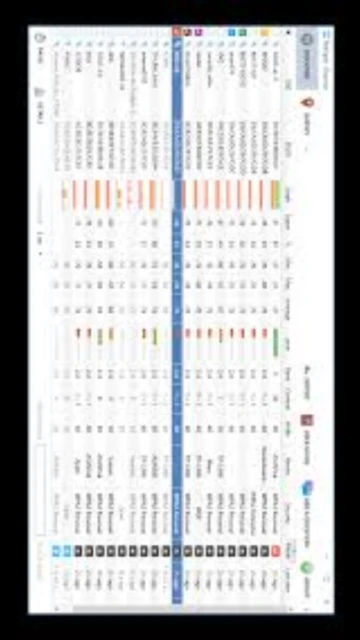
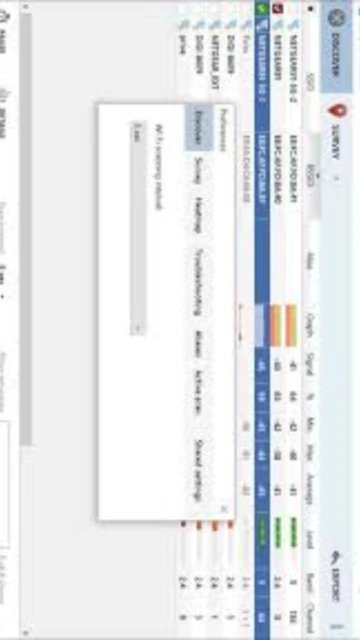
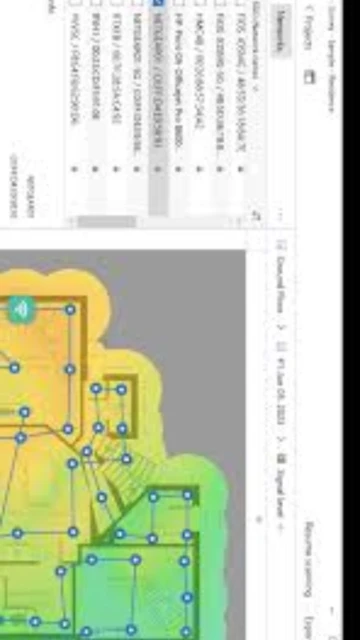
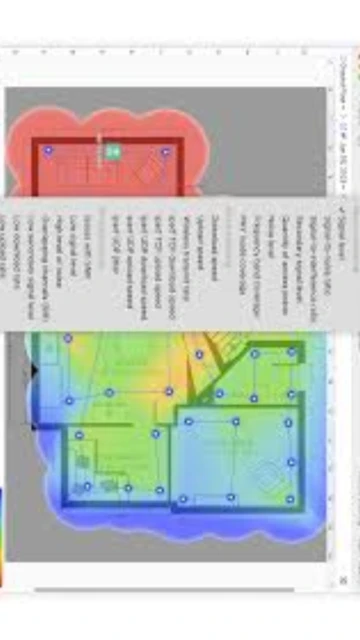
NetSpot stands as the industry-leading WiFi site survey application trusted by IT professionals and home users alike for over a decade. This powerful tool transforms how organizations analyze wireless networks by delivering intuitive heatmap visualizations, automated network discovery, and predictive planning capabilities. Unlike basic WiFi analyzers, NetSpot combines professional-grade features with accessibility, supporting Windows, macOS, Android, and iOS platforms. Whether deploying enterprise networks across stadiums or optimizing home WiFi coverage, users gain actionable insights through real-time signal analysis, channel optimization recommendations, and comprehensive reporting that guides strategic hardware placement decisions.
How to Install NetSpot
NetSpot installation is straightforward across all supported platforms, requiring only an active internet connection and sufficient storage space. The download process takes minutes, with automatic updates ensuring access to the latest features and security improvements.
- Visit Official Download Page – Navigate to netspotapp.com and locate the platform-specific download button for Windows or macOS versions
- Launch Installation Wizard – Run the downloaded installer executable and follow the setup prompts, accepting license terms and choosing installation location
- Enable Location Services – During first launch, grant NetSpot permission to access Location Services for accurate WiFi survey mapping and data collection
- Select License Type – Choose between Free (non-commercial), Home ($49), Pro ($149), or Enterprise ($499) depending on your usage needs and upgrade within the app
Who Should Use NetSpot
NetSpot serves diverse user groups from casual home network troubleshooters to enterprise IT deployment teams. The software scales from simple single-room analysis to complex multi-building installations, making it suitable for various professional and personal scenarios.
- WiFi Site Survey Professionals – Network installers and consultants conducting paid surveys for offices, hotels, warehouses, and stadiums using Pro and Enterprise licenses
- IT Administrators – Corporate IT staff optimizing existing networks, diagnosing coverage dead zones, and planning infrastructure upgrades with predictive planning tools
- Home Network Users – Homeowners and renters analyzing home WiFi performance, identifying interference sources, and optimizing router placement for better coverage
- MSP Technicians – Managed service providers serving multiple clients with commercial rights to survey networks and deliver comprehensive optimization reports
- NOT ideal for – Users requiring deep packet-level analysis or TCP/IP inspection should consider specialized tools like Wireshark instead
NetSpot Platform Compatibility
NetSpot maintains exceptional cross-platform compatibility, allowing seamless project sharing across Windows computers, Mac notebooks, Android tablets, and iOS devices. Each platform receives optimized interface design while preserving core functionality and project interoperability.
| Platform |
Min. Version |
Unique Features |
Limitations |
| Windows |
Windows 7/8/10/11 |
Active scanning with iperf3, Planning mode with predictive heatmaps, Spectrum analysis, Multi-floor scanning, Full visualization suite |
Requires WiFi network adapter support for 802.11 standards |
| macOS |
macOS 11 or later |
Active scanning, Planning mode, All 23 heatmap types, Native M1/M2 optimization, Complete feature parity with Windows |
Older Macs (pre-2008) supported but slower visualization rendering |
| Android |
Android 6.0+ |
Survey Mode for heatmap creation, Device discovery, WiFi network analysis, Speed testing capabilities |
Active scanning limited to currently connected network only |
| iOS |
iOS 15.5 or later |
Speed heatmap generation, Internet download/upload testing, Ping testing, Device discovery, Offline mapping |
Survey Mode differs from desktop; Planning mode not available |
NetSpot Integrations & Plugins
NetSpot emphasizes workflow efficiency through direct data export capabilities and API access for enterprise deployments. Integration possibilities extend beyond the application through standard file formats, enabling seamless data movement into business intelligence platforms, network documentation systems, and client reporting workflows.
- PDF and CSV Export – Generate professional client reports with heatmaps, statistics, and recommendations directly from survey data for documentation and billing purposes
- AutoCAD DWG Import – Import floor plans from AutoCAD and Visio to create accurate scaled heatmaps with proper wall material representations for predictive planning
- Cloud Project Storage – Save survey projects to cloud services for team collaboration and long-term archival of network baseline data across multiple projects
- API for Custom Tools – Enterprise users access REST APIs to integrate NetSpot data into custom dashboards, automated monitoring systems, and third-party analysis platforms
Best Alternatives to NetSpot
While NetSpot dominates the WiFi survey market, several specialized alternatives address specific organizational needs. Enterprise environments with comprehensive monitoring requirements or teams requiring integrated fault management might explore these competing solutions.
- Ekahau Site Survey – Best for professional enterprise deployments, offers 3D visualization and specialized features but significantly higher licensing costs and steeper learning curve
- TamoSoft TamoGraph – Best for spectrum analysis and detailed reports, includes frequency scanning capabilities and advanced visualization but less user-friendly interface
- ManageEngine OpManager – Best for comprehensive network monitoring beyond WiFi, provides enterprise device management and fault remediation but higher infrastructure requirements
- Wireshark – Best for packet-level analysis and protocol debugging, enables deep packet inspection but requires advanced networking knowledge and time-intensive analysis
NetSpot vs Top Competitors
NetSpot maintains competitive advantages through affordability, ease of use, and cross-platform availability. Direct comparison with market alternatives reveals distinct positioning regarding feature depth, licensing models, and target deployment scenarios.
| Feature |
NetSpot |
Ekahau Survey |
TamoSoft TamoGraph |
| Pricing |
Free-$499 one-time, Pro $149, Enterprise $499 |
$2000+, perpetual licensing, enterprise-focused |
$700-$2500, tiered by capability level |
| Key Strength |
Exceptional user interface, cross-platform support, free trial with full feature access |
3D visualization, AI-powered AP placement, industry standard enterprise feature set |
Spectrum analysis capabilities, frequency band analysis, competitive reporting |
| Target Users |
Home users, small/medium IT teams, professional consultants on budget |
Enterprise deployment teams, large-scale stadium/campus networks, systems integrators |
Certified site survey professionals, organizations requiring spectrum analysis |
| Unique Feature |
Planning mode with predictive WiFi heatmaps, Planning for multiple AP types and models |
Real-time WiFi capacity monitoring, advanced 3D environment modeling |
Built-in spectrum analyzer access, channel interference detection at frequency level |
| Learning Curve |
Easy – intuitive interface, quick onboarding for new users |
Moderate-to-Steep – requires wireless network fundamentals knowledge |
Moderate – feature-rich but organized interface, documentation available |
NetSpot Keyboard Shortcuts
Keyboard shortcuts significantly accelerate survey operations, map navigation, and project management workflows. Mastering common shortcuts transforms NetSpot from user-friendly to power-user efficient, enabling faster data collection and analysis across multiple survey sessions.
| Action |
Windows |
macOS |
| Start New Survey |
Ctrl+N |
Cmd+N |
| Open Project File |
Ctrl+O |
Cmd+O |
| Save Project |
Ctrl+S |
Cmd+S |
| Export Survey Data |
Ctrl+E |
Cmd+E |
| Undo Last Action |
Ctrl+Z |
Cmd+Z |
| Redo Action |
Ctrl+Y |
Cmd+Shift+Z |
| Switch to Planning Mode |
Ctrl+Tab |
Cmd+Tab |
| Toggle Heatmap View |
Ctrl+H |
Cmd+H |
NetSpot Performance Optimization
Maximizing NetSpot’s performance ensures rapid heatmap generation, smooth project navigation, and reliable data collection during extended survey sessions. Strategic optimization reduces processing delays and memory constraints on resource-limited systems.
- Allocate Maximum RAM for Large Maps – Assign increased RAM allocation to NetSpot in system settings; larger projects with hundreds of data points render 40% faster with 16GB versus 8GB
- Reduce Data Point Density – Lower data points per snapshot from 500 to 250 for faster heatmap compilation, then increase precision only for final survey areas requiring detailed analysis
- Use SSD Storage for Projects – Store survey files on solid-state drives instead of mechanical HDDs to reduce project loading time by up to 60% for large multi-floor installations
- Close Background Applications – Disable video conferencing, cloud sync, and background update services during active scanning to prevent WiFi adapter interference and CPU contention
- Enable Hardware Acceleration – Activate GPU acceleration in NetSpot settings when available; Intel/NVIDIA graphics hardware accelerates visualization rendering 3-4x faster
NetSpot Accessibility Features
NetSpot demonstrates commitment to inclusive design, offering screen reader support, keyboard navigation, color blindness accommodations, and multilingual interface localization. Accessibility improvements ensure WiFi professionals with disabilities can conduct surveys and analysis independently.
- Screen Reader Support – Full NVDA and JAWS compatibility on Windows; VoiceOver support on macOS and iOS for complete application navigation and menu access
- High Contrast Mode – Adjustable color themes including high contrast variations, colorblind-friendly heatmap palettes for protanopia/deuteranopia, and customizable visualization colors
- Keyboard Navigation – Complete keyboard-only operation without mouse required; Tab navigation through interface elements, arrow keys for map movement, Enter for action activation
- Multilingual Interface – 15+ supported languages including English, Spanish, French, German, Chinese, Japanese, with RTL support for Arabic and Hebrew localization
NetSpot Support & Documentation
NetSpot provides comprehensive support through official documentation, community engagement, and direct developer access. Multiple channels ensure rapid issue resolution and continuous learning from basic operation through advanced enterprise deployment scenarios.
- Help Center Documentation – Detailed FAQ, system requirements guide, troubleshooting articles, and feature explanations covering all NetSpot versions from Free through Enterprise
- Email Support Channel – Direct developer support via [email protected] with typical response times under 24 hours for licensing, technical issues, and feature questions
- YouTube Tutorial Library – Official NetSpot channel with video guides covering survey workflows, planning mode tutorials, export procedures, and advanced feature demonstrations
- Community Forum Discussions – Active user community sharing tips, configuration examples, and troubleshooting solutions for enterprise deployments and network challenges