Moho Pro 14 – Professional 2D character animation software
Advanced 2D character animation with powerful rigging and game engine export
Powerful 2D character animation software with intuitive rigging system, frame-by-frame tools, and game engine export capabilities for professional and indie animators.
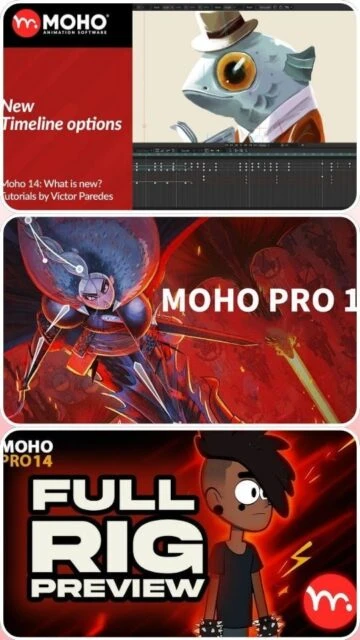
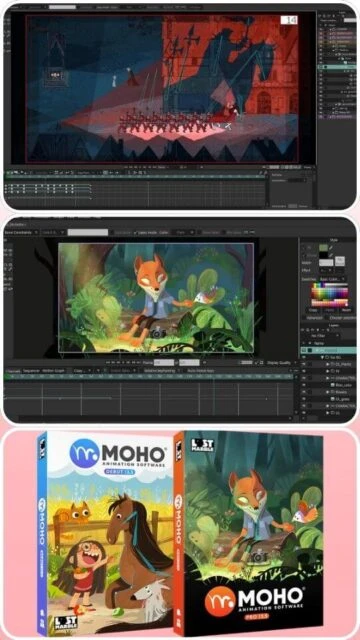
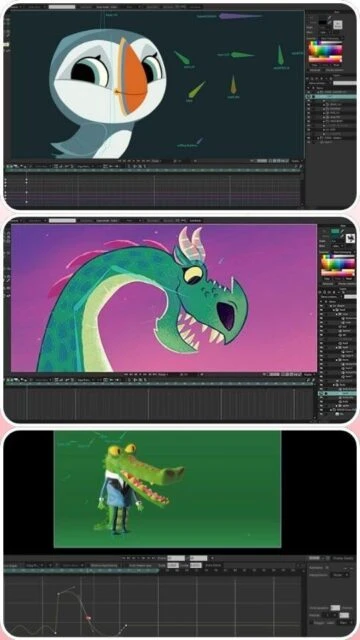
Moho Pro 14 is a professional-grade 2D character animation software developed by Lost Marble, trusted by studios including Cartoon Saloon for award-winning animated features. The software excels at rigging-based animation with intuitive Smart Bones controls that simplify complex deformations. Version 14 introduced major enhancements including improved drawing tools, better timeline interface, and native game engine export via glTF format. Moho bridges traditional hand-drawn animation with modern puppet-pin rigging technology.
System Requirements
Operating System:Windows 10/11 64-bit or macOS 10.15 or later
Processor:Intel Core i3, 2.0 GHz
RAM:4 GB
Disk Space:1.6 GB
Additional Requirements:OpenGL 4.1 graphics card, 1920x1080 minimum display recommended, internet connection for activation
Features Of Moho Pro 14
Advanced Smart Bones rigging system with 360-degree rotation support
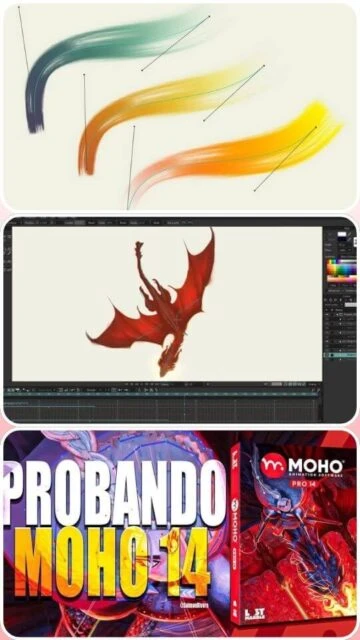
Enhanced drawing engine with responsive Freehand and Blob Brush tools
Multi-stroke fill and intelligent shape connection features
Frame-by-frame animation with improved timeline controls
Liquid Shapes for dynamic deformation effects
Particle simulation system with curve-based distribution
Native glTF/GLB export for game engines and 3D software
PSD import and export with layer structure preservation
Customizable keyboard shortcuts and interface layouts
Intuitive rigging system ideal for character animation beginners
Superior performance compared to frame-by-frame alternatives
Native game engine export saves production pipeline time
Steep value proposition with professional-grade features
Excellent community support and tutorial resources
Compatible with Apple Silicon Macs natively
Free updates for all Moho 14 owners
Cons
Limited 3D animation capabilities compared to dedicated 3D software
Smaller user community than industry standard alternatives
Learning curve for advanced rigging techniques
Game engine export not all features supported by glTF format
No ActionScript or interactive coding support
Windows and macOS only, no Linux native support
Requires internet for license activation
Changelog
Version 14.4 Side Quest (November 2025):
- glTF/GLB export with bone and animation data preservation
- 360-degree Smart Bones rotation support
- Particle curve distribution and playback offset
- Improved freehand stroke stability and smoothing
- Layer caching for vector layers with bone influence
- TourBox and Xencelabs device preset support
- Multiple workflow stability improvements
Version 14.0 (Initial Release):
- New graphics engine and drawing tools
- Improved timeline interface with frame freeze controls
- Enhanced frame-by-frame keyframe system
Frequently Asked Questions
Is Moho 14 compatible with game engines like Unity?
Yes, Moho 14 supports native glTF/GLB export, enabling direct import into Unity, Unreal Engine, Godot, and other engines. Bones and animation clips are preserved for in-engine playback.
Can I upgrade from older Moho versions to 14?
Yes, upgrade pricing available for Moho 13 and 12 owners. Limited-time discounts apply. Purchase upgrade option at checkout by entering your serial number.
Does Moho work with Toon Boom Harmony?
Moho and Harmony have complementary workflows. Export Moho characters as PSD or image sequences for compositing in Harmony for hand-drawn integration.
Is there a free trial version available?
Yes, Moho Pro 14 offers a free trial version with full features. Trial includes 30-day usage period. Requires serial number activation after trial expires.
What makes Smart Bones different from regular bones?
Smart Bones apply complex deformations using morph targets and curves, enabling realistic joint deformation and facial expressions without individual layer manipulation.
Can I animate with both rigging and frame-by-frame in the same project?
Yes, Moho supports hybrid workflows. Combine rigged characters with traditional frame-by-frame animation. Valuable for blending techniques in single production.
Moho Pro 14 is a sophisticated 2D character animation platform featuring an advanced rigging system, improved drawing tools, and native game engine integration. Designed for professional animators and indie creators, Moho 14 delivers efficient workflows for character animation, motion graphics, and interactive content with seamless export to popular 3D and game engine platforms.
Installation & Setup
Download Moho Pro 14 installer from official Lost Marble website
Run the installer executable and choose installation directory
Accept license agreement and terms of service
Select language preference for the interface
Choose between Desktop install or portable installation option
Complete installation and create desktop shortcut if desired
Launch Moho and enter serial number or activate trial license
Configure initial workspace and camera view preferences
Optimize bone structure by limiting number of Smart Bones per character rig
Cache vector layers when complex rigging affects playback performance
Use Liquid Shapes for dynamic effects without manual redraw
Consolidate animation channels to reduce timeline complexity and improve scrubbing speed
Enable hardware acceleration in preferences for real-time viewport performance
Export separate character assets and compose in game engine for efficient pipelines
User reviews and ratings for Moho Pro 14
See what users think about Moho Pro 14. Read honest reviews and ratings from real users.
4.6
★★★★★
4 reviews
Best rigging tool for character animation
by Sofia Romero
★★★★★
2025-11-28
Moho Pro 14 changed my animation workflow completely. The Smart Bones system is intuitive and powerful. Game engine export is seamless. Worth every penny compared to expensive subscription alternatives.
Excellent upgrade from version 13
by Marcus Thompson
★★★★★
2025-10-12
Version 14 feels like a major redesign with the new graphics engine and drawing tools. Timeline interface is much better. The glTF export is exactly what indie game developers need.
Great value for solo animators
by Elena Vasquez
★★★★★
2025-09-05
One-time purchase eliminates monthly fees of competitor subscriptions. Rigging is faster than frame-by-frame for character work. Wish there was better documentation for advanced features.
Steep learning curve but worth it
by David Kim
★★★★★
2025-08-18
Takes time to master Smart Bones and advanced rigging concepts, but tutorials exist. Community is helpful and supportive. Performance is exceptional even on older computers.
Write a Review
Moho Pro 14 Screenshots & Photos
Browse through screenshots and photos of Moho Pro 14 to see how it looks and works.
Moho Pro 14 Videos
Watch videos to see how this software works and learn about its features.

 43
43