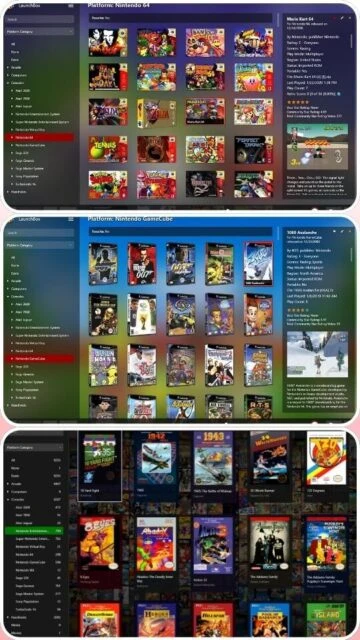
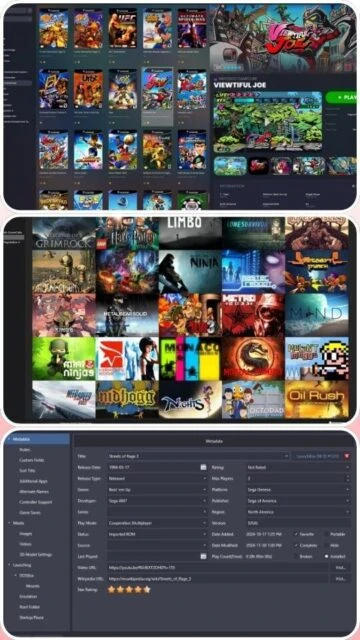
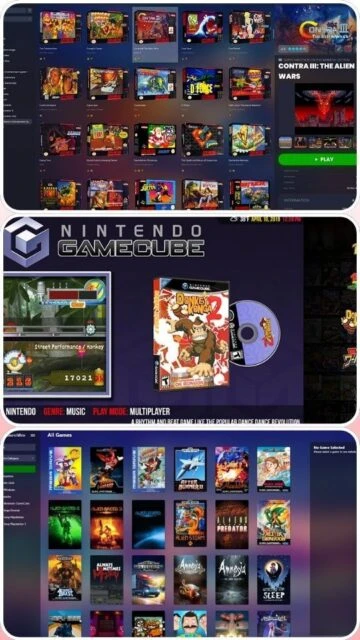
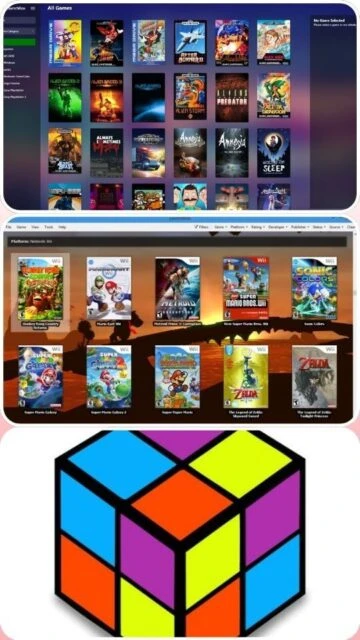
LaunchBox is a portable box-art-based game database and launcher for Windows. It was originally created to execute DOSBox games but now supports modern PC games and emulated console platforms. It aims to be the one-stop shop for gaming on a computer, offering automated metadata scraping from its own massive community database.
The premium version, 'Big Box', is designed for home theater PCs and arcade cabinets, providing a controller-navigable interface with cinematic themes, video playback, and attract modes. It is widely considered the gold standard for dedicated retro gaming builds.
System Requirements
Operating System:Windows 10 or Windows 11 (64-bit)
Processor:Intel Core i5 or equivalent
RAM:8 GB
Disk Space:2 GB
Additional Requirements:DirectX 11+ capable GPU for Big Box
Features Of LaunchBox
Automated Metadata Scraping: Box art, fan art, and logos
Big Box Mode: Cinematic interface for TV/Arcade (Premium)
Game Startup Screens: Customizable loading overlays
PDF Manual Viewer: Read original game manuals inside the app
Pause Screens: Save/Load states and view guides in-game
Badge System: Filter by genre, year, developer, or rating
Custom Fields: Add any data point you want to track
Pros & Cons
Pros
Unmatched visual presentation and theme quality
Extremely active development with monthly updates
Huge community database for accurate game info
Portable installation makes moving libraries easy
Excellent support for arcade cabinets (marquees, LED)
Cons
Big Box mode requires a paid license (Premium)
Resource intensive compared to competitors
Scraping large libraries can take hours
Settings menu can be overwhelming for beginners
Changelog
Version 13.24 (Oct 2025):
- Added new Big Box Screensavers with interactive views
- Revamped 'Welcome Wizard' for faster initial setup
- New FFMPEG-based video playback engine for smoother performance
- Fixed issue with MAME high-score integration
- Improved Steam import reliability for hidden games
Frequently Asked Questions
Is LaunchBox free?
The desktop version is free with some limitations. Big Box mode requires a premium license.
Does it include games?
No. LaunchBox is a library manager. You must provide your own ROM files and game installs.
Can I put it on a flash drive?
Yes, LaunchBox is fully portable. You can install it to a USB drive and run it on any Windows PC.
How do I update metadata?
Select games, right-click, and choose 'Download Metadata and Media' to fetch the latest art.
LaunchBox was originally built for DOSBox but has evolved into the most robust frontend for retro gaming and arcade cabinets. It emphasizes visual presentation, automatically downloading box art, fan art, logos, and manuals to create a museum-like experience for your game collection. The ‘Big Box’ mode transforms your PC into a high-end console interface.
Installation & Setup
Download the installer from the LaunchBox website (email required).
Run the installer; select a destination folder (portable by default).
Open LaunchBox and use the “Import” menu to add ROM files.
Select the platform (e.g., SNES) and the emulator (e.g., RetroArch).
Wait for the metadata scraper to download images and videos.
Platform Availability
Platform
Support
Features
Windows 10/11
Native
Full Desktop & Big Box Mode
Android
Mobile
Touch interface, independent app
Mac/Linux
No
Not officially supported
Integration Ecosystem
EmuMovies – Deep integration for high-quality video snaps and manuals.
Steam/GOG – Automatic import of modern PC libraries.
RetroAchievements – View your achievements directly in the details pane.

 77
77