IPTV Smarters Pro is a feature-rich IPTV client application that revolutionizes how users consume digital television content. Developed by WHMCS Smarters, the software provides comprehensive support for M3U playlists and Xtream Codes APIs, enabling compatibility with thousands of IPTV service providers worldwide. The platform excels in content discovery and playback flexibility. With continuous updates and multi-platform availability, IPTV Smarters Pro remains a preferred choice for users seeking professional-grade IPTV streaming capabilities without monthly subscription requirements for the player itself.
System Requirements
Operating System:Windows 10 64-bit or later, macOS 11 or later
Processor:Intel Core i3 1.5 GHz or equivalent dual-core processor
RAM:2 GB
Disk Space:500 MB
Additional Requirements:Stable internet connection minimum 10 Mbps for HD streaming, Microsoft .NET Framework 4.5 or higher
Features Of IPTV Smarters Pro
Live TV streaming with support for M3U and Xtream Codes formats
Electronic Program Guide (EPG) with detailed channel schedules
Multi-device support with synchronized viewing history
Parental controls with PIN protection and content filtering
Picture-in-picture mode for simultaneous multitasking viewing
Stream recording functionality for time-shifted watching
Advanced playback controls with fast-forward and rewind
Customizable user interface with layout preferences
Chromecast support for television streaming
Playlist management with category organization
Pros & Cons
Pros
No subscription required for the player software itself
Comprehensive format support for multiple IPTV provider types
Robust parental control system protecting younger viewers
Multi-device synchronization across Windows, Android, and Fire TV
Regular updates with new features and performance improvements
Stream recording capability for flexible viewing schedules
Cons
File size of 125 MB requires reasonable storage space
Requires separate IPTV service provider subscription
Some advanced features may have compatibility issues with older processors
Manual playlist imports necessary for initial setup
Limited built-in content discovery without EPG data
PC version lacks some features available in mobile versions
Internet connection dependency for all streaming functionality
Changelog
Version 1.1.2 (December 2024):
- Enhanced video codec support for improved compatibility
- Optimized EPG loading performance for faster channel information
- Fixed streaming issues with certain Xtream Codes providers
- Improved playback stability during network fluctuations
- UI refinements for better user navigation
Version 1.1.1 (August 2023):
- Added support for additional subtitle formats
- Improved parental control PIN security
- Fixed compatibility issues with Windows 11 latest builds
Frequently Asked Questions
Do I need to pay for IPTV Smarters Pro?
No, IPTV Smarters Pro is completely free. However, you need a separate IPTV service provider subscription to access streaming content. The player software itself has no license fees or monthly costs.
What IPTV formats does IPTV Smarters Pro support?
The software supports M3U playlist URLs and Xtream Codes API credentials. These are the two primary formats used by most IPTV service providers worldwide, ensuring broad compatibility.
Can I record streams with IPTV Smarters Pro?
Yes, IPTV Smarters Pro includes stream recording functionality, allowing you to record live television content for later viewing. Recordings are saved locally on your device.
Is IPTV Smarters Pro available on other devices?
Yes, IPTV Smarters Pro is available across multiple platforms including Android smartphones and tablets, Fire TV Sticks, Android TV boxes, and Windows PCs.
How do I add my IPTV subscription?
Launch IPTV Smarters Pro, select either M3U URL or Xtream Codes option, and enter your provider credentials. The software will automatically load available channels and content from your subscription.
Does IPTV Smarters Pro have parental controls?
Yes, comprehensive parental controls are built-in, including PIN protection and content filtering by category, ensuring safe viewing for children.
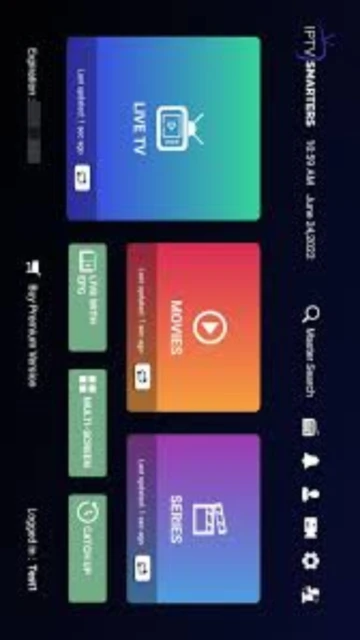
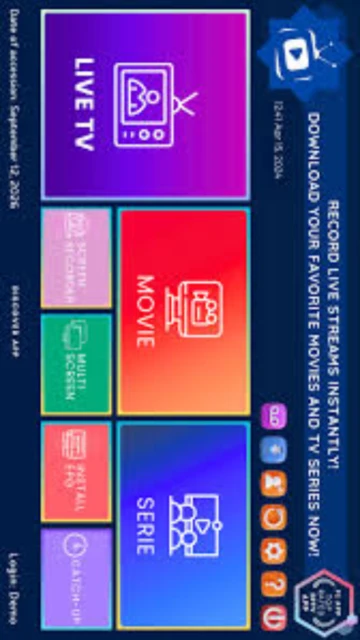
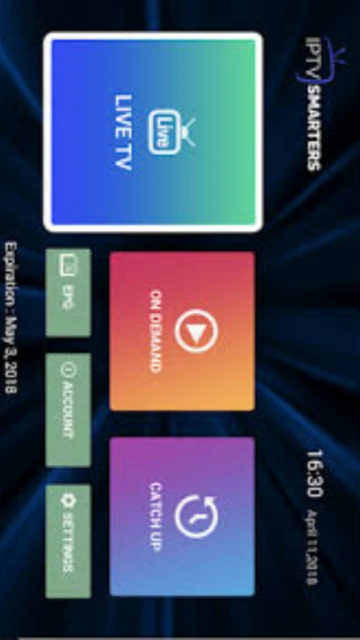
IPTV Smarters Pro is a comprehensive IPTV media player designed for streaming live television, video-on-demand, and series content from various IPTV service providers. This advanced streaming solution supports multiple input formats including M3U playlists and Xtream Codes credentials, enabling seamless integration with existing IPTV subscriptions. The application features an intuitive interface optimized for different screen sizes and devices.
Unmatched Power
IPTV Smarters Pro delivers exceptional streaming capabilities with support for HD and 4K quality playback. The platform includes advanced features such as Electronic Program Guide (EPG) for program scheduling, comprehensive parental controls for family-friendly viewing, picture-in-picture mode for multitasking, and stream recording functionality. Users benefit from multi-device synchronization, allowing seamless switching between Windows PC, mobile devices, and smart TV platforms while maintaining viewing history and preferences across all devices.
Who Should Use It?
IPTV Smarters Pro serves diverse user groups including cord-cutters seeking cable-free entertainment, international viewers wanting access to global channels, and tech-savvy users managing multiple IPTV subscriptions. The software is particularly valuable for households with children due to its robust parental control features, and for media enthusiasts requiring high-quality streaming with advanced playback controls and content organization capabilities.
User reviews and ratings for IPTV Smarters Pro
See what users think about IPTV Smarters Pro. Read honest reviews and ratings from real users.
4.5
★★★★★
4 reviews
Excellent IPTV Player with Great Features
by Marcus T.
★★★★★
2025-11-28
IPTV Smarters Pro exceeds expectations with its clean interface and reliable streaming. EPG integration works perfectly, and recording functionality is a game-changer. Highly recommended for serious IPTV users.
Reliable Streaming Solution
by Jennifer K.
★★★★★
2025-11-12
Been using for six months without issues. Multi-device sync is seamless, parental controls are effective, and customer support responds quickly. Best IPTV player I've tested.
Good but Occasional Buffering
by David R.
★★★★★
2025-10-19
Overall solid IPTV player with impressive features and user-friendly design. Occasionally experiences buffering during peak hours, but nothing that breaks usability.
Learning Curve Worth It
by Sarah M.
★★★★★
2025-09-05
Initial setup requires some effort understanding M3U and Xtream Codes formats, but once configured, the application works flawlessly. Worth the investment of time.
Write a Review
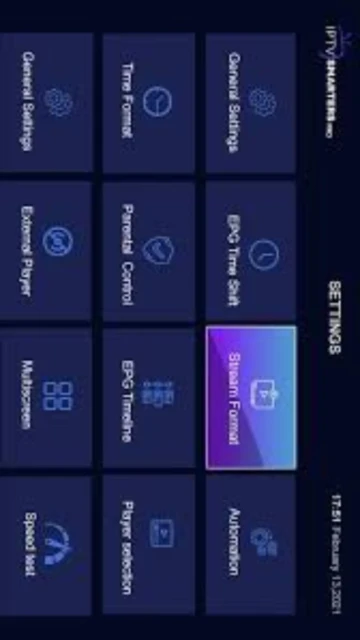
IPTV Smarters Pro Screenshots & Photos
Browse through screenshots and photos of IPTV Smarters Pro to see how it looks and works.
IPTV Smarters Pro Videos
Watch videos to see how this software works and learn about its features.

 51
51