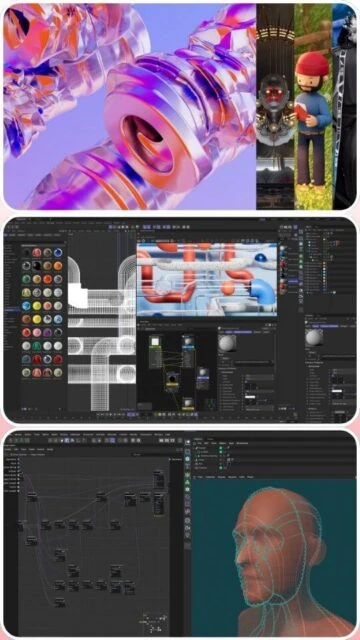
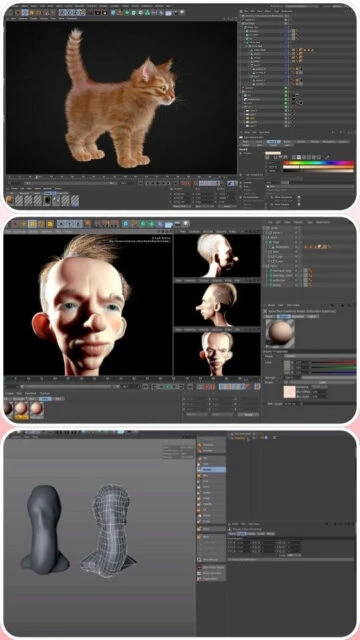
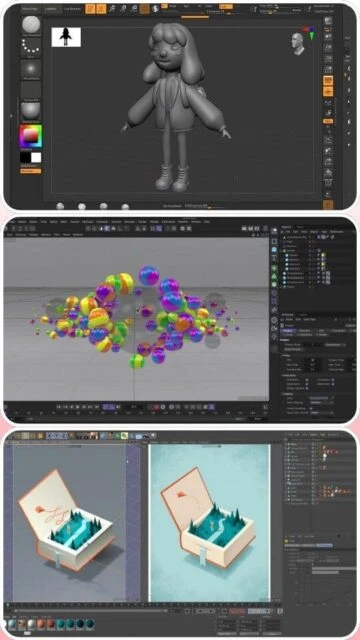
Cinema 4D 2026 stands as a premier choice in professional 3D animation and modeling, offering an intuitive interface combined with powerful capabilities for visual effects, motion graphics, and character animation. This guide explores Cinema 4D’s current features, system requirements, and workflow integrations essential for modern digital artists working in film, television, and game development.
How to Install Cinema 4D 2026
Installing Cinema 4D 2026 requires downloading from Maxon’s official portal and following straightforward installation procedures across Windows, macOS, and Linux platforms. The process includes license activation through the Maxon App, which handles cloud synchronization and content library access.
- Create Maxon Account – Sign up at maxon.net and access your Account portal for downloads and licensing activation
- Download Installer – Select your platform (Windows, macOS, or Linux) and download the complete installer package from the official download page
- Run Installation Wizard – Execute the installer, choose installation location, and allow the wizard to complete the full setup process
- Activate License – Launch Cinema 4D and authenticate using your Maxon Account or enter your license key through the Maxon App
Who Should Use Cinema 4D 2026
Cinema 4D 2026 serves professional artists, motion designers, character animators, and visual effects specialists requiring sophisticated 3D modeling and rendering capabilities. The software excels in motion graphics pipelines and provides exceptional support for procedural workflows.
- Motion Graphics Designers – Create broadcast graphics, title sequences, and promotional animations with procedural tools and dynamic workflows
- Character Animators – Develop compelling character rigs and animations using advanced deformation tools and animation systems
- VFX Artists – Generate realistic effects including simulations, dynamics, and particle systems integrated with Redshift rendering
- NOT ideal for – Hobbyists seeking completely free software may consider open-source alternatives like Blender for zero-cost solutions
Cinema 4D 2026 Platform Compatibility
Cinema 4D 2026 maintains comprehensive cross-platform support with optimized performance across Windows, macOS, and Linux. Each platform benefits from native integration with operating system features and hardware acceleration capabilities.
| Platform |
Min. Version |
Unique Features |
Limitations |
| Windows |
Windows 10 (22H2) or Windows 11 |
DirectX 12 GPU acceleration, NVIDIA/AMD driver optimization, Redshift GPU rendering |
Requires 64-bit processor with AVX2 support |
| macOS |
macOS 13.6+ (Ventura, Sonoma, Sequoia) |
Metal GPU rendering, Universal Binary for Apple Silicon and Intel Macs, native macOS integration |
AI Search not supported on Intel Macs; requires Metal v2+ GPU |
| Linux |
64-bit distributions with glibc 2.17+ |
Command-line rendering, server-farm compatibility, Docker containerization support |
Limited to render engine; interactive UI not supported |
| Web |
Not available |
No web-based version |
Desktop software only |
Cinema 4D 2026 Integrations & Plugins
Cinema 4D 2026 seamlessly integrates with professional production pipelines through native support for Redshift rendering, Substance designer, and OpenUSD standards. Plugin architecture enables connection with third-party renderers and asset management systems essential for studio workflows.
- Redshift Rendering – Native GPU renderer integration delivering real-time viewport feedback and interactive rendering with advanced material preview capabilities
- OpenUSD Exchange – Direct support for Universal Scene Description format enabling seamless asset exchange between Maya, Blender, and other industry tools
- Substance 3D Connector – One-click material and texture import from Substance 3D Sampler for streamlined texturing workflows
- Animation Interchange – Alembic export/import and GoZ support for interchanging models with ZBrush, character animation tools, and rendering engines
Best Alternatives to Cinema 4D 2026
While Cinema 4D dominates motion graphics pipelines, alternative 3D platforms offer distinct advantages depending on project requirements and budget constraints. Selection depends on specific workflow needs and team infrastructure.
- Autodesk Maya – Best for character animation and VFX pipelines, industry-standard deformation tools and animation systems with extensive studio adoption
- Blender 4.2 LTS – Best for budget-conscious teams, fully open-source with complete feature parity for modeling, animation, and rendering capabilities
- Autodesk 3ds Max – Best for game development and architectural visualization, procedural workflows and game engine integration with extensive modeling tools
- ZBrush 2025 – Best for digital sculpting, industry-leading digital painting and high-polygon character development with seamless Cinema 4D integration
Cinema 4D 2026 vs Top Competitors
Cinema 4D 2026 competes directly with Maya and Blender in professional animation markets while maintaining superior motion graphics capabilities. Each platform offers distinct strengths across different creative disciplines and production scales.
| Feature |
Cinema 4D 2026 |
Autodesk Maya |
Blender 4.2 LTS |
| Pricing |
Subscription: $649/year or $55/month |
Subscription: $680/year or $58/month |
Free and open-source |
| Key Strength |
Motion graphics and procedural modeling |
Character animation and deformation |
Complete free alternative with full features |
| Target Users |
Motion designers, VFX artists, broadcast professionals |
Character animators, game studios, film VFX |
Independent artists, studios seeking cost control |
| Unique Feature |
Redshift native integration, procedural tools, Mograph module |
Bifrost Graph, Machine Learning Deformer, OpenUSD |
Compositor GPU acceleration, EEVEE real-time rendering |
| Learning Curve |
Moderate |
Steep |
Moderate to steep |
Cinema 4D 2026 Keyboard Shortcuts
Mastering keyboard shortcuts dramatically accelerates workflow efficiency in Cinema 4D 2026. Essential shortcuts for viewport navigation, object manipulation, and rendering streamline creative production across both platforms.
| Action |
Windows |
macOS |
| Fit All Objects in View |
Shift+V |
Shift+V |
| Frame Selected Object |
F |
F |
| Toggle Render Mode |
Alt+R |
Cmd+Option+R |
| Toggle Viewport Shading |
Q |
Q |
Cinema 4D 2026 Performance Optimization
Optimizing Cinema 4D 2026 performance requires strategic hardware allocation, scene hierarchy management, and rendering settings calibration. These techniques minimize render times while maintaining interactive viewport responsiveness during complex scene development.
- GPU Memory Management – Allocate 8 GB+ VRAM to Redshift GPU rendering for handling complex scenes without memory overflow errors
- Scene Hierarchy Optimization – Organize objects in logical hierarchies using null groups to improve scene performance and simplify object selection workflows
- Redshift Sampling Settings – Reduce sample counts in initial viewport previews and increase sampling only for final renders to maximize interactive performance
- Disk Cache Configuration – Enable scratch disk settings on fast SSD storage to offload simulation calculations and prevent RAM bottlenecks during dynamics
- Unused Content Purge – Regularly remove unused assets, materials, and render passes from the project file to reduce memory footprint and loading times
Cinema 4D 2026 Accessibility Features
Cinema 4D 2026 incorporates accessibility features supporting diverse user needs including screen reader compatibility, visual adjustments, and keyboard navigation options. Maxon continues expanding accessibility to ensure inclusive creative workflows.
- Screen Reader – Partial NVDA support for UI elements with ongoing improvements to accessibility reporting and interface navigation
- Visual – Customizable interface themes, font scaling options, and high-contrast mode for improved visibility in various lighting conditions
- Motor – Full keyboard-only navigation support through customizable hotkey assignments and menu-driven workflows without mouse dependency
- Languages – Interface available in 17 languages with right-to-left (RTL) support for Arabic and Hebrew localization
Cinema 4D 2026 Support & Documentation
Cinema 4D 2026 benefits from comprehensive documentation, active community forums, and direct developer support through Maxon’s official channels. Learning resources span beginner tutorials through advanced technique documentation.
- Official Documentation – Extensive knowledge base covering all features with detailed explanations, API documentation, and workflow guides accessible at support.maxon.net
- Community Forum – Active Cineversity community forum where users discuss techniques, share projects, and receive guidance from experienced artists and Maxon representatives
- Video Tutorials – Official YouTube channel and Cineversity platform offering structured learning paths from fundamentals through advanced production techniques
- Contact Support – Direct support access through Maxon account portal for license issues, technical problems, and feature requests

 72
72