Is Blender truly free to use commercially?
Yes, Blender is licensed under GNU GPL, making it completely free for commercial use. You can create and sell projects without any licensing fees, royalties, or restrictions whatsoever.
 54
54

The Free and Open Source 3D Creation Software
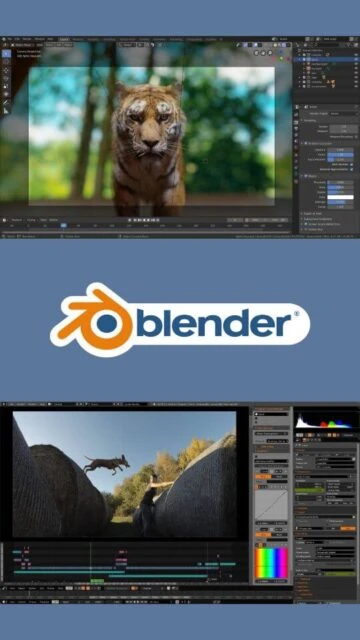
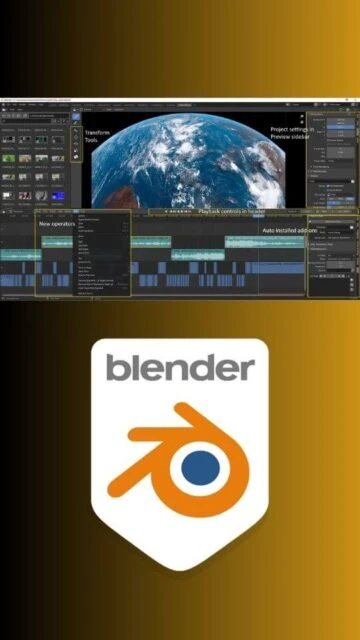
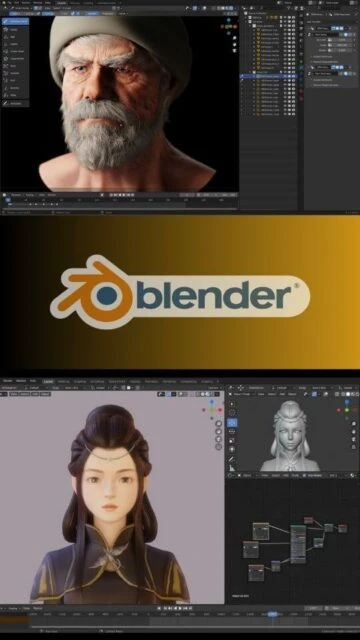
Open-source 3D creation suite featuring modeling, sculpting, animation, rendering, and video editing for professionals and artists.
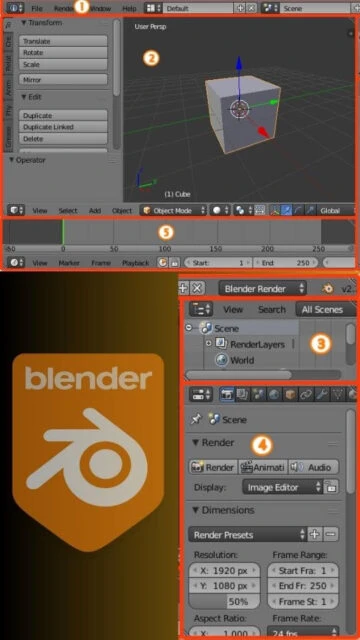
Blender has revolutionized the 3D creation landscape by providing professional-grade tools at zero cost. The software is completely free, open-source, and licensed under GNU GPL, meaning it will remain free forever. With contributions from thousands of developers and a thriving community of millions of users, Blender delivers enterprise-quality capabilities for modeling, animation, rendering, and compositing. The 4.2 LTS version represents a mature, stable platform aligned with the VFX Reference Platform 2024, ensuring compatibility with industry pipelines. Users gain access to node-based compositing, advanced simulation systems including fluid, smoke, particle, and cloth physics, plus comprehensive sculpting tools that rival expensive alternatives.
Version 4.2.12 LTS (July 15, 2025):
- Fixed Cycles BVH2 point cloud rendering issues
- Resolved video corruption in image editor
- Fixed proportional editing connectivity concerns
- Improved oneAPI rendering stability
Version 4.2.11 LTS (June 17, 2025):
- Fixed Cycles render viewport issues in specific scenarios
- Resolved Wayland compose-key event handling
- Fixed heap buffer overflow vulnerabilities
Version 4.2.10 LTS (May 20, 2025):
- Moved test data and assets to Git-LFS
- Fixed drag and drop functionality on Windows
- Resolved sculpt mode undo crash issues
- Fixed compositor cross-scene referencing
Version 4.2.9 LTS (April 15, 2025):
- Fixed JPEG metadata buffer overflow
- Improved QuadriFlow remesh stability
- Fixed UV editor shortest path selection
- Enhanced XCode compatibility on macOS
Yes, Blender is licensed under GNU GPL, making it completely free for commercial use. You can create and sell projects without any licensing fees, royalties, or restrictions whatsoever.
Blender 4.2 LTS will receive maintenance and security updates until July 2026. LTS versions are specifically designed for long-term production stability and compatibility.
Blender supports GPU rendering via Cycles on NVIDIA (OptiX, CUDA), AMD (HIP, OpenCL), and Intel (oneAPI). EEVEE provides real-time GPU viewport shading. Check compatibility with your specific GPU model.
Absolutely. Blender is used by major studios for VFX, animation, and motion graphics. Version 4.2 is aligned with the VFX Reference Platform 2024 for industry pipeline integration.
Blender supports FBX, OBJ, glTF, USD, Alembic, Collada, STL, PLY, and many others. It can import from and export to professional formats used in studios worldwide.
Yes, Blender has a comprehensive Python API. You can download thousands of free community add-ons or create custom ones. The add-on ecosystem is one of Blender's greatest strengths.
Minimum requirements are 8 GB RAM and a 4-core processor. Older systems may work but with reduced performance. Modern hardware with 16-32 GB RAM significantly improves productivity.