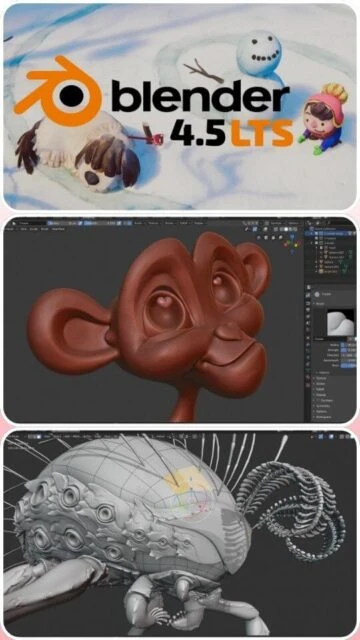
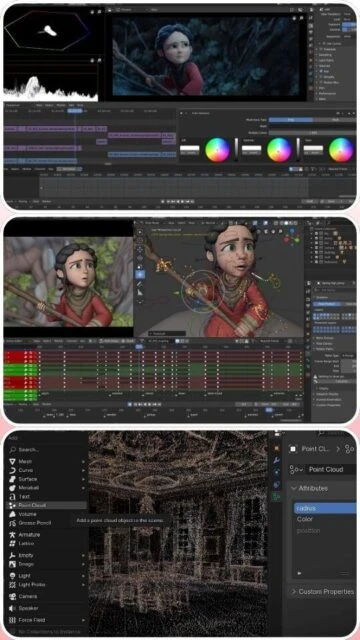
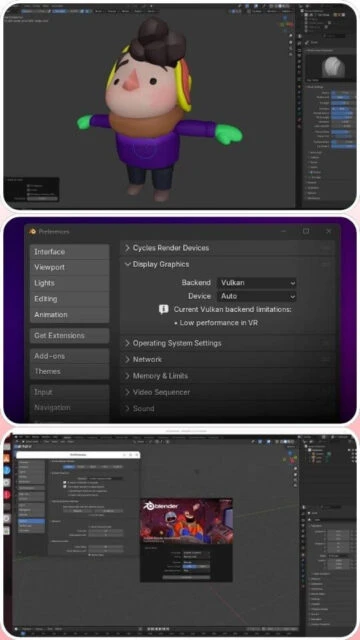
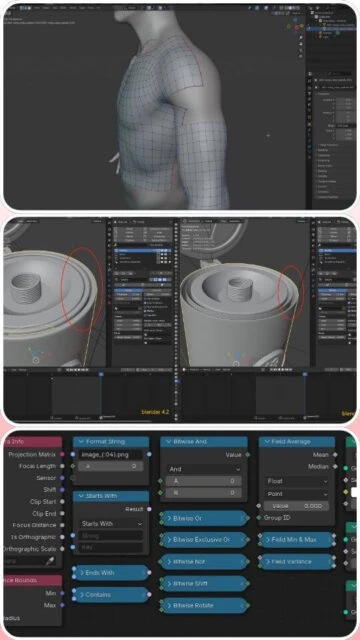
Blender is the world's most popular open-source 3D creation suite, managed by the Blender Foundation. Unlike commercial rivals that fracture features into separate expensive modules, Blender provides a singular, unified pipeline. It supports the entirety of the 3D pipeline—modeling, rigging, animation, simulation, rendering, compositing, and motion tracking, even video editing and game creation.
With the release of version 4.5, Blender has solidified its position in professional workflows. The realtime render engine, EEVEE, allows artists to visualize scenes with stunning fidelity instantly, while the production-proven path tracer, Cycles, delivers photorealistic results. Its Python API allows for extensive customization, making it a favorite for technical artists and pipeline TDs.
System Requirements
Operating System:Windows 10 64-bit, macOS 11.0, Linux
Processor:64-bit quad-core CPU with SSE4.2
RAM:8 GB (32 GB recommended)
Disk Space:2 GB available space
Additional Requirements:Graphics card with 2 GB RAM, OpenGL 4.3
Features Of Blender
Real-time viewport rendering with EEVEE Next
Production-quality path tracer (Cycles)
Comprehensive procedural geometry nodes system
Advanced sculpting tools with dynamic topology
Built-in video editor and compositor
Grease Pencil for 2D animation within 3D space
Motion tracking and camera solving
Extensive Python API for automation
Pros & Cons
Pros
Completely free and open-source forever
Massive, active community and tutorial ecosystem
All-in-one pipeline eliminates software switching
Rapid update cycle with major features
Cons
Steep learning curve for beginners
UI differs significantly from industry standard apps
CAD/NURBS tools are limited compared to Rhino
Documentation can lag behind rapid updates
Changelog
Version 4.5.3 LTS (Sep 2025):
- Stabilized simulation nodes for fluid and smoke
- Improved Metal backend performance on macOS M3 chips
- Fixed regression in UV packing algorithms
- Updated glTF 2.0 importer/exporter for game workflows
- New 'Hair Curves' grooming brushes added
Frequently Asked Questions
Can I use Blender for commercial projects?
Yes, Blender is released under the GNU GPL, which allows you to use it for any purpose, including commercial work, without paying fees.
Does it work on iPads?
No, Blender is a desktop-only application. There is no official iOS or Android version due to the interface complexity and OpenGL requirements.
Is it compatible with Unity and Unreal?
Absolutely. Blender is a primary asset creation tool for game engines, with robust support for FBX, OBJ, and glTF export formats.
How do I update?
Blender does not auto-update. You must download the new version manually or use a third-party launcher like Blender Launcher to manage versions.
What is the LTS version?
LTS (Long Term Support) versions like 4.5 receive critical bug fixes for two years, making them ideal for long-running studio productions.
Blender 4.5 continues to redefine what free software can achieve in the professional graphics industry. As a comprehensive 3D creation suite, it offers a complete pipeline including rigging, animation, simulation, rendering, compositing, and motion tracking. This LTS (Long Term Support) release focuses on stabilizing the massive geometry node improvements introduced earlier in the year while delivering cutting-edge EEVEE Next rendering capabilities that rival paid engines. Artists and studios worldwide rely on Blender for its flexibility, rapid development cycle, and vibrant community ecosystem.
Installation & Setup
Download the appropriate installer (.msi for Windows, .dmg for macOS) from the official Blender website.
Run the installer and follow the on-screen prompts; no license activation or serial number is required.
Upon first launch, configure your ‘Quick Setup’ preferences to choose your selection mouse button (Left/Right) and spacebar action.
Enable your GPU in ‘System > Cycles Render Devices’ to take advantage of hardware acceleration (CUDA/OptiX/Metal).
Platform Availability
Platform
Support
Features
Windows
10 / 11 (64-bit)
Full NVIDIA RTX/OptiX support, Tablet API
macOS
11.0 Big Sur+
Apple Silicon (M1/M2/M3) Metal GPU acceleration
Linux
Glbc 2.28+
Wayland support, headless rendering capable
Integration Ecosystem
Unreal Engine – Seamlessly export assets using the ‘Send to Unreal’ bridge for game development pipelines.
Substance Painter – Industry-standard texture workflow supported via UDIMs and material export addons.
Unity – Native .blend file support allows for direct drag-and-drop of models into Unity projects.

 11
11