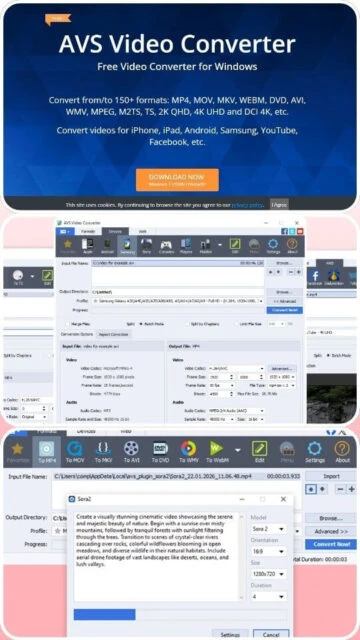
AVS Video Converter is a comprehensive utility designed for video enthusiasts who need to transcode files between varying formats without technical complexity. It supports practically all key file types including AVI, MP4, WMV, Blu-ray, and MPEG. Beyond simple conversion, the software includes a command-line mode for automated processing, making it suitable for advanced users who wish to script their workflows.
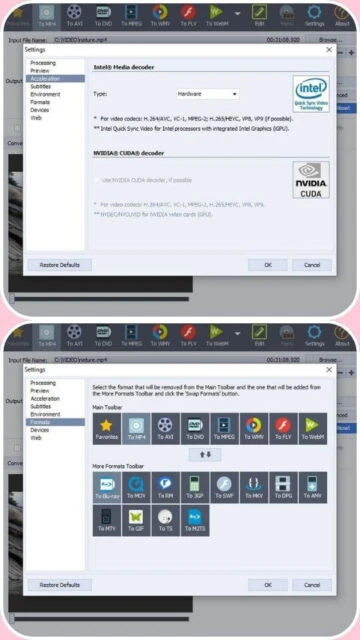
The tool is part of the broader AVS4YOU ecosystem, often sold as a lifetime subscription package. It stands out for its built-in DVD/Blu-ray burning capabilities, allowing users to create physical media directly from digital files. With support for hardware acceleration via NVIDIA, Intel, and AMD, it manages to keep conversion times reasonable even for high-resolution 4K content.
System Requirements
Operating System:Windows 11, Windows 10, Windows 8.1, Windows 7
Processor:Intel Core i5 or AMD equivalent (Quad core)
RAM:4 GB recommended
Disk Space:200 MB for installation
Additional Requirements:Internet connection for activation, Administrator permissions
Features Of AVS Video Converter
Hardware Acceleration: Utilizes GPU power for faster encoding
Batch Conversion: Process multiple video files simultaneously
Disc Authoring: Write video directly to DVD or Blu-ray discs
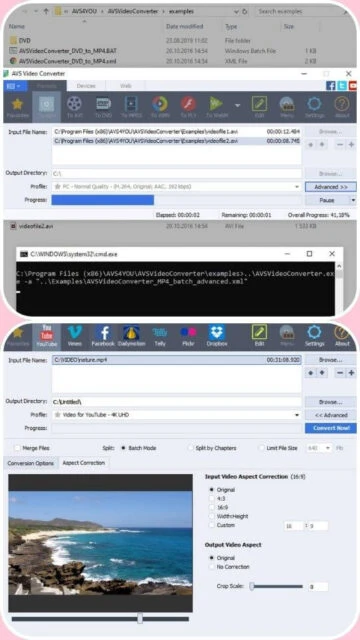
Command Line Mode: Automate tasks using console commands
Web Optimization: Presets for YouTube, Vimeo, and social platforms
Subtitle Support: Import and edit external subtitle tracks
Audio Extraction: Save soundtracks from video files as MP3 or WAV
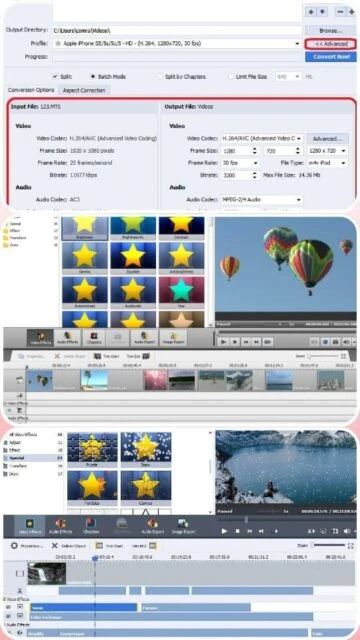
Basic Editing: Trim, merge, and apply effects before conversion
Pros & Cons
Pros
Extremely lightweight installation compared to competitors
Includes integrated disc burning tools
Straightforward interface ideal for beginners
Lifetime license option covers all developer tools
Stable performance on older Windows versions
Supports a vast array of legacy formats
Cons
No support for macOS or Linux systems
Interface looks slightly dated compared to modern apps
Free version adds a logo watermark to output
Lacks advanced AI upscaling features found in rivals
Changelog
Version 14.1.4.3 (Sep 2025):
- Improved support for AV1 codec decoding
- Fixed minor bugs in DVD menu creation
- Enhanced stability on Windows 11 24H2
- Updated presets for latest iPhone models
Frequently Asked Questions
Can I convert 4K videos with AVS?
Yes, AVS supports 4K UHD and DCI 4K conversion using popular codecs like H.265/HEVC.
Does it work on Mac?
No, AVS Video Converter is exclusively designed for the Microsoft Windows operating system.
This guide explores the capabilities of AVS Video Converter, a staple in the Windows media ecosystem. We examine its efficiency in handling modern codecs like AV1 and HEVC, along with its integrated editing tools for disc authoring. You will learn how to optimize conversion settings for different devices.
Installation & Setup
Download the setup file from the official AVS4YOU website.
Run the installer and select your preferred language.
Choose whether to install the full AVS4YOU suite or just the converter.
Launch the application and activate with your license key if purchased.

 45
45