Does YouCut really not add watermarks?
Correct. YouCut is one of the few video editors that exports videos completely watermark-free at all quality levels. Both free and premium exports maintain pristine video quality without any branding overlay.
 71
71

Professional Video Editor with AI, No Watermark, No Ads
Professional-grade free video editor with AI captions, background removal, and multi-layer timeline for creating cinematic YouTube and social media videos.
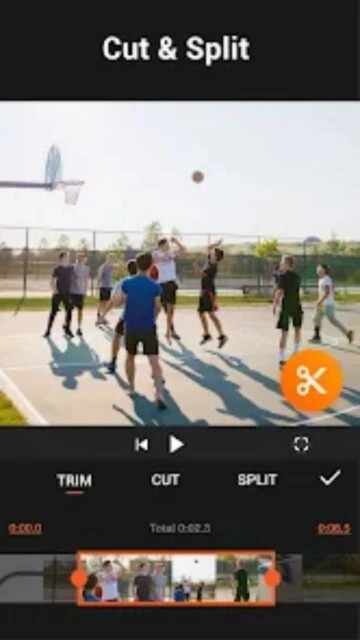
YouCut is a feature-rich video editor designed for creating professional-quality videos on mobile devices. It combines AI-powered editing capabilities with manual control, offering both automated and detailed editing options for users of all skill levels.
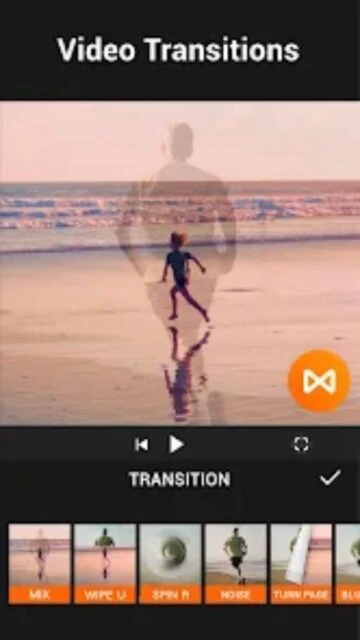
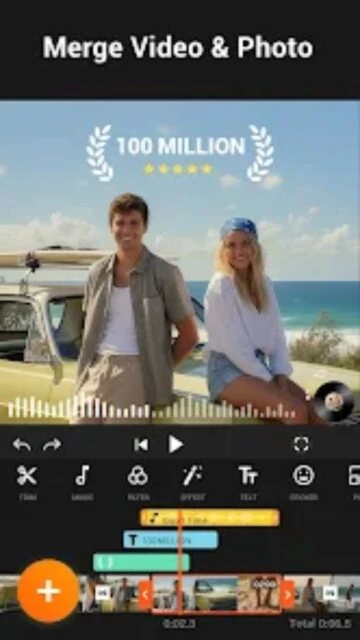
The app excels in providing comprehensive video editing tools without watermarks or subscription requirements. With support for multi-layer editing, green screen effects, and advanced color correction, YouCut enables users to produce cinematic videos suitable for YouTube, TikTok, and other social platforms.
Free with one-time purchase option; YouCut Pro available as in-app purchase
| Feature | Free | Premium |
|---|---|---|
| Watermark | No watermark on any exports | No watermark maintained in premium version |
| Video Resolution | Up to 1080P HD export | Up to 4K UHD export with quality preservation |
| AI Features | Basic AI captions and enhancement | Advanced AI with all enhancement tools unlocked |
| Effects Library | Standard filters and transitions | Exclusive premium filters and effects |
| Color Adjustment | Basic brightness and contrast | Professional color grading with wheels |
| Ads During Editing | No banner ads while editing | Completely ad-free experience |
Correct. YouCut is one of the few video editors that exports videos completely watermark-free at all quality levels. Both free and premium exports maintain pristine video quality without any branding overlay.
Yes, YouCut supports editing and exporting 4K resolution videos. The app can compress 4K videos by over 90% while maintaining quality, making them suitable for fast uploading to social platforms.
YouCut requires Android 8.0 or later, or iOS 12.1 or later. The app works on both phones and tablets. Minimum storage space of 500MB is recommended for smooth operation.
YouCut uses speech-to-text AI technology to automatically generate captions from your video's audio. The feature analyzes dialogue and creates synchronized text overlays that can be edited, styled, and repositioned.
YouCut supports unlimited undo functionality during editing sessions. You can revert changes one step at a time or restore to the original source media at any point in the editing process.