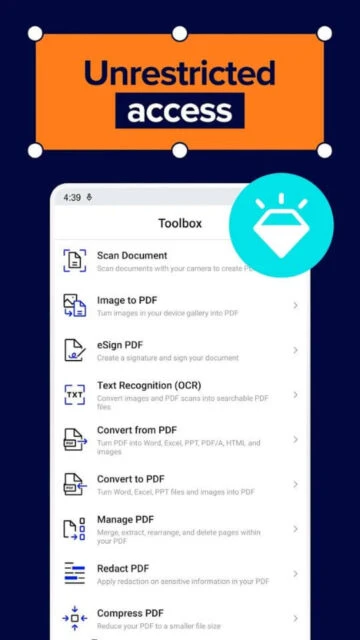
Xodo PDF Reader & Editor transforms your mobile device into a comprehensive PDF management tool. This professional-grade application combines powerful editing capabilities with intuitive design, allowing you to handle complex document workflows directly from your smartphone or tablet. With over 10 million downloads and trusted by 300,000+ satisfied users, Xodo delivers production-ready PDF functionality.
Why Choose Xodo?
Xodo stands out as a feature-rich solution for both personal and professional use. The app eliminates the need for multiple tools by consolidating reading, editing, annotation, conversion, and signing into one seamless platform. Users appreciate the clean interface, extensive customization options, and cross-platform synchronization across devices. Whether you’re a student, professional, or business user, Xodo adapts to your specific document management needs.
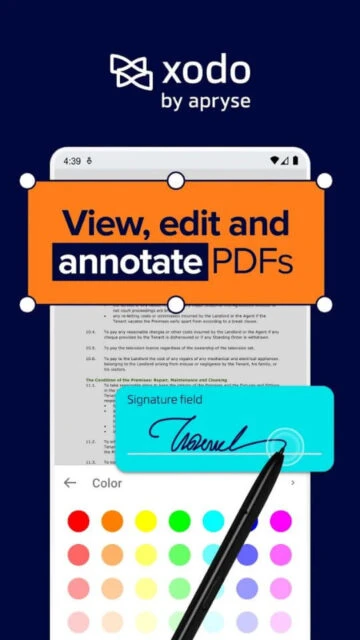
- Comprehensive Editing Suite: Access 30+ professional tools including annotations, text editing, form filling, and e-signature capabilities without switching applications.
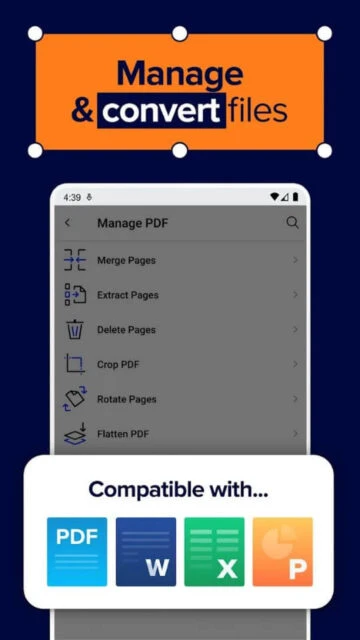
- Multi-Format Conversion: Convert PDFs to Word, Excel, PowerPoint, and image formats instantly, or transform Office documents and images into high-quality PDFs.
- Cloud Integration: Sync seamlessly with Google Drive, Dropbox, OneDrive, and iCloud to access your documents across all devices and collaborate in real-time.
How It Works
Launch Xodo and open any PDF from your device or cloud storage. The intuitive toolbar provides quick access to viewing modes, annotation tools, and editing features. Select text to search, highlight, or extract content. Use the annotation panel to add notes, drawings, or signatures. When finished, save changes directly to the file or export in your preferred format with optimized compression settings.
Who Should Use It?
Students benefit from annotation features for studying and note-taking on PDFs. Professionals use Xodo for contract review, form completion, and document signing. Businesses appreciate bulk processing capabilities and team collaboration features. Anyone handling PDFs regularly—from educators to healthcare providers—will find Xodo’s comprehensive toolset invaluable for improving productivity.