Is VLC really free with no ads?
Yes, VLC is completely free and open-source with zero advertisements or in-app purchases. It's developed by volunteers and funded through donations. Your privacy is guaranteed with no data tracking.
 81
81
Free and open source multimedia player
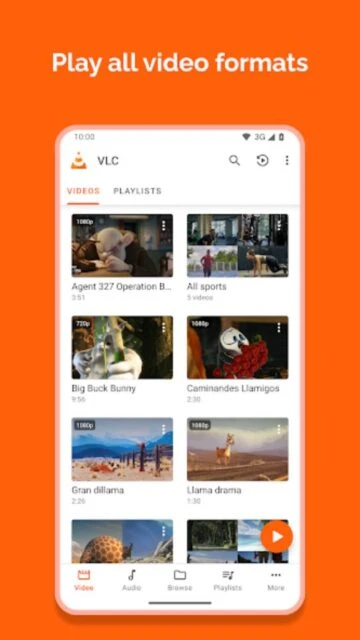
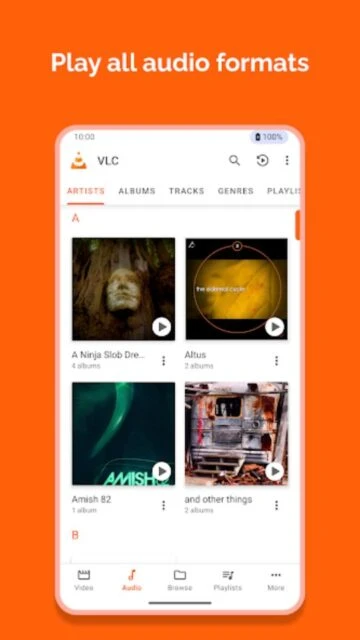
VLC is a free, open-source multimedia player supporting all video and audio formats with advanced playback features.
VLC is a free, open-source cross-platform multimedia player that plays most multimedia files as well as discs, devices, and network streaming protocols without requiring separate codec downloads. It supports all major formats including MKV, MP4, AVI, MOV, Ogg, FLAC, and more.
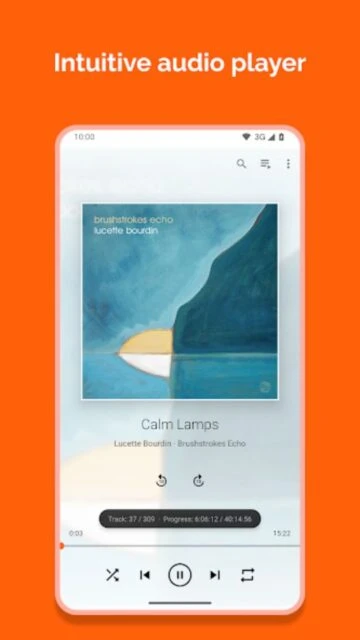
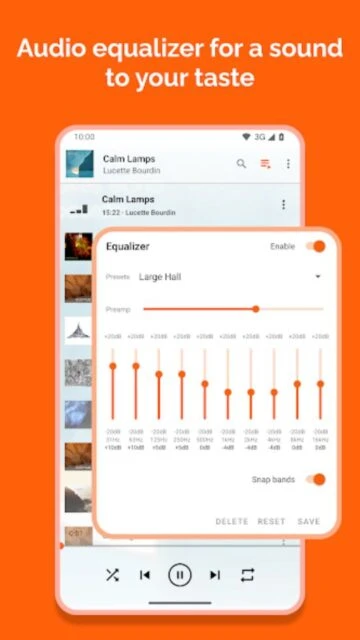
VLC for Android serves as a complete audio and video player with an integrated media library, equalizer, audio filters, and network streaming capabilities. It enables playback from local storage, network shares, DVD ISOs, and internet streams while offering advanced gesture controls and subtitle synchronization.
Free - No ads, no in-app purchases, completely open source
| Feature | Free | Premium |
|---|---|---|
| Cost | Completely free with no hidden fees | No premium tier - free version includes all features |
| Format Support | All formats including MKV, MP4, FLAC, TS, AVI | Same comprehensive format support as free |
| Advertisements | Zero ads or sponsored content | No ads in any version - completely ad-free |
| Subtitle Features | Multiple format support with sync adjustment | Full SSA compatibility and advanced rendering |
| Network Streaming | SMB, FTP, SFTP, NFS, UPnP/DLNA support | Same capabilities plus advanced remote features |
| Data Collection | Zero tracking or personal data collection | Fully privacy-respecting across all features |
Yes, VLC is completely free and open-source with zero advertisements or in-app purchases. It's developed by volunteers and funded through donations. Your privacy is guaranteed with no data tracking.
VLC supports virtually all popular formats including MP4, MKV, AVI, MOV, FLV, WEBM, OGG, and many others. All necessary codecs are built-in, so no additional downloads are required for compatibility.
Yes, VLC supports streaming from SMB, FTP, SFTP, NFS, and UPnP/DLNA media servers. You can access files stored on computers, NAS drives, and network shares directly through the app.
During playback, access the playback controls and look for subtitle settings. VLC allows you to adjust subtitle delay in milliseconds or disable them entirely. Settings are available in the video options menu.
VLC is available for Android 5.0+, iOS 9.0+, Android TV, and multiple other platforms. It's designed to work on phones, tablets, smart TVs, and even older devices with minimal hardware requirements.
VLC doesn't download from streaming services due to copyright restrictions. However, you can copy media files to your device storage and play them offline without any limitations or internet connection.