Can I export videos in 4K without paying?
Yes, VivaCut allows free 4K exports with advertisements. Premium subscription removes ads and watermarks for seamless exports in ultra-high definition quality.
 44
44

Professional Video Editor with AI Features for Social Media
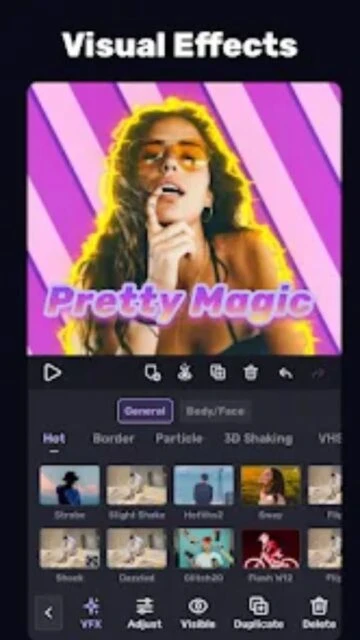
VivaCut is a powerful video editing app with AI features, multi-layer timeline, chroma key, and professional-grade effects for creating cinematic social media videos.
VivaCut is a professional-grade video editing application that empowers users to create cinematic videos with advanced AI-assisted features and powerful editing tools available on both Android and iOS platforms.
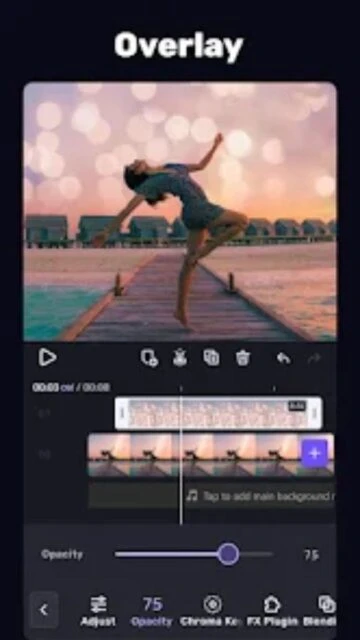
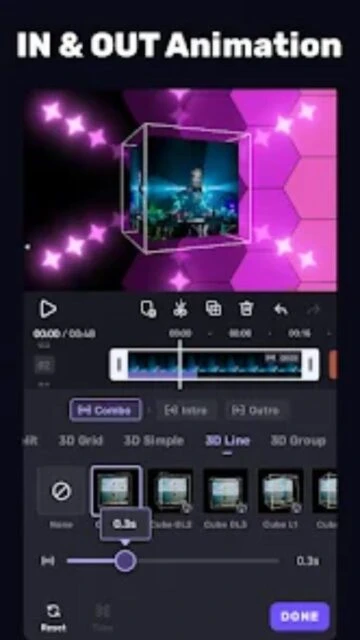
The app combines essential editing capabilities like trimming, splitting, and merging with advanced features including multi-layer timelines, chroma key effects, keyframe animation, and professional color grading controls for producing broadcast-quality content.
Free with in-app purchases and subscription options
| Feature | Free | Premium |
|---|---|---|
| Maximum Export Quality | 720p with ads | 4K without watermark |
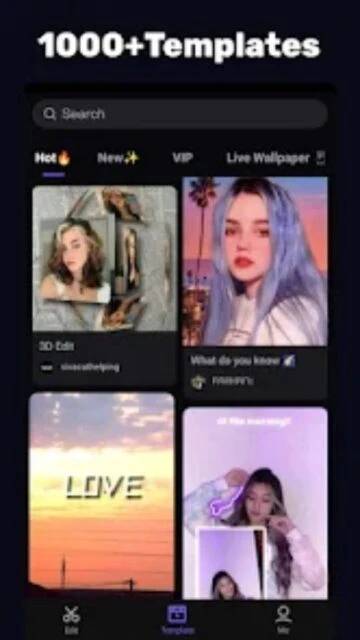
| Template Access | Limited selection | Full access to 1000+ exclusive templates |
| AI Tools | Limited auto-captions only | All AI features including background removal |
| Watermark | VivaCut watermark displayed | No watermark on exports |
| Color Grading | Basic filters available | Advanced curves, HSL, and LUT support |
Yes, VivaCut allows free 4K exports with advertisements. Premium subscription removes ads and watermarks for seamless exports in ultra-high definition quality.
VivaCut requires Android 5.0 or higher. Performance may vary on mid-range devices with multiple layers or advanced effects, but runs smoothly on modern smartphones.
Yes, VivaCut provides one-click sharing to TikTok, Instagram, YouTube, Snapchat, and other platforms directly from the app after export completion.
VivaCut is designed with intuitive controls and templates for quick starts. While advanced features exist, beginners can create professional videos immediately using pre-made effects and templates.
Basic editing works offline, but accessing music libraries, templates, and cloud features requires internet. Exporting and sharing also need active connection.