Is Twitch free to use and watch streams?
Yes, Twitch is completely free to download and watch streams. The app offers optional in-app purchases like Bits and subscriptions for supporting streamers, but viewing all public content requires no payment.
 44
44

Stream, Watch, Chat. Live.
Leading live streaming platform where millions gather to watch and stream games, esports, creative content, music, and interactive entertainment.
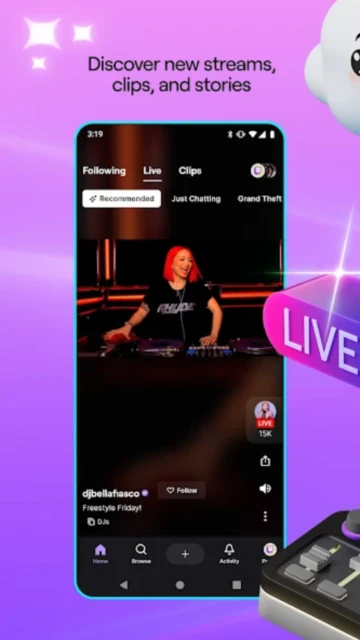
Twitch is the premier live streaming platform connecting millions of viewers and creators worldwide. The app enables users to watch live gaming streams, esports events, creative content, music performances, and interactive entertainment across countless categories and communities.
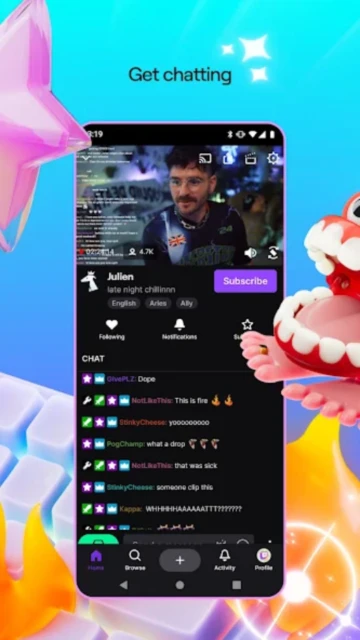
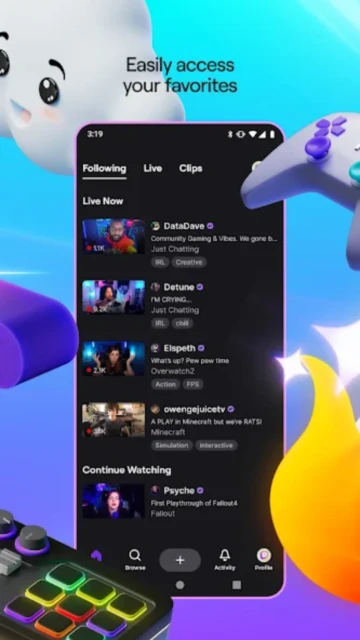
With integrated chat functionality, subscription management, and personalized recommendations, Twitch provides the complete streaming ecosystem for both viewers seeking entertainment and creators building engaged audiences.
Free with in-app purchases (Bits, subscriptions)
| Feature | Free | Premium |
|---|---|---|
| Viewing access | Watch all public streams unlimited | Ad-free viewing with Turbo subscription |
| Channel creation | Basic streaming setup available | Partner/Affiliate status with monetization options |
| Subscriptions | Subscribe tier 1 only | Multiple tier subscriptions with exclusive perks |
| Chat features | Standard chat participation | Custom emotes and chat badges for subscribers |
| Bits/Tipping | Purchase Bits for tipping | Bonus Bits with subscription purchase |
| Recommendations | General category suggestions | Personalized algorithm recommendations |
| Analytics | Basic viewer counts | Detailed engagement metrics and audience data |
| Support access | Community support forums | Priority support for Partners and Affiliates |
Yes, Twitch is completely free to download and watch streams. The app offers optional in-app purchases like Bits and subscriptions for supporting streamers, but viewing all public content requires no payment.
Create or log into your Twitch account, navigate to the profile section, select 'Create a Channel', set your stream title and category, then tap 'Go Live' to start broadcasting directly from your mobile device.
Bits are virtual currency allowing viewers to support streamers during live streams. Purchase Bits through in-app purchases, then use them to cheer in chat, which sends direct tips to the broadcaster with on-screen recognition.
Twitch is a live streaming platform, so content streams real-time only. Some streamers save VODs (video-on-demand) of past broadcasts in their channel for viewing later, but downloading streams isn't supported.
Click the Subscribe button on any channel page. Twitch offers three subscription tiers ($4.99, $9.99, $24.99 per month) providing exclusive perks, custom emotes, and ad-free viewing on that channel.
Twitch Turbo is a premium subscription removing ads from all streams platform-wide, providing ad-free viewing unlimited across every channel you watch daily.
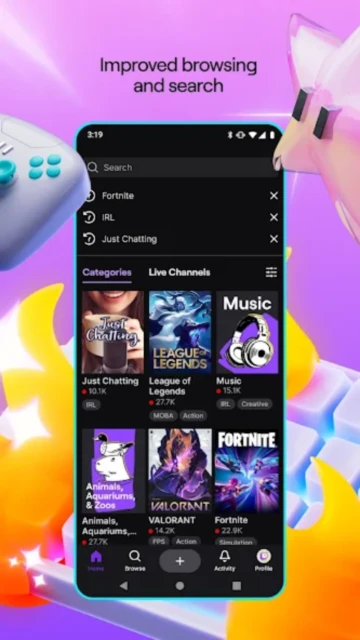
Use the app's search function to explore games, streamers, and categories. The Home feed provides personalized recommendations based on your viewing history and followed channels.