Tresorit – End-to-End Encrypted Cloud Storage

Military-grade end-to-end encrypted cloud storage with secure file sync, sharing, and zero-knowledge security standards.

About Tresorit

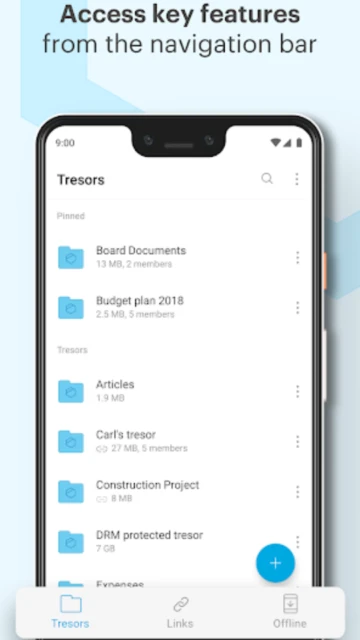
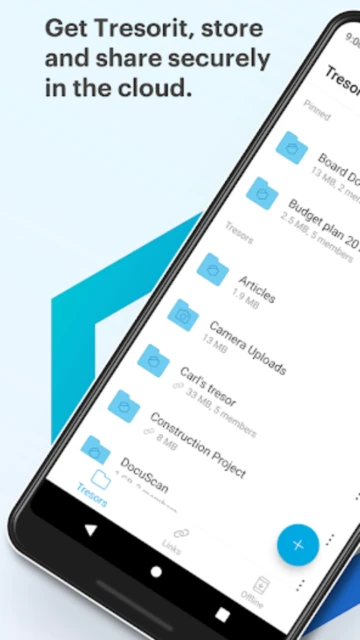
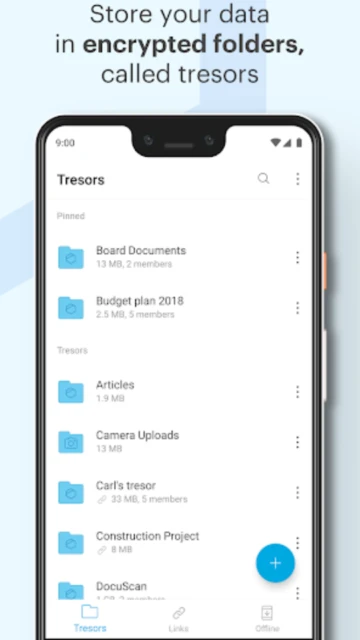
Tresorit is a zero-knowledge cloud storage service that encrypts all files on your device before uploading to the cloud. This military-grade security ensures that no one, not even Tresorit employees, can view your files without your encryption keys. The app supports creating secure shared folders, encrypted file links with password protection, and version history restoration for deleted files.

Tresorit excels for privacy-conscious users and organizations handling sensitive information. It features automatic photo backup with encryption, offline file access, two-factor authentication, app passcode protection, and seamless cross-platform synchronization across Windows, Mac, iOS, and Android devices. Unlike mainstream providers, Tresorit collects minimal data and does not track user location or access contact lists.

Features Of Tresorit

  • Create and manage end-to-end encrypted shared folders with custom permission controls
  • Backup photos and videos automatically with military-grade encryption applied
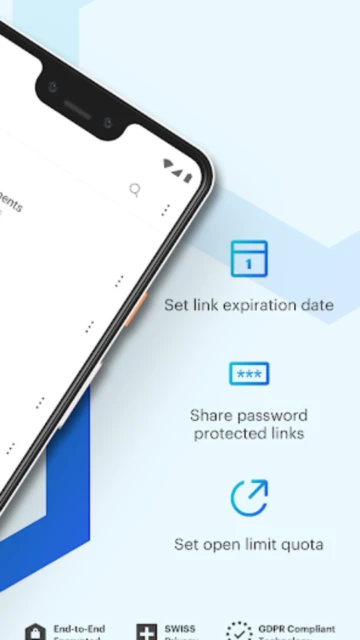
  • Share files securely via password-protected links with download count limits
  • Access and edit files offline with automatic sync when connection restores
  • Protect account with two-factor authentication and app-level passcode security
  • Restore accidentally deleted files and folders from comprehensive version history
  • Enable no-tracking mode with minimal data collection for maximum privacy
  • Integrate seamlessly across Windows, Mac, iOS and Android platforms

Premium Features in the Paid Plan

  • Store up to 4TB of encrypted data with Professional plan for advanced users
  • Unlimited version history with ability to restore files from any point in time
  • Enhanced permission controls with granular sharing settings for each collaborator
  • Priority email and live chat support for immediate assistance with any issues
  • Advanced admin controls for business teams managing multiple user accounts
  • GDPR-compliant infrastructure ensuring compliance with European privacy regulations
  • Device wipe capability to remotely delete data if phone or tablet is lost
  • Maximum file sharing size of 5GB per encrypted link for secure document transfers

Free 14-day premium trial, then $13.99/month (1TB Personal Plan) or $33.99/month (4TB Professional Plan)

Free vs Premium Comparison

Feature Free Premium
Storage Capacity 3GB storage included with limited features Up to 4TB with Professional plan for advanced users
File Encryption End-to-end encryption on all files Same military-grade encryption as free version
Shared Folders Limited shared folder creation capabilities Unlimited encrypted shared folders with full control
Secure Links Basic secure file sharing without customization Password-protected links with download limits and expiration
Version History Limited version history retention period Unlimited version history with full restore capability
Support Knowledge base and community forum access only Priority email and live chat support available

Frequently Asked Questions

Is my data truly encrypted on Tresorit?

Yes, Tresorit uses end-to-end encryption with zero-knowledge architecture. All files are encrypted on your device before uploading to Tresorit servers. Your encryption keys are never shared with Tresorit, meaning even company administrators cannot access your files. Only you and people you explicitly share with can decrypt and view your data.

Can I recover my files if I forget my password?

No, if you forget your Tresorit password, you cannot recover your files due to end-to-end encryption. This is a security feature, not a limitation. Always save your password securely or use a password manager. Tresorit recommends enabling two-factor authentication for additional account protection and security.

How much storage do I get for free?

Tresorit offers 3GB of free storage after your 14-day premium trial expires. The trial gives you full access to all premium features including unlimited storage, shared folders, and advanced security options. After 14 days, you can either subscribe to a paid plan or continue with limited 3GB free access.

Does Tresorit work offline?

Yes, you can mark folders as favorites to access them offline on your device. Files sync automatically when your connection restores. However, you need internet connection to initially download files for offline access and to upload new files or changes made while offline.

Can I share files with people who don't have Tresorit?

Yes, you can send secure encrypted links to anyone. Recipients don't need a Tresorit account to download shared files. You can password-protect links, set download limits, and configure expiration dates for enhanced security and control over who accesses your shared content.