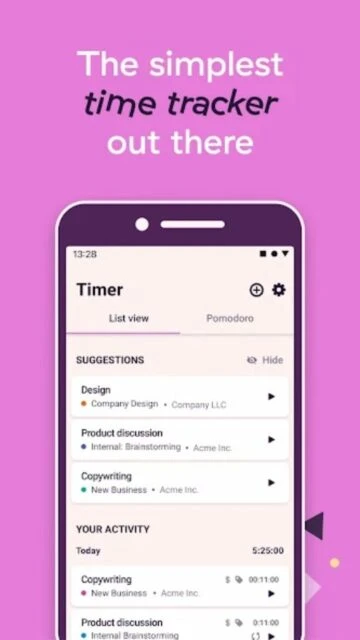
Toggl Track stands as the go-to time tracking solution for teams that demand both simplicity and sophisticated analytics. With over 1 million downloads and a 4.6-star rating on Android, Toggl Track combines an elegant interface with advanced reporting capabilities that reveal exactly where your time goes. The platform synchronizes seamlessly across web, desktop, mobile, and browser extensions, ensuring your time data stays current across every device you use.
Why Choose Toggl Track?
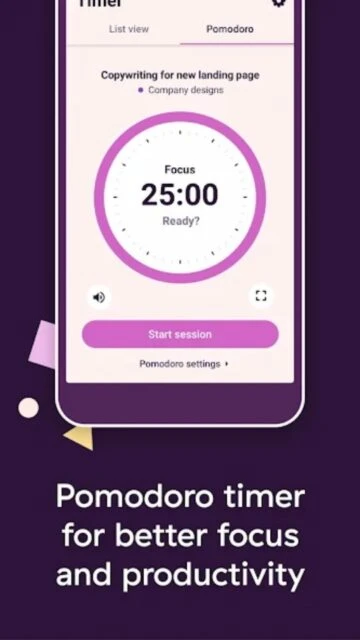
Toggl Track differentiates through its outstanding analytics and reporting engine, offering pre-built dashboard templates for client billing, revenue sources, and project overview analysis. The free tier supports up to 5 users, making it ideal for small teams and freelancers getting started. Pomodoro mode with customizable intervals helps maintain focus and productivity throughout the day. The platform excels at cross-device synchronization, allowing you to start tracking on your computer and seamlessly continue on your phone. Toggl Track’s 100+ native integrations with popular tools like GitHub, GitLab, Google Calendar, and Slack create powerful automation workflows without manual data entry.
- Advanced analytics: Visualize time patterns through customizable dashboards, charts, and detailed trend analysis.
- Extensive integrations: Connect with 100+ productivity and development tools including Jira, Notion, Figma, and Zapier.
- Flexible entry methods: Use timer, manual entry, automatic activity tracking, or calendar-based time entry creation.
How It Works
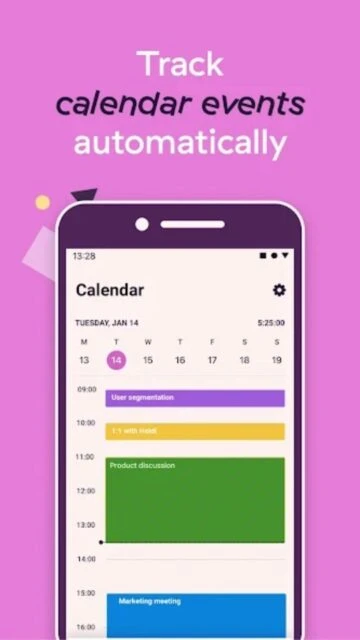
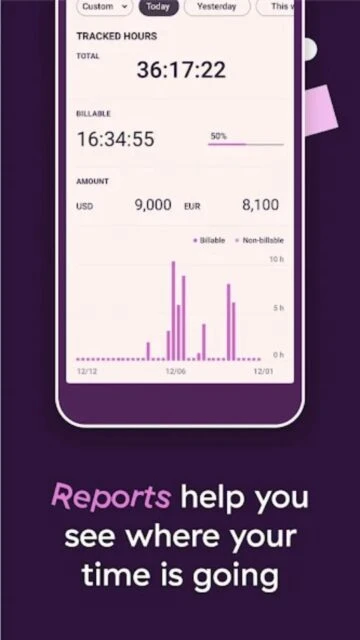
Start with Toggl Track by signing up and creating projects, clients, or tags to organize your time. The prominent red timer button appears consistently across all interfaces for quick access. Enter project and task details before or after starting the timer. Stop tracking with one tap, and Toggl instantly archives the entry with full details. The Calendar View lets you create time entries directly from calendar events. Offline tracking continues automatically and syncs when reconnected. Weekly, monthly, or custom reports display breakdowns by project, client, or team member with export options for CSV, PDF, or Excel.
Who Should Use It?
Toggl Track serves freelancers juggling multiple clients, development teams using GitHub or GitLab integration, agencies tracking billable hours across projects, and remote-first companies verifying productivity. The free tier benefits solopreneurs and small teams under 5 people. Premium plans scale for growing businesses needing time approval workflows, multiple workspaces, or advanced reporting features for client presentation.