Todoist is a comprehensive task management platform that helps millions of users worldwide capture, organize, and accomplish their goals. Whether you’re managing personal tasks, work projects, or team collaboration, Todoist streamlines your workflow with intuitive design and powerful features that adapt to your productivity style.
Why Choose Todoist?
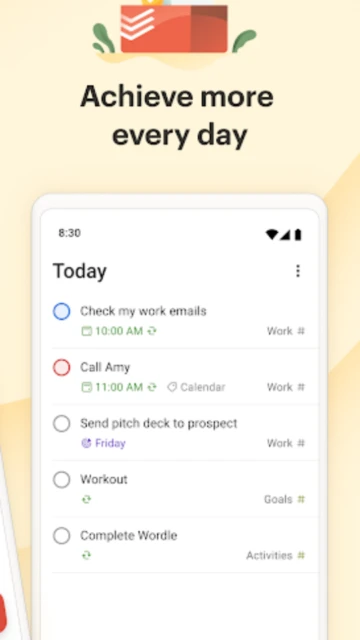
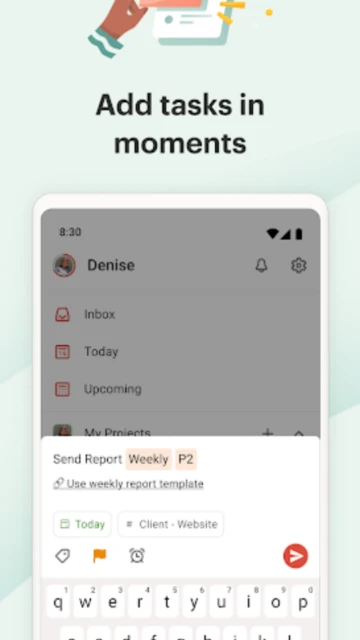
Todoist excels as a flexible productivity hub that works for individuals, teams, and businesses. With natural language recognition, you can add tasks using conversational phrases and let the app automatically set dates and times. The app integrates with over 100 tools including Gmail, Outlook, Slack, and Google Calendar, making it seamless to connect with your existing workflow. Advanced users appreciate the karma system that gamifies productivity, tracking your completion streaks and maintaining motivation.
- Multi-view flexibility: Switch between list, board, calendar, and timeline views depending on your project needs
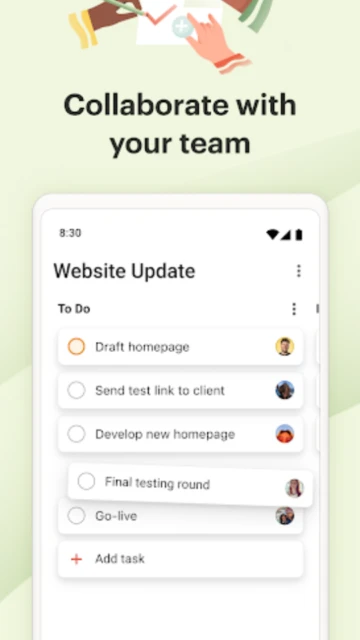
- Advanced collaboration: Assign tasks to team members, add notes, attach files, and track project progress in real-time
- Habit tracking: Build positive routines by scheduling recurring tasks with powerful date recognition and customizable patterns
How It Works
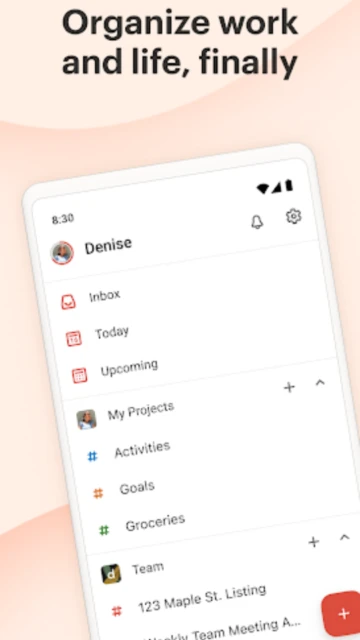
Start by creating projects and adding tasks with natural language commands. Use tags, priorities, and due dates to organize your workload. Set reminders for critical deadlines, create subtasks to break down complex projects, and share lists with colleagues for seamless teamwork. Access your tasks across all devices through cloud synchronization, and view productivity insights showing your completion trends and karma points.
Who Should Use It?
Professionals managing complex projects, teams needing collaborative task management, productivity enthusiasts tracking habits and goals, and anyone seeking a powerful yet user-friendly task management system. The free version works well for basic personal use, while Pro plan unlocks advanced features for power users and teams.