Splunk Mobile – Real-time Data Alerts and Dashboards

Receive actionable alerts, view rich dashboards, and manage your Splunk instances seamlessly from your mobile device with real-time notifications.

About Splunk Mobile

Splunk Mobile is the official application from Splunk Inc. that extends Splunk capabilities to mobile devices. It enables users to receive real-time notifications, view dashboards, and respond to alerts from Splunk Enterprise, Splunk Cloud, or Splunk Phantom instances. The app maintains enterprise security standards while delivering a mobile-optimized experience for monitoring complex IT environments.

The application integrates seamlessly with Splunk deployments through Splunk Secure Gateway, ensuring secure data transmission to registered mobile devices. Users can filter events, manage notifications, run playbooks, and complete tasks remotely, making it essential for incident response and on-call operations.

Features Of Splunk Mobile

  • Receive rich push notifications with embedded visualizations
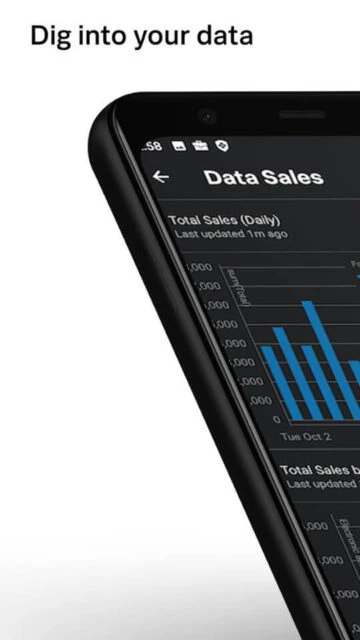
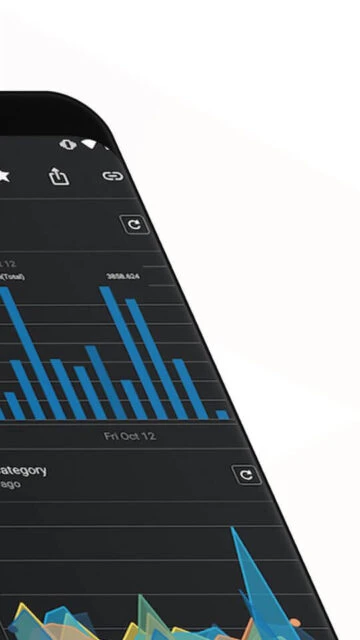
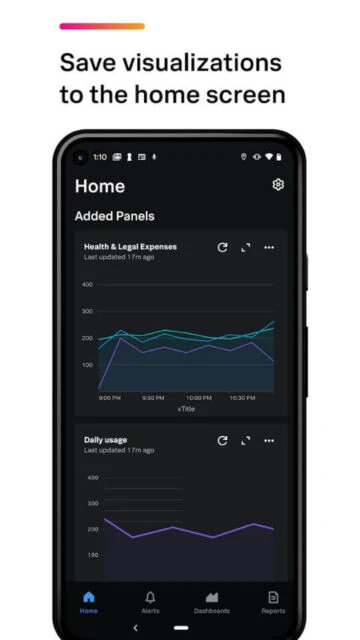
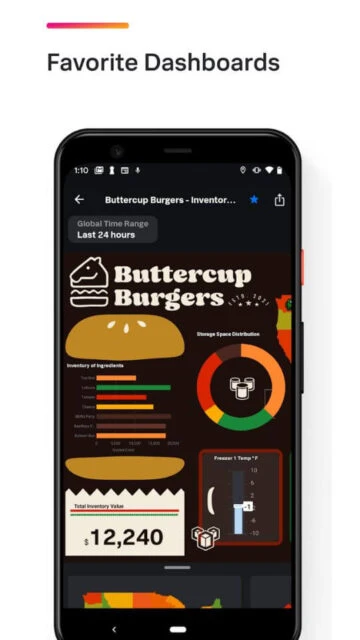
  • View and filter dashboards from Splunk Enterprise or Cloud
  • Manage multiple Splunk instances from a single interface
  • Access real-time alerts and event data with full search capabilities
  • Execute playbooks and delegate tasks in Phantom Mobile
  • Securely connect to Spacebridge servers with enterprise authentication
  • Respond to alerts and take immediate action on incidents
  • Optimized interface for smartphones and tablets

Premium Features in the Paid Plan

  • Access to multiple Splunk instances simultaneously
  • Advanced push notification filtering and customization
  • Playbook execution in Splunk Phantom Mobile
  • Task management and collaboration features
  • Real-time dashboard refresh with custom intervals
  • Remote alert response and incident acknowledgment
  • Secure data transmission via Splunk Secure Gateway
  • Support for tabbed dashboards in Splunk Cloud 9.2+

Free with Splunk Enterprise/Cloud subscription

Free vs Premium Comparison

Feature Free Premium
Push Notifications Real-time alerts with visualizations Advanced filtering and custom routing
Dashboard Access View and filter existing dashboards Unlimited instances and custom views
Event Management View events and search Full event filtering and correlation
Phantom Integration Read-only access to alerts Execute playbooks and manage tasks
Authentication Standard login methods Enterprise SSO and Spacebridge support
Device Support iOS and Android compatible Multi-device synchronization

Frequently Asked Questions

What Splunk versions are supported?

Splunk Mobile supports Splunk Enterprise 8.1.0 and later, Splunk Cloud 8.1.2103 and later, and Splunk Phantom deployments. Contact Splunk Support for version compatibility questions or enterprise licensing inquiries.

How do I set up Splunk Secure Gateway?

Splunk Secure Gateway is included in supported Splunk versions. Configure it within your Splunk Enterprise or Cloud deployment to enable secure data transmission to mobile devices. Follow official Splunk documentation for step-by-step setup instructions.

Will I receive push notifications offline?

Push notifications require an active internet connection. When your device goes offline, notifications are queued and delivered once connectivity is restored. Check notification settings in the app to configure delivery preferences.

Can I access multiple Splunk instances simultaneously?

Yes, Splunk Mobile supports connecting to multiple Splunk instances. Log into each instance separately, and the app will maintain secure connections to all registered deployments within the same interface.

Is my data encrypted when using the app?

Yes, Splunk Mobile uses enterprise-grade encryption via Splunk Secure Gateway. All data transmitted between your Splunk deployment and mobile device is encrypted in transit and secured with modern security protocols.

What dashboards are compatible with Splunk Mobile?

Most dashboards created in Dashboard Studio or legacy simple XML are compatible. Tabbed dashboards require Splunk Cloud 9.2.2406 or later. Some complex visualizations may require adjustment for mobile viewing.