Does Smartsheet offer a free version?
Yes, Smartsheet provides a free 30-day trial accessible to all users. After the trial, free accounts get limited functionality with 10 sheets. Paid plans start at $9 per user monthly with annual billing.
 50
50
Enterprise work execution platform for plan, track, automate
Enterprise-grade work management platform enabling teams to plan, automate, and track projects across 190 countries with dynamic worksheets and real-time collaboration.
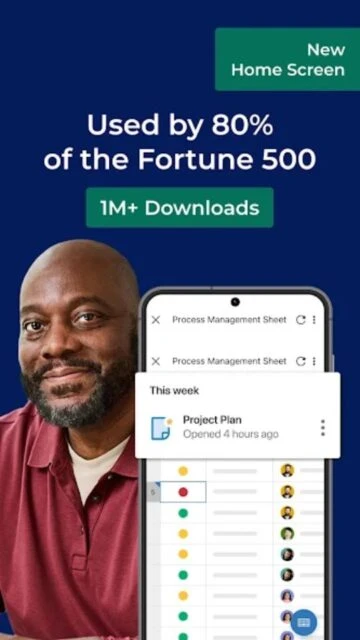
Smartsheet is a cloud-based work execution platform empowering teams to manage projects, automate workflows, and report on business work at scale. The platform enables users to plan, capture, track, and deliver work efficiently across 190 countries with Fortune 500 adoption rates exceeding 80%.
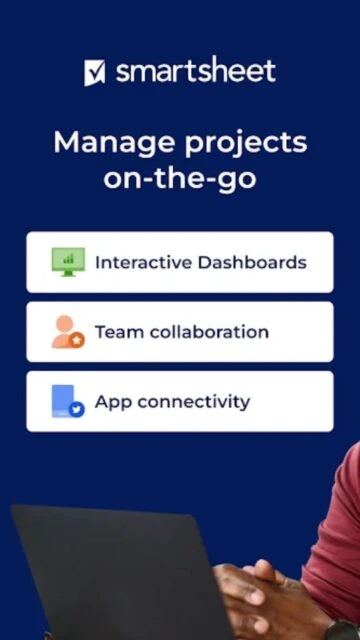
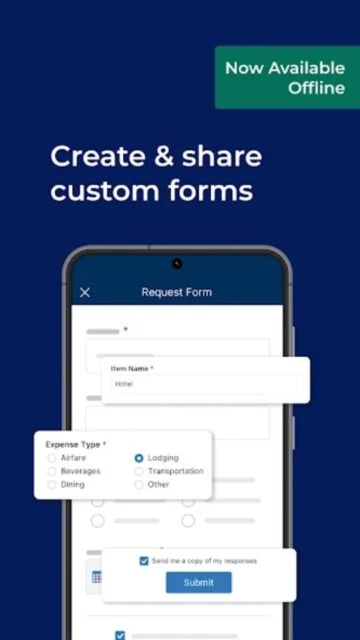
With dynamic sheets supporting multiple views, integrated workflows, real-time dashboards, and seamless third-party integrations, Smartsheet transforms how teams collaborate on complex initiatives. The mobile app extends platform capabilities to field teams and remote workers with full editing, offline forms, and push notifications.
Free with 30-day trial; Pro $9/user/month; Business $32/user/month; Enterprise custom pricing
| Feature | Free | Premium |
|---|---|---|
| Project Views | Grid and card views | Grid, Gantt, calendar, kanban, card views with dynamic dropdowns |
| Automation | Basic alerts and notifications | Advanced workflows, conditional logic, approval processes, automated actions |
| Dashboards | Limited view-only dashboards | Custom dashboards with real-time charts, widgets, and analytics |
| Storage | Limited file storage | Business tier 1TB, Enterprise unlimited file storage |
| Forms | Standard forms with basic fields | Advanced forms with conditional logic, branching, and offline capture |
| Integrations | Limited basic integrations | 100+ integrations including Slack, Teams, Salesforce, HubSpot, Jira |
| Mobile Capabilities | View and limited editing | Full editing, offline forms, barcode scanning, mobile app access |
| User Seats | Single user or small team | Unlimited users on higher plans with role-based access control |
Yes, Smartsheet provides a free 30-day trial accessible to all users. After the trial, free accounts get limited functionality with 10 sheets. Paid plans start at $9 per user monthly with annual billing.
Mobile apps support offline access for viewing existing sheets and capturing data through offline forms. Desktop synchronizes when connectivity is restored. Online access required for real-time collaboration and dashboard updates.
Smartsheet integrates with 100+ applications including Slack, Microsoft Teams, Salesforce, Google Workspace, Jira, DocuSign, and Zapier. Enterprise plans unlock additional premium integrations and custom API access.
Smartsheet employs AES-256 encryption, SOC 2 Type II compliance, and multi-factor authentication. Data centers are hosted by AWS in multiple geographic regions with automated backups for business continuity.
Individual plans support one user. Business and Enterprise plans support unlimited users with role-based access control. Each tier includes different collaboration and permission features.
Mobile app supports push notifications and task alerts. Full reminder scheduling capabilities are currently available on desktop and web versions. The team is working to expand mobile reminder functionality.