Is Sketchbook really free?
Yes, Sketchbook is free to download and use with full access to core drawing features. The optional Premium Bundle costs $2.99 and unlocks advanced features like custom brush creation and layer grouping.
 34
34

Draw, paint, & sketch anywhere
Award-winning digital art app with professional-grade tools, customizable brushes, and layers for sketching, painting, and illustration on mobile.
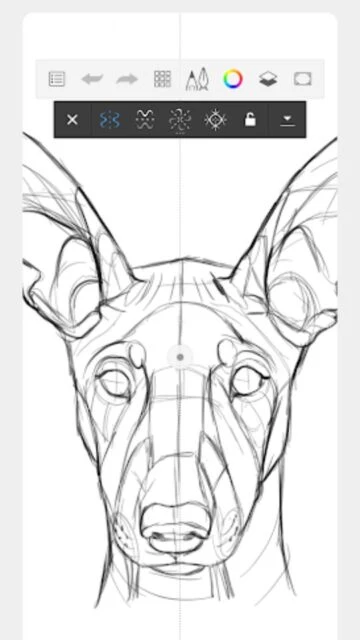
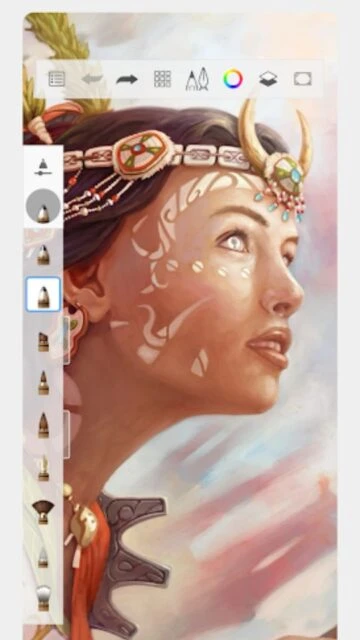
Sketchbook is a professional-grade digital art application that transforms any device into a powerful sketchpad. Developed by Sketchbook, Inc., the app provides tools for digital illustration, concept art, animation, and creative expression across smartphones and tablets. The platform delivers high-performance drawing capabilities with an intuitive interface designed to minimize distractions.
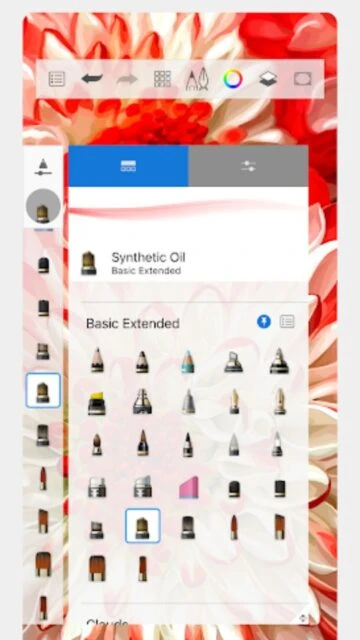
The app features a comprehensive brush library with pressure sensitivity support, advanced layer management with blend modes, and precision tools including rulers and guides. Artists can create high-resolution canvases with multiple layers, import and export multiple file formats, and customize every aspect of their brushes for unique artistic styles. Perfect for professionals and hobbyists alike.
Free with in-app purchases (Premium Bundle $2.99)
| Feature | Free | Premium |
|---|---|---|
| Brush Customization | Access to 100+ standard brushes | Import, create, and export custom brushes |
| Layer Management | Standard layers with basic blend modes | Layer grouping, masking, and advanced blend modes |
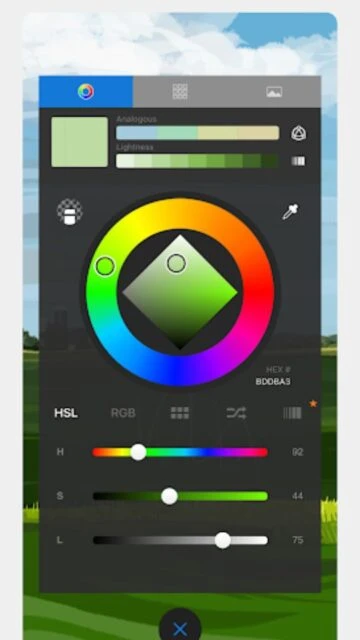
| Color Tools | Basic color palette and picker | Color harmonies, custom gradients, and palette extraction |
| Export Options | PNG and JPG export formats | PDF export and multiple file format support |
| Canvas Size | Standard canvas dimensions | Extended canvas scaling options |
| Reference Images | Basic reference viewing | Color extraction from reference images |
| Brush Organization | Default brush sets | Custom brush sets and organization |
| Advanced Features | Core drawing and painting tools | Clipping masks, layer effects, and filters |
Yes, Sketchbook is free to download and use with full access to core drawing features. The optional Premium Bundle costs $2.99 and unlocks advanced features like custom brush creation and layer grouping.
Sketchbook works on iOS 14.0+ devices and Android 9.0+ devices. It's optimized for tablets with stylus support, including Apple Pencil and Samsung S Pen, but also works well with fingers.
With the Premium Bundle, you can import brushes from the Sketchbook extras catalog, create custom brushes from scratch, and export brushes to share with other artists.
Artwork is automatically saved to your device. You can export as PNG or JPG files, and with Premium Bundle, also as PDF for print-ready quality. Files sync across devices through your account.
Yes, Sketchbook works completely offline without requiring internet connection. Create, edit, and save artwork without any connectivity needed.
Sketchbook supports importing PNG and JPG images as references or backgrounds. You can also import custom brushes in supported formats to expand your creative toolkit.