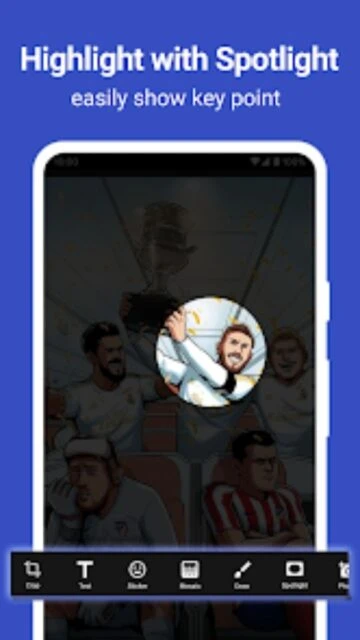
ScreenMaster:Screenshot Markup focuses on making Android screenshots fast to capture and easy to annotate. Instead of relying on your device’s basic tools, it adds a floating capture button, shake-to-shot gestures, webpage capture, and long screenshots. Coupled with powerful markup options, it turns quick grabs into polished visuals ready for sharing.
Why Choose ScreenMaster?
The app is designed for users who frequently communicate with images—whether for bug reports, documentation, social posts, or support tickets. High-quality PNG output, external SD support, and long screenshot stitching cater to power users. Meanwhile, intuitive tools for arrows, shapes, blur, spotlight, and text editing let you highlight exactly what matters without exporting to a separate image editor.
- Key benefit: Multiple capture methods make grabbing the right screen moment effortless.
- Another benefit: Rich markup tools reduce time spent editing in desktop software.
- Third benefit: Long screenshots and stitching keep conversations or articles in one coherent image.
How It Works
After granting necessary permissions, enable the floating capture icon or shake-to-capture gesture. When something worth saving appears, tap the overlay or shake your device to take a screenshot. For webpages or long chats, use the dedicated long screenshot or web capture functions. The image then opens in the editor, where you can crop, rotate, add shapes, blur sensitive details, insert emojis, or stitch multiple captures before saving or sharing.
Who Should Use It?
ScreenMaster is ideal for QA testers, product managers, designers, support agents, and power users who routinely exchange annotated screenshots. Bloggers and social media managers also benefit from fast markup for guides and commentary. If your workflow relies on explaining visual details instead of long text messages, this app significantly speeds up communication.