ScreenCam and Screen Recorder focuses on quick, straightforward screen capture for everyday Android users who want video with sound without complex setup. With a floating control, shake-to-stop gesture, and integrated playback tools, it aims to make recording tutorials, gameplay, or app demos feel natural, especially on lower-powered devices.
Why Choose ScreenCam and Screen Recorder?
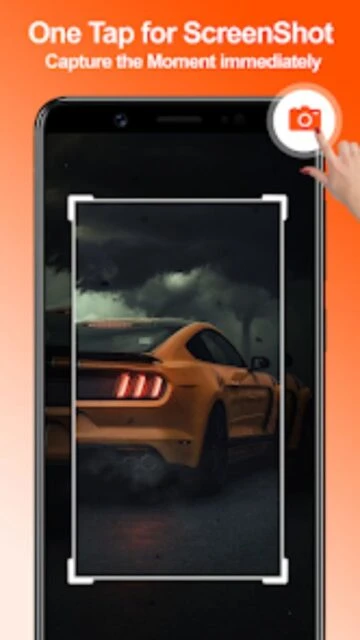
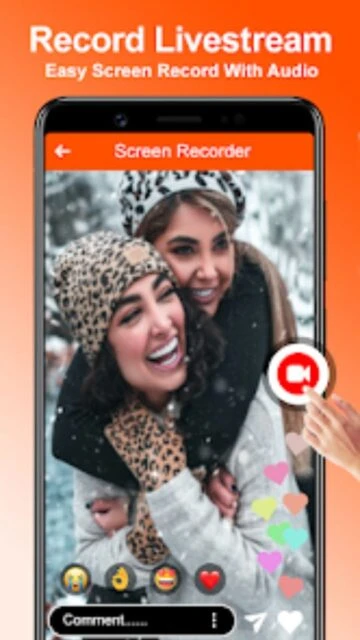
This app is designed for users who want a no-frills recorder that still packs helpful extras like internal audio capture where supported, watermark-free recording, and a simple floating button controller. Built-in tools such as a basic video editor, music support, and screenshot capture reduce the need for separate utilities while keeping the interface approachable for non-technical users.
- Key benefit: Record screen with system or microphone audio using a lightweight interface.
- Another benefit: Watermark-free recordings help your captured content look more professional.
- Third benefit: Extra tools like translator, photo editor, and media players add daily utility.
How It Works
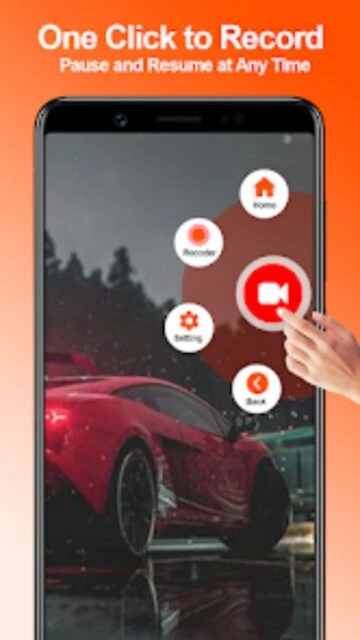
After installation, grant the necessary screen capture and audio permissions, then launch the floating control bubble. Tap to start or pause recordings while you navigate apps, games, or menus. You can stop by pressing the on-screen control or shaking the device when the shake-to-stop option is enabled. Finished clips appear in the in-app library, where you can trim, adjust speed, add music, or simply review before sharing.
Who Should Use It?
ScreenCam and Screen Recorder suits casual creators, students, and small business users who occasionally need to record their screen without learning complex software. It works well for quick how-to demos, bug reports, education clips, and simple game captures where ease of use, low overhead, and ad-supported free access matter more than studio-grade editing features.