Does Screen Recorder include watermarks?
No, all recorded videos are clean and free from watermarks, ensuring professional output for any use.
 243
243

Record your screen and audio in HD
Record your Android device screen with customizable HD options and audio mixing.
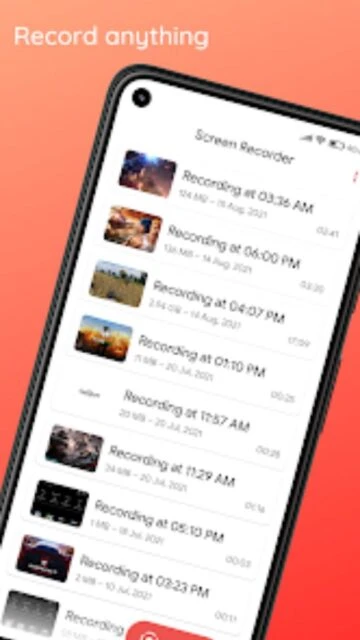
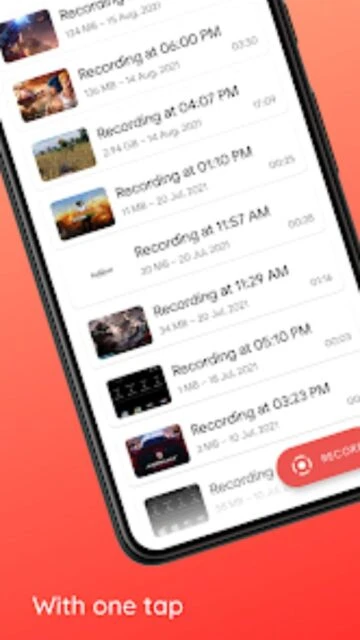
Screen Recorder by LinuxAuthority enables users to record their device’s screen with or without audio. The app’s core purpose is to provide high-quality video capture, supporting resolutions up to Full HD. Its intuitive interface, floating control box, and watermark-free output make it a favorite among mobile creators. It supports both internal and external audio, flexible file options, and features designed for reliability and speed.
Free with in-app purchases
| Feature | Free | Premium |
|---|---|---|
| Watermarks | No watermarks | No watermarks, customization tools |
| Recording Duration | Unlimited standard | Extended max duration |
| Resolution limits | Up to Full HD | 4K and high-FPS modes |
| Audio mixing | Internal or mic | Stereo mixing, advanced routing |
| Ad experience | Ads shown | Completely ad-free |
| Support | Standard email | Priority and faster support |
| Feature rollout | Regular updates | Early access to new features |
No, all recorded videos are clean and free from watermarks, ensuring professional output for any use.
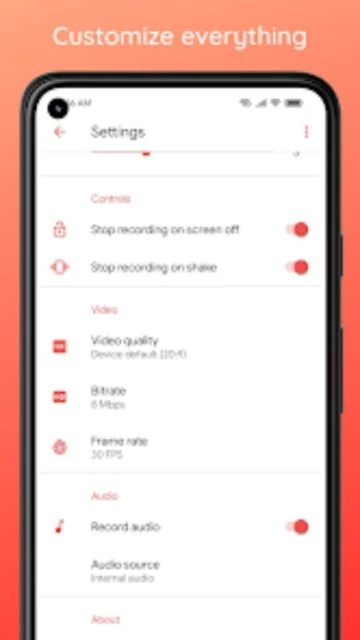
Yes, Screen Recorder captures both system sound and microphone input for mixed audio recordings.
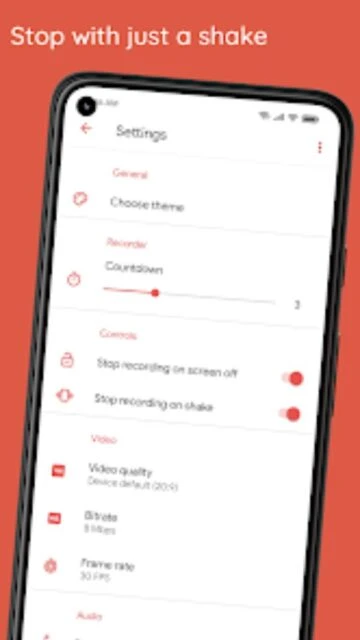
Use the shake-to-stop feature, the floating toolbox, or Quick Settings tile for instant control over your session.
Yes, users can customize resolution and bitrate, recording in HD up to 1080p for crisp and clear videos.
The free version displays ads, but the premium version offers an ad-free experience and extra features.