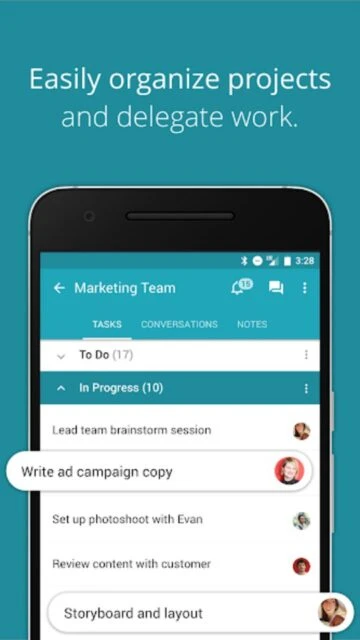
Redbooth is a project management and team collaboration platform designed specifically for busy teams who need simplicity without sacrificing functionality. With 50K+ downloads on Android and 4.0-star rating, it provides an intuitive interface combining task management, team conversations, and project tracking into a centralized workspace. Teams worldwide rely on Redbooth for managing unlimited projects with flexible workspaces and powerful collaboration tools.
Why Choose Redbooth?
Redbooth strikes the perfect balance between ease-of-use and power, positioning itself as the middle ground between overly simple and overly complex tools. Teams appreciate its clean interface, fast setup, and responsive performance on both web and mobile. The platform enables teams to visualize project progress, manage dependencies early, and maintain team alignment through integrated messaging and notifications. Real-time synchronization keeps everyone updated effortlessly.
- Unified workspace management: Combine tasks, files, conversations, and feedback in dedicated collaborative workspaces
- Project tracking and visualization: Board, list, and timeline views for flexible project planning and monitoring
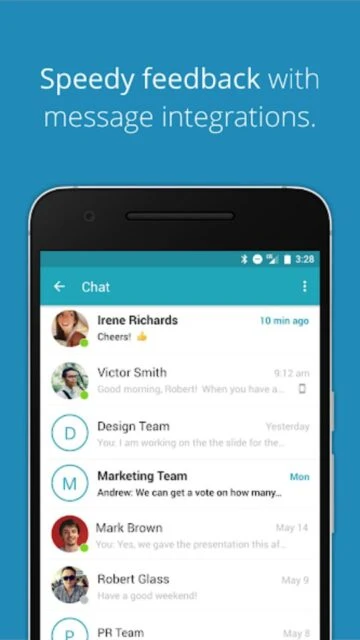
- Team communication: Integrated messaging, threaded conversations, and HD video meetings within the platform
How It Works
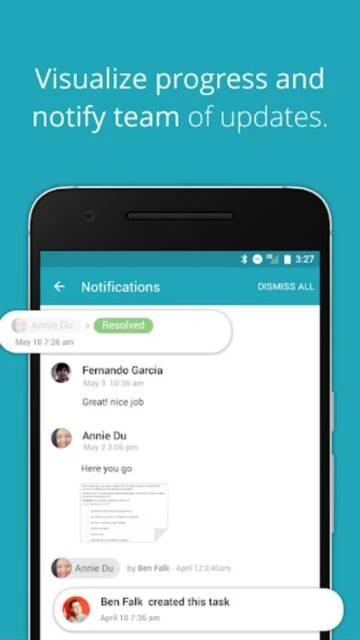
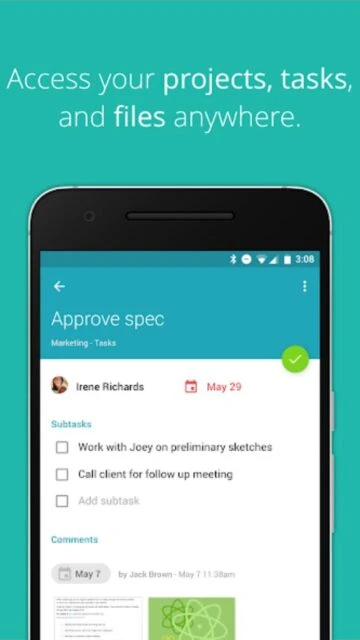
Users set up workspaces for each project, then create tasks and organize them by status, assignee, or due date. Team members receive instant notifications of updates and can collaborate through comments and threaded conversations. Add dependencies to identify task relationships and potential bottlenecks. Switch between board, list, and timeline views depending on planning needs. Track overall progress through dashboards and reports showing project health and productivity metrics.
Who Should Use It?
Redbooth suits marketing teams coordinating campaigns, development teams tracking sprints, agencies managing multiple client projects, and remote teams needing reliable synchronization. Ideal for organizations seeking straightforward project management without learning complex systems. Perfect for companies valuing team communication alongside task tracking within a single platform.