Can I edit photos without a subscription?
Yes, Prisma offers free access to a rotating selection of artistic styles. You can use the app without premium features, though a subscription unlocks all 500+ styles simultaneously and enables HD export.
 48
48
AI photo editor transforming images into artistic masterpieces
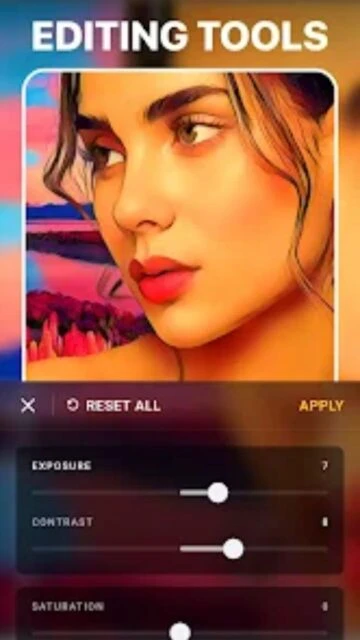
AI-powered photo editor that transforms your images into hand-painted masterpieces with 500+ artistic styles and professional editing tools.
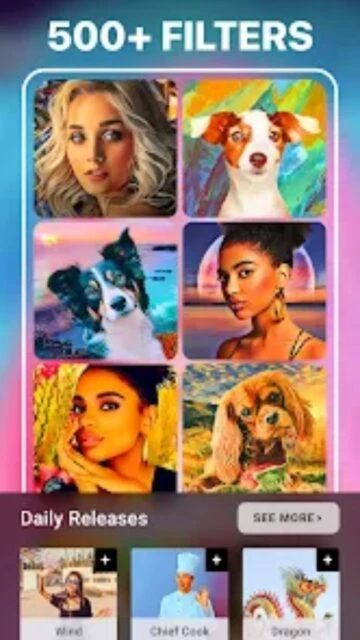
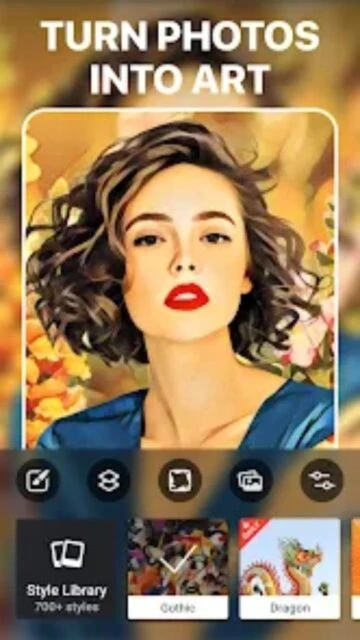
Prisma is an innovative AI photo editor that converts photos into artistic paintings and illustrations using machine learning. The app features over 500 artistic styles ranging from classical oil paintings to modern digital art, with new styles added daily.
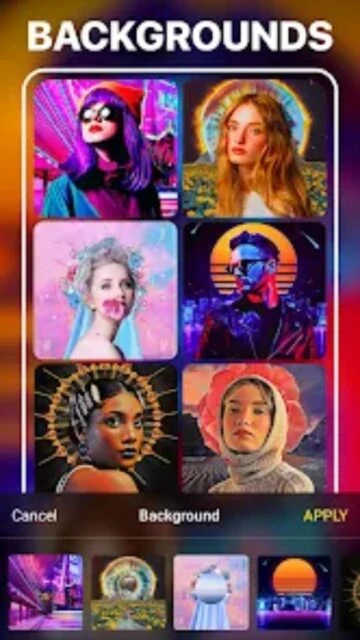
With portrait segmentation technology, users can apply different effects to subjects and backgrounds independently. Premium features include HD processing for high-resolution exports and access to exclusive artistic filters, making it ideal for creating shareable social media content and print-quality artwork.
Free with in-app purchases; Premium: $7.99/month, $39.99/year
| Feature | Free | Premium |
|---|---|---|
| Artistic Styles | Free daily filter access | All 500+ styles plus exclusive premium collections |
| Image Quality | Standard resolution export | Full HD and 4K export capabilities |
| Portrait Tools | Basic style application | Advanced portrait segmentation and separation |
| Background Editing | Limited options | Full background replacement with templates |
| Ad Experience | Ads displayed during editing | Ad-free experience throughout app |
| Style Updates | Access to daily new filters | Early access to new styles plus exclusive releases |
Yes, Prisma offers free access to a rotating selection of artistic styles. You can use the app without premium features, though a subscription unlocks all 500+ styles simultaneously and enables HD export.
Most transformations complete in 2-5 seconds depending on photo size and your device's processing power. HD processing may take longer but produces higher quality results.
Yes, Prisma preserves your original image and lets you experiment freely. You can always start over or adjust any applied effects before saving.
Free users access rotating daily filters while premium subscribers enjoy all 500+ styles simultaneously, enabling consistent creative workflows without waiting for daily resets.
Prisma uses encryption for data transfer and processes photos securely. Your images are not shared with third parties without explicit permission.
Yes, you can cancel your Prisma subscription directly through your device's app store settings. Cancellations take effect at the end of your billing period.