Polaris Office – Edit & View Office PDF

Comprehensive mobile office suite for editing Microsoft Office documents, spreadsheets, presentations, and PDFs with AI-powered features.

About Polaris Office: Edit&View, PDF

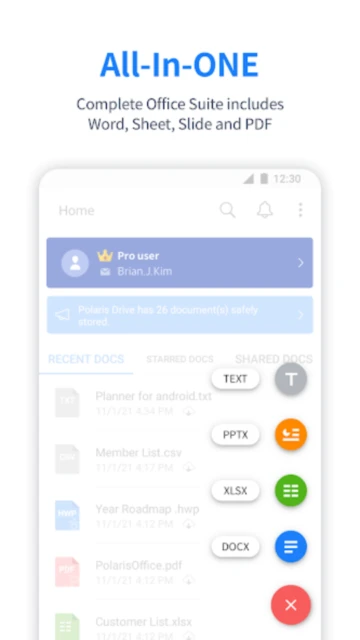
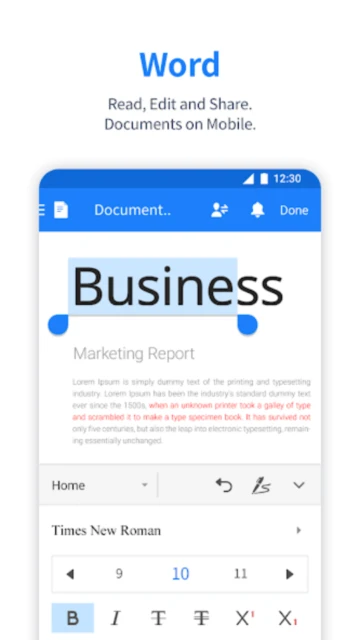
Polaris Office is a comprehensive mobile office suite that empowers users to create, edit, and share Microsoft Office documents, spreadsheets, presentations, and PDF files directly on their smartphones and tablets. With support for over 60 file formats and integration with major cloud storage services, it provides professional-grade functionality in a lightweight package.

The application features advanced editing capabilities including formula support, handwriting input, text formatting, and collaborative tools. Users can embed images and videos, record voice notes on PDFs, and share documents securely with real-time comments and discussions, making it ideal for remote work and mobile productivity.

Features Of Polaris Office: Edit&View, PDF

  • Create, edit, and save Word, Excel, PowerPoint documents with full formatting support
  • View and annotate PDF files with drawing tools and sound notes
  • Access documents across multiple cloud services including Google Drive and OneDrive
  • Support for 18 global languages including English, Arabic, Japanese, and Russian
  • Handwriting input feature enables natural note-taking and creative editing
  • Insert images and video clips directly into documents from your device camera
  • Collaborative commenting system for real-time discussions on shared documents
  • Support for password-protected files and extensive file format exports
  • Advanced spreadsheet features with 330+ formulas, pivot tables, and data validation
  • Android 15 UI improvements for enhanced stability and natural screen experience

Premium Features in the Paid Plan

  • Unlimited cloud storage with Polaris Drive premium tier access
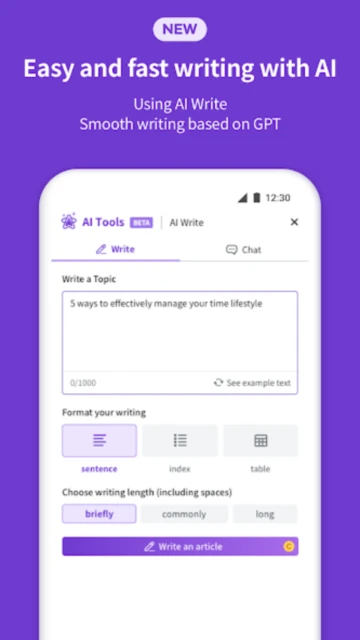
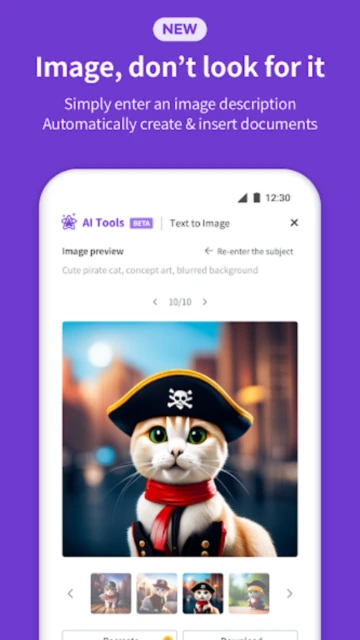
  • AI-powered document generation and intelligent editing suggestions
  • Access to advanced formatting options across all document types
  • Multi-device synchronization with priority cloud backup and recovery
  • Removal of all advertisements for distraction-free editing
  • Business collaboration features with team document sharing
  • Advanced PDF editing including watermarks, signatures, and secure permissions
  • Priority customer support with direct access to technical team
  • Extended storage capacity for large presentations and multimedia projects
  • AI-Plus features including advanced content analysis and smart formatting recommendations

Free with in-app purchases; Smart Plan $3.99/month, Pro Plan $5.99/month, AI Plan $12.99/month, AI-Plus Plan $20.99/month

Free vs Premium Comparison

Feature Free Premium
File Format Support Basic viewing for DOC, XLS, PPT, PDF files Full editing and export for 60+ formats including HWP and HWPX
Cloud Storage Limited Polaris Drive storage Unlimited cloud storage with priority backup
Advertisements Ads displayed between document transitions Completely ad-free experience
Cloud Services Basic cloud access to Google Drive and Dropbox Full support for Google Drive, OneDrive, Box, and WebDAV
AI Features Basic document editing tools Advanced AI-powered document generation and suggestions
PDF Annotations Basic highlighting and notes Sound notes, watermarks, and signature capabilities
Collaborative Tools Limited comment features Real-time team collaboration with advanced permissions
Device Sync Manual document transfer between devices Automatic cross-device synchronization

Frequently Asked Questions

Can I use Polaris Office offline?

Yes, Polaris Office supports offline editing. You can open previously downloaded documents and work without internet connection. Changes automatically sync to cloud storage once connectivity is restored, ensuring your work is never lost.

What file formats does Polaris Office support?

Polaris Office supports DOC, DOCX, XLS, XLSX, PPT, PPTX, PPS, PPSX, TXT, HWP, HWPX, ODT, CSV, and PDF formats. This comprehensive format support ensures compatibility with virtually all office documents you encounter.

Is there a way to remove ads without subscribing?

Yes, you can make a one-time payment of $10.99 to remove all advertisements. Alternatively, subscribing to any premium plan automatically removes ads while providing additional features and expanded functionality.

Can I collaborate with others in real-time?

Polaris Office enables real-time collaboration through shared document links and in-app comments. You can invite colleagues to review documents, leave comments directly in files, and access discussions without leaving the application.

How much storage space does Polaris Office require?

The application itself requires only 60 MB of device storage space, making it lightweight and suitable for devices with limited capacity. Additional cloud storage through Polaris Drive offers varying storage tiers depending on your subscription plan.

Does Polaris Office work on tablets?

Yes, Polaris Office is fully optimized for both smartphones and tablets. It supports split-view editing on larger screens and includes landscape mode for enhanced productivity on tablet devices running Android 6.0 or iOS 10.0 and above.