Does Pixlr support batch editing?
Batch editing is a premium feature. Free users can edit one photo at a time while premium users can process multiple files for faster workflow.
 43
43

Unleash creativity with easy AI-powered edits
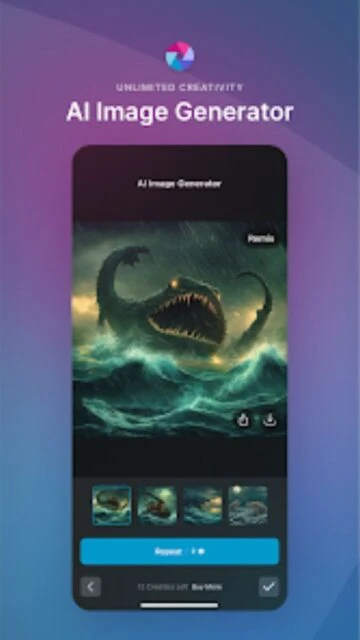
Pixlr delivers intuitive editing with AI features, making creative image enhancement easy for everyone.
Pixlr is a mobile editor app built for fast, creative adjustment of photos and videos. Its goal is to simplify enhancement and design with powerful AI tools for anyone, from hobbyists to professionals.
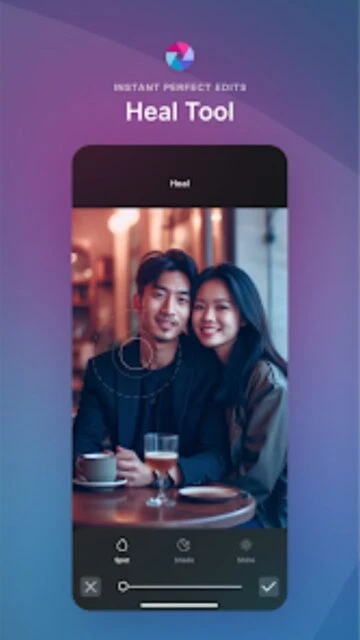
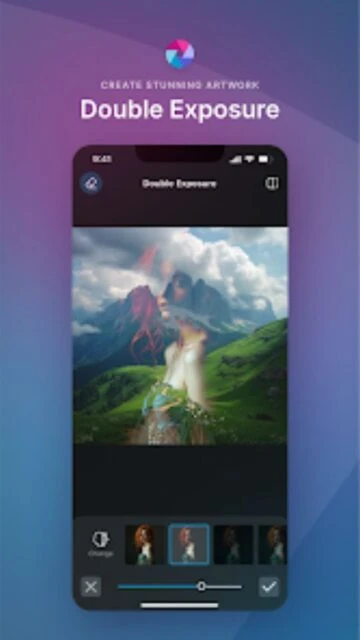
The app offers advanced background removal, smart filters, precise color tools, and real-time previews, letting users save time while achieving standout results.
Free, premium from $2.99/mo or $16.99/yr
| Feature | Free | Premium |
|---|---|---|
| Background removal | Basic single image | Advanced multi-layer, batch remove |
| Filters | Standard filter selection | Extended unique filters |
| Layer editing | Basic overlays | Full control with masking |
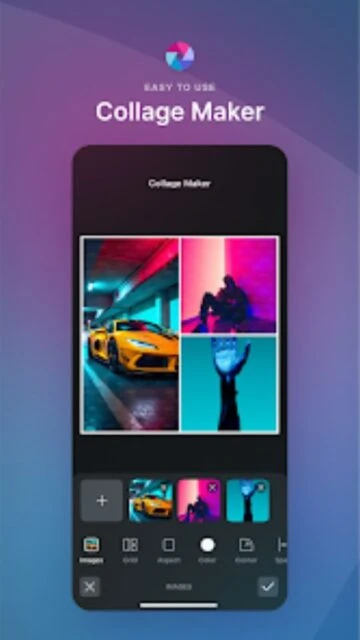
| Collage maker | Standard templates | Premium designer layouts |
| Stickers | Limited selection | Expanded premium packs |
| Batch editing | Unavailable | Available |
| Export sizes | Standard sizes only | Custom high-res export |
| Customer support | Community help | Priority direct support |
Batch editing is a premium feature. Free users can edit one photo at a time while premium users can process multiple files for faster workflow.
Pixlr stores projects locally on your device. Cloud storage and sync are available for premium subscribers for improved backup.
Ads are present in the free version. Upgrading to premium via in-app purchase removes ads for a better editing experience.
RAW file support is available in select devices and premium tiers. Supported formats vary by mobile platform.
Pixlr is suitable for users 13 and up. Younger users should have parental supervision to approve account setup and permissions.