Is PixelLab free?
The app is free with an optional upgrade for premium content, font library expansion, and ad removal.
 45
45

Add stylish text, stickers, and backgrounds.
PixelLab offers powerful text, sticker, and photo tools for creative graphic editing with intuitive controls.
PixelLab is a graphic design app for Android, focused on overlaying text and graphics onto images. Versatile features include hundreds of fonts, smart cutout, and real-time previews to create powerful visual content easily.
Free with optional in-app purchases
| Feature | Free | Premium |
|---|---|---|
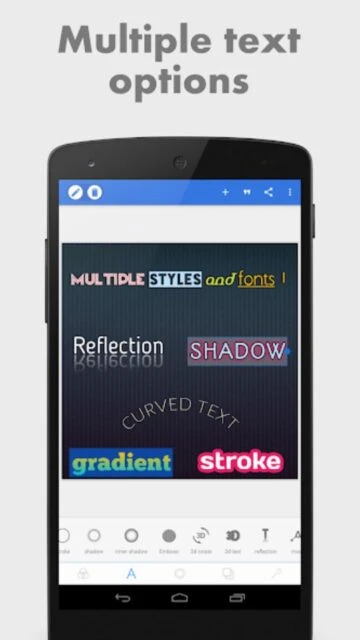
| Font Choices | Limited library | Full unlocked collection |
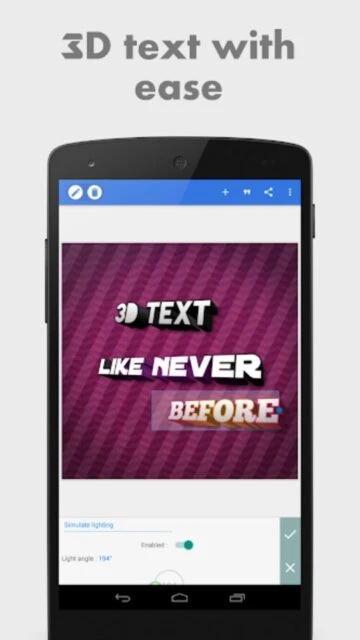
| Text Effects | Standard styling | 3D, outline, custom effects |
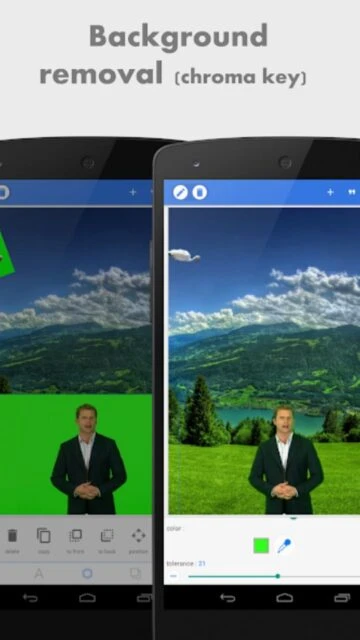
| Background Removal | Basic AI | High accuracy, multi-mode |
| Export | Standard res | HD, watermark-free |
| Templates | Basic options | Exclusive premium templates |
| Ads | Yes | No ads |
The app is free with an optional upgrade for premium content, font library expansion, and ad removal.
Premium versions allow HD and watermark-free exporting for professional designs.
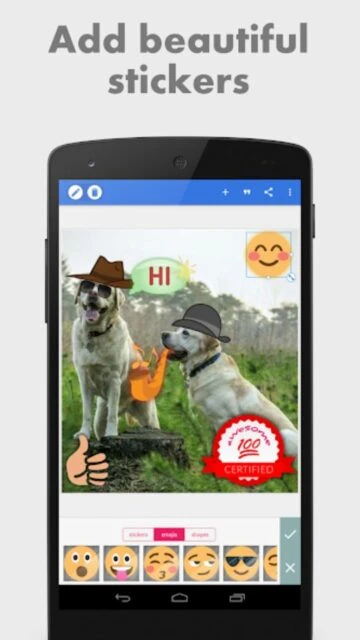
Yes, users can design logos, thumbnails, and business cards using built-in text, shape, and sticker tools.
No, PixelLab is not available for iOS. It is only officially released for Android devices.
PixelLab keeps user content private and follows device permission requirements. No data is shared externally.