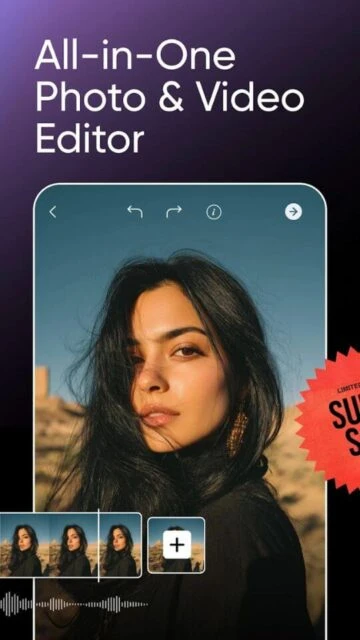
Picsart is an all-in-one creative studio combining advanced photo editing, video creation, graphic design, and AI-powered tools in a single application. With over 1 billion downloads, Picsart serves casual editors, social media creators, and professional designers seeking powerful creative tools without steep learning curves. The platform offers background removal, collage creation, sticker making, AI image generation, and comprehensive editing capabilities optimized for both desktop and mobile workflows.
Why Choose Picsart?
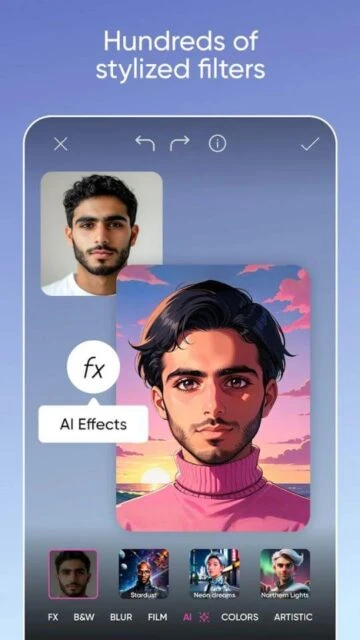
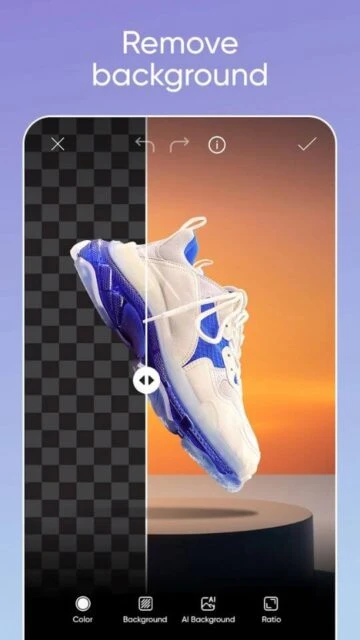
Picsart delivers professional-grade creative tools with an intuitive interface suitable for all skill levels. The background removal feature uses advanced AI to create pro-quality product shots perfect for e-commerce and marketing. Extensive sticker libraries with 60+ million options provide endless customization possibilities. AI-powered tools including Remove Object, AI Replace, and AI Expand transform ordinary images into stunning visuals. The collage maker and video editor handle everything from social stories to marketing campaigns, making Picsart an exceptionally versatile creative platform.
- Advanced Background Remover: AI technology creates professional product shots by removing and replacing backgrounds seamlessly
- 60+ Million Stickers: Massive library allows unlimited design customization and creative expression
- AI Image Generation: Text-to-image AI art generator creates customizable visuals from descriptions
Comparable Photo Editing and Design Applications
Picsart is a comprehensive AI-powered photo and video editor offering background removal, collage making, sticker creation, and AI art generation. The following applications provide similar photo editing, AI enhancement, or design capabilities available on Rumman.
- Adobe Lightroom Mobile Premium: A professional photo editing application with advanced tools, AI features, and cloud synchronization for smartphones and tablets.
- Snapseed: Google’s professional photo editor offering 29 advanced tools, RAW file support, and selective editing capabilities completely free and ad-free.
- Adobe Photoshop Express: A fast, AI-powered photo and video editor for mobile devices offering smart correction, effects, and creative tools for dynamic image and video edits.
- Canva – Design Photo Video: A leading graphic design platform that allows users to create stunning visuals for social media, marketing, and personal projects with thousands of templates and easy-to-use tools.
- Fotor – AI Photo Editor: An AI-powered photo editing application that simplifies the editing process with smart tools, one-tap enhancements, and artistic filters for quick and polished results.
How It Works
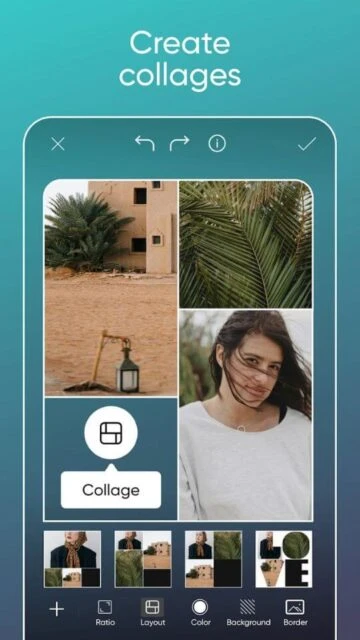
Import photos or videos directly into Picsart’s intuitive editor. Access background removal by selecting your image and activating the Smart Background tool for instant removal and replacement with contextual options. Create collages by selecting a template, arranging photos in grids, and customizing with colors and effects. Use AI tools by uploading images and selecting desired transformations like Remove Object or AI Replace. Add text, stickers, and effects from extensive libraries. Export finished creations in optimal formats for social media or professional printing.
Who Should Use It?
Picsart serves e-commerce entrepreneurs creating product photography, social media influencers producing content, graphic designers needing quick iterations, and casual photo enthusiasts. Small business owners benefit from professional product shot capabilities without hiring photographers. Content creators appreciate the comprehensive toolset for creating branded stories, reels, and promotional graphics. Both beginners and professionals find value in Picsart’s combination of ease-of-use and advanced creative possibilities.