Is ONLYOFFICE Documents completely free?
Yes, ONLYOFFICE Documents is completely free with no ads or in-app purchases. All core features including document editing, cloud storage integration, and collaboration are available at no cost.
 73
73

Free office suite for creating and editing docs on mobile
Create, edit, and collaborate on documents, spreadsheets, and presentations with ONLYOFFICE Documents mobile app for seamless office productivity anywhere.
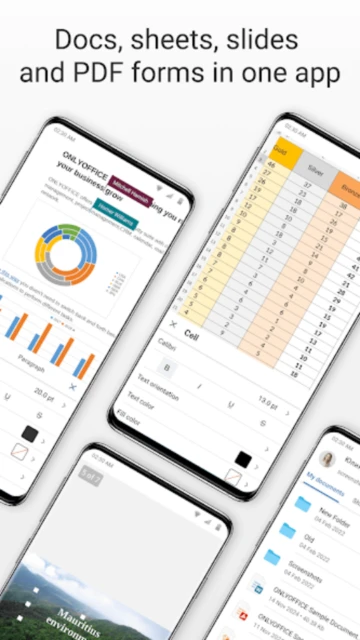
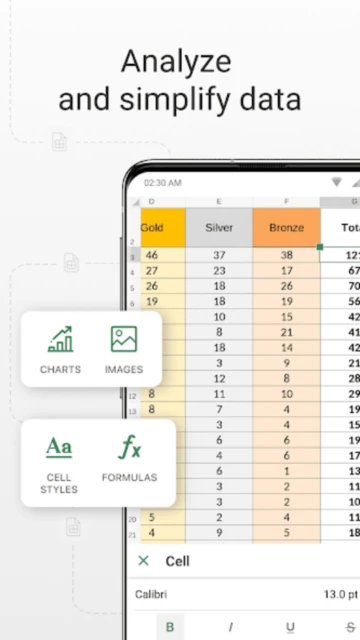
ONLYOFFICE Documents is a mobile office application that brings full document editing capabilities to your phone or tablet. The app enables creation and editing of text documents, spreadsheets, presentations, and PDFs without requiring subscriptions or additional payments.
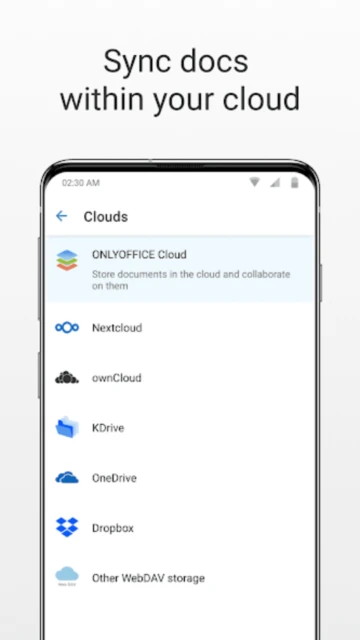
With support for popular cloud services and local file management, ONLYOFFICE provides flexible access to your documents. Features include real-time collaboration with team members, version history tracking, and password protection for sensitive files.
Free with no ads or in-app purchases
| Feature | Free | Premium |
|---|---|---|
| Document Editing | Full support for DOCX, XLSX, PPTX | Enterprise features with DocSpace hub |
| Cloud Storage | Limited to WebDAV connections | Full DocSpace portal with advanced sharing |
| Collaboration | Real-time co-editing with 5+ users | Unlimited users with role management |
| File Formats | 20+ formats supported | All formats with advanced conversion |
| Security | Password protection available | VDR with encryption and compliance |
| Support | Community forum access | Priority email and chat support |
| Storage | Local and cloud access | Unlimited DocSpace storage |
| Advanced Features | Basic tools only | AI assistant and automation tools |
Yes, ONLYOFFICE Documents is completely free with no ads or in-app purchases. All core features including document editing, cloud storage integration, and collaboration are available at no cost.
Yes, you can edit documents locally stored on your device without internet connection. Changes sync automatically when you reconnect to cloud services or manually save updates.
ONLYOFFICE supports Microsoft Office formats (DOCX, XLSX, PPTX), OpenDocument formats (ODP, ODS, ODT), PDF files, and numerous other document formats for compatibility.
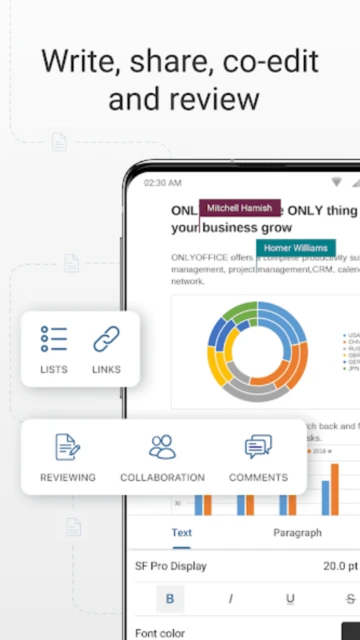
Share documents through your ONLYOFFICE portal or connected cloud storage. Other users can access the link and edit simultaneously, with real-time updates visible to all collaborators.
ONLYOFFICE encrypts data in transit and offers password protection for documents. For enhanced security, enterprise users can implement role-based access and Virtual Data Rooms.
Yes, ONLYOFFICE synchronizes documents across devices when connected to the same cloud service or ONLYOFFICE account, enabling seamless work across phone, tablet, and desktop.