Offline Podcast App: Player FM – Powerful cross-platform podcast player

Offline Podcast App: Player FM lets you download, organize, and enjoy podcasts across devices with powerful offline listening and discovery tools.

About Offline Podcast App: Player FM

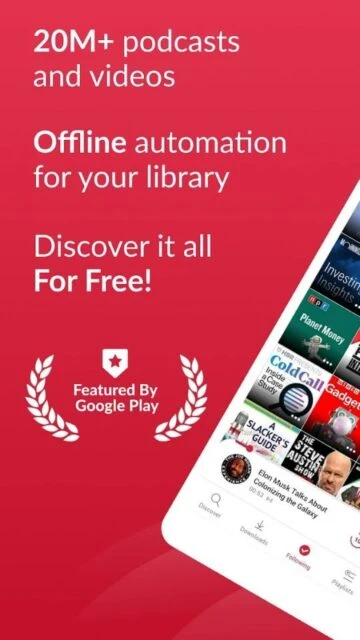
Offline Podcast App: Player FM is a multi-platform podcast player focused on offline listening and flexible organization. It brings together a large catalog of global shows with tools that keep your favorite episodes available anywhere, whether commuting, traveling, or working without stable internet.

The app supports cross-device sync, letting you start an episode on your phone and continue later on another device. Features like episode grouping, custom playlists, silence skipping, and volume boost help listeners manage long queues efficiently while maintaining a comfortable, personalized listening experience.

Features Of Offline Podcast App: Player FM

  • Offline downloads for full episodes, ensuring reliable playback when traveling or commuting without network access
  • Cross-device sync for subscriptions and play position, so listening continues seamlessly between compatible devices
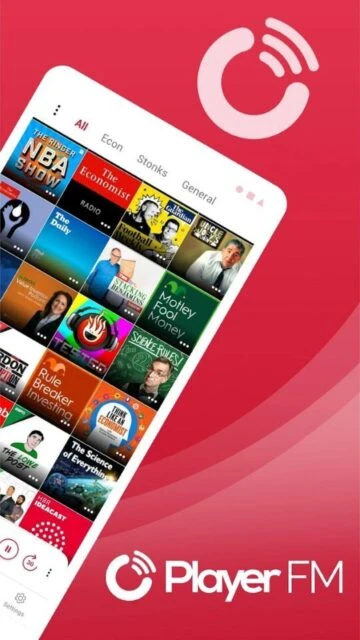
  • Custom podcast groups that organize shows by topic, mood, schedule, or personal listening priorities
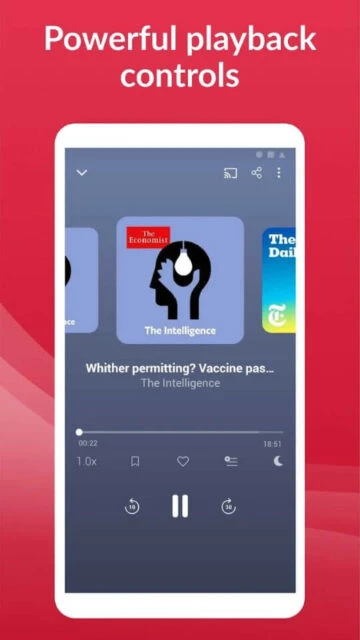
  • Advanced playback tools including sleep timer, silence skip, and volume boost for comfortable long sessions
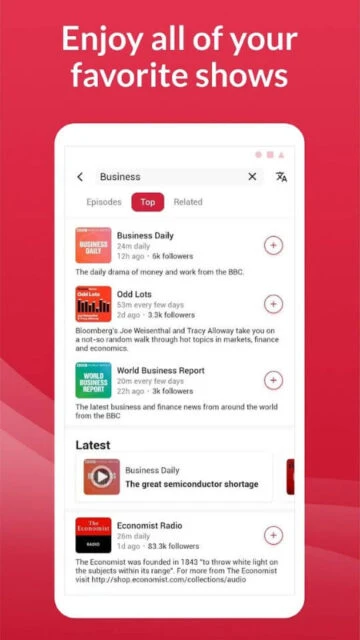
  • Episode-level search across subscriptions to quickly locate specific topics, guests, or moments in large libraries
  • Support for Android Auto, Chromecast, and WearOS, enabling listening in the car, on TV, or on wearables
  • SD card compatibility letting users move downloaded episodes off internal storage to free device space
  • Curated discovery sections with trending shows, categories, and human-powered catalogs to surface new favorites

Premium Features in the Paid Plan

  • Ad-free listening experience removing visual and audio advertising for distraction-free podcast playback
  • Cloud-synced playlists and full listening history available across multiple signed-in devices instantly
  • Timestamped bookmarks that let users save important episode moments and revisit key segments quickly
  • Audio compression tools reducing file size of downloaded episodes while maintaining comfortable listening quality
  • Turbo Fetch feature that checks feeds more frequently so new episodes appear in the app sooner
  • Personalized search enhancements to locate episodes faster across followed shows and themed collections
  • Priority support access from the Player FM team for faster help with technical or account questions
  • Expanded customization options for themes, layout behavior, and automatic download rules tailored to heavy listeners

Free with in-app purchases and optional Player FM premium subscription

Free vs Premium Comparison

Feature Free Premium
Offline listening Download episodes manually and play offline with standard controls. Download more content with compression to save space for extended offline libraries.
Advertisements Displays in-app ads alongside browsing and playback screens. Removes ads across the app for an uninterrupted listening interface.
Playlists Create basic playlists stored locally on the current device. Sync playlists and listening history across all logged-in devices.
Bookmarks Limited scrubbing using the seek bar without saved time markers. Create timestamped bookmarks inside episodes to revisit important sections quickly.
Discovery tools Access curated catalogs, categories, and trending podcast recommendations. Enhances discovery with faster updates via Turbo Fetch and richer personalized suggestions.
Storage management Supports SD card storage and manual episode deletion to reclaim space. Adds compression for downloaded files, shrinking episodes significantly without manual effort.
Support level Standard support response times via email from the Player FM team. Priority assistance with quicker responses for billing and technical questions.
Cross-platform sync Syncs basic subscriptions between mobile and web with login. Expands sync to include playlists, bookmarks, and full listening history.

Frequently Asked Questions

Can Player FM download podcasts for offline listening during flights or commutes?

Yes. Player FM lets you download individual episodes or entire podcast feeds over wifi or mobile data. Once saved, those files remain playable offline, so you can listen during flights, underground commutes, or remote trips without an active internet connection or streaming interruptions.

Is there a premium version of Player FM and what does it include?

Player FM offers optional premium upgrades that remove ads and unlock advanced tools. Benefits include cross-device playlist and history sync, compressed downloads to save storage, timestamped bookmarks, Turbo Fetch for faster updates, and priority support. Core listening features remain available in the free tier.

How does cross-device sync work in Player FM?

When you sign in with a Player FM or Google account, your followed podcasts sync to Player FMu2019s cloud. On another device, logging in restores subscriptions and, for eligible plans, playlists and progress. This means you can start an episode on your phone and continue later on a tablet or supported web browser.

Does Player FM work with Android Auto or other connected platforms?

Yes. Player FM integrates with Android Auto, Chromecast, and WearOS so you can control playback safely in the car, cast episodes to speakers or TVs, and manage listening from compatible watches. These integrations help you access your library without constantly handling your phoneu2019s screen.

How does Player FM handle storage for large podcast libraries?

The app allows saving episodes to internal storage or supported SD cards, helping offload large downloads. You can configure automatic cleanup rules, manually delete played episodes, and, with premium, compress audio files so they use significantly less space while remaining playable, ideal for devices with limited capacity.