Is Notein available for iPad and iOS devices?
Currently, Notein is exclusively available for Android devices and is not released on iOS or Apple App Store. The app is specifically optimized for Android tablets with stylus support.
 33
33

Unleash a new era of note-taking
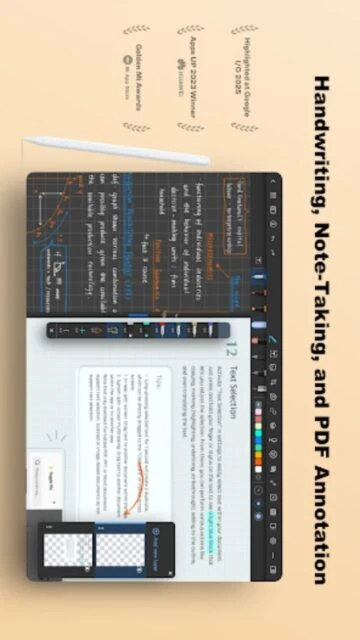
Notein is an advanced handwriting note-taking app for Android tablets with stylus support, PDF annotation, AI features, and cloud sync.
Notein is a feature-rich handwriting note-taking application designed specifically for Android tablet and stylus users seeking professional-grade note-taking capabilities. The app combines ultra-low latency writing with comprehensive PDF annotation, AI-powered productivity features, and extensive customization options for personalized note-taking workflows.
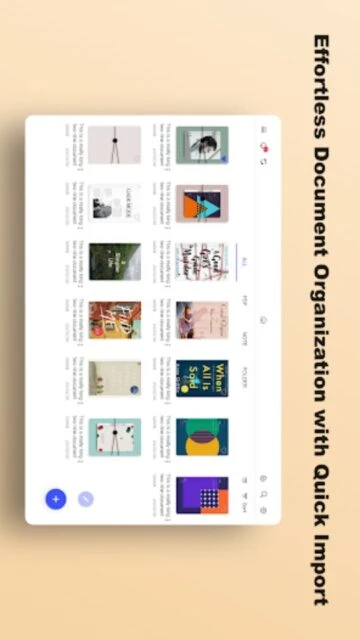
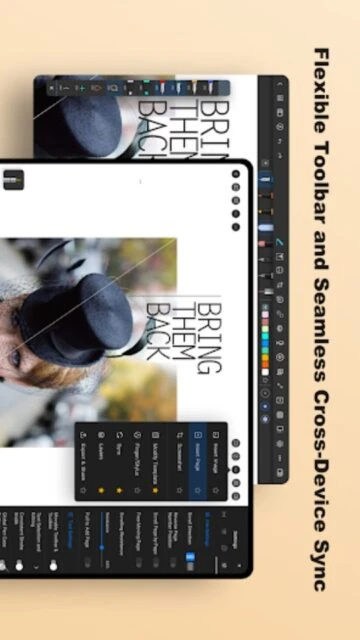
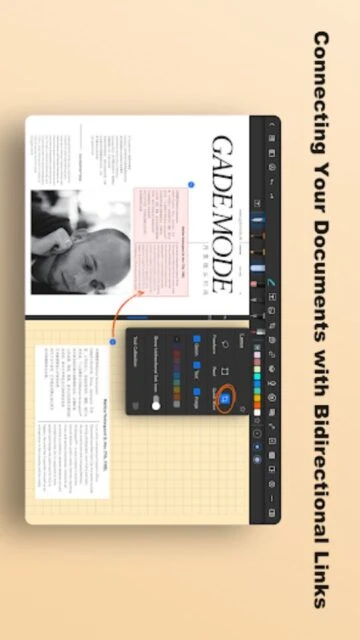
Supporting multiple file formats and offering bidirectional linking between documents, Notein provides layer-based editing, cloud synchronization across devices, and intelligent organization through AI assistants. Perfect for students, professionals, and creatives, the app transforms how users capture, organize, and manage handwritten notes with seamless digital integration.
Free with in-app purchases
| Feature | Free | Premium |
|---|---|---|
| Handwriting Quality | Basic pressure-sensitive brushes | Advanced brush effects and custom pens |
| PDF Annotation | Basic highlighting and markup | Advanced editing with splitting and merging |
| AI Features | Limited summaries | Full AI outlines, summaries, and translations |
| File Formats | PDF and images | All formats with full annotation support |
| Cloud Storage | Manual export | Automatic sync via Google Drive or OneDrive |
| Customization | Standard templates | Custom fonts, templates, colors, and stickers |
Currently, Notein is exclusively available for Android devices and is not released on iOS or Apple App Store. The app is specifically optimized for Android tablets with stylus support.
Enable cloud synchronization in settings and connect your Google Drive or OneDrive account. Your notebooks automatically sync across all devices logged into the same cloud account for seamless access.
Yes. Notein includes AI-powered OCR that automatically converts handwriting, images, and scanned documents into editable digital text. The app also supports automatic translation to your preferred language.
Notein supports importing PDF files, PowerPoint presentations, Word documents, and image files for annotation and markup directly within the app.
Yes. You can create, edit, and annotate notes offline. Cloud synchronization occurs automatically when internet connection is restored to keep your notes updated across devices.
Layers allow you to place handwriting, shapes, highlights, and text on separate levels for flexible editing. You can revise, delete, or modify individual layers without affecting other elements.