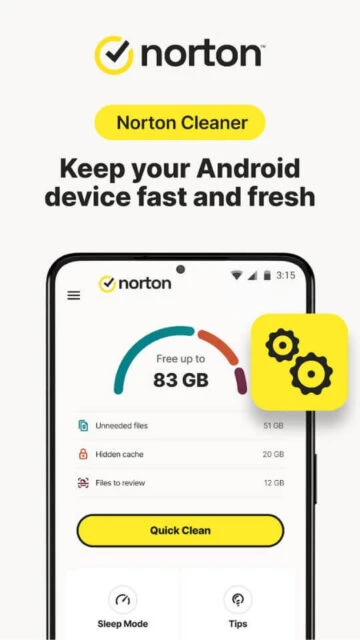
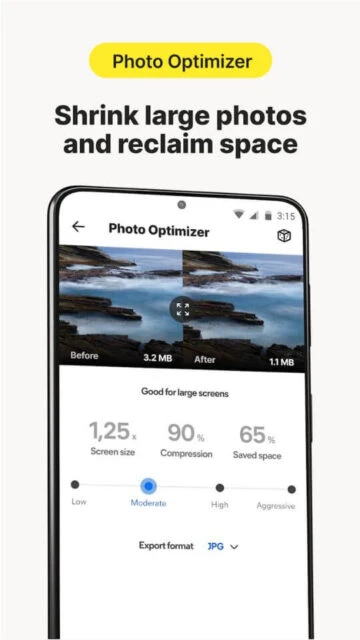
Norton Cleaner is a comprehensive phone cleanup utility designed by Norton, the world’s leading cybersecurity provider, to help Android users reclaim valuable storage space. The app intelligently scans your device to identify and safely remove junk files, residual cache, and unnecessary APK files while protecting essential system data. With multi-layered analysis of millions of apps’ behavior patterns, Norton Cleaner efficiently targets storage-hogging clutter and bloatware with amazing accuracy.
Why Choose Norton Cleaner?
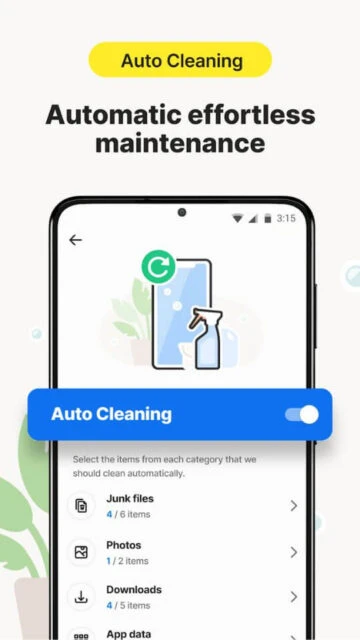
Norton Cleaner combines Norton’s trusted security expertise with comprehensive cleanup capabilities. The app features intelligent cache cleaning, junk file removal, and memory optimization tools. Advanced app manager functionality identifies bloatware and rarely used applications, helping users reclaim gigabytes of storage space. The custom dashboard puts favorite actions at your fingertips with quick shortcuts, while auto-cleaning capabilities work automatically in the background. Norton’s reputation for reliability ensures safe removal without compromising device functionality or important files.
- Smart Junk Detection: Analyzes millions of apps to identify and safely remove cache, residual, and APK files with precision
- Media Management: Finds and removes duplicate or bad photos and videos to free up substantial storage space
- Automatic Cleanup: Background auto-cleaning keeps your device optimized without manual intervention or periodic tasks
How It Works
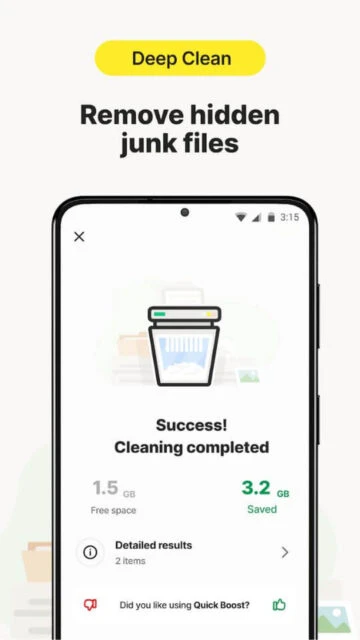
Norton Cleaner performs comprehensive device scans identifying cache system files, junk, and residual content from uninstalled apps. The app analyzes storage patterns to locate unused applications and bloatware candidates. Quick Clean feature provides instant one-tap cleanup results, while deep clean mode performs exhaustive storage analysis. Users receive detailed recommendations for app removal, with the option to move apps to SD cards for those wanting to keep but not run them.
Who Should Use It?
Norton Cleaner is ideal for Android users constantly running out of storage space wanting to install photos or new apps. Device owners experiencing slowdowns from accumulated junk files benefit significantly. Those with older phones needing performance improvement or users preferring automated maintenance will find substantial value. The app suits anyone wanting to maximize phone storage without technical expertise or risk to important files and system integrity.