Nimbus Note is a powerful notes app and organizer that helps you gather and organize your information in one centralized place. The app enables seamless creation of text notes, document scanning, web clipping, and task management across all your devices. With robust synchronization features, you can create a note on your Android phone, add to it on your PC, and finish it later in a Chrome browser—all without manual uploading.
Why Choose Nimbus Note?
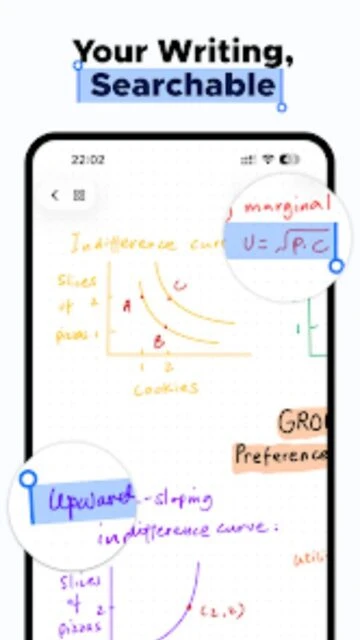
Nimbus Note combines comprehensive note-taking capabilities with advanced organization features that make it ideal for professionals, students, and teams. The app offers unlimited workspace creation, advanced search functionality that indexes both text and images, and optional passcode protection for enhanced security. Real-time collaboration allows multiple users to work on shared notes simultaneously with customizable editing permissions, making it perfect for team projects and client work.
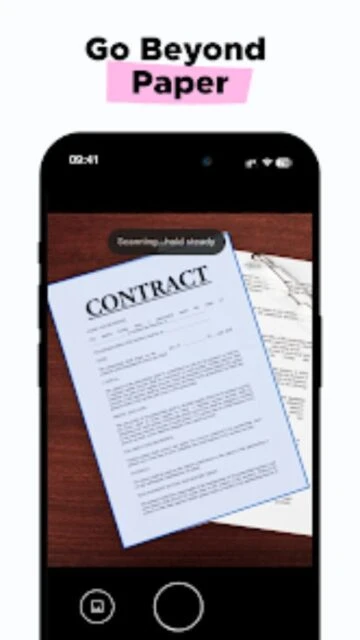
- Document scanning with OCR: Capture documents, business cards, and handwritten notes with automatic border detection and text recognition capabilities.
- Cross-platform synchronization: Access notes seamlessly across Android, iOS, web browsers, and desktop applications with automatic cloud sync.
- Advanced organization: Create unlimited folders, subfolders, tags, and workspaces to organize personal and professional information separately.
How It Works
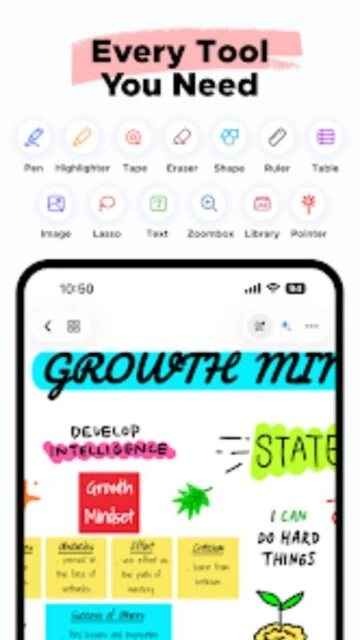
Getting started with Nimbus Note is straightforward. Download the app on your preferred device, create an account, and begin capturing notes using rich text formatting with support for bold, italic, underline, code blocks, and headers. Add multimedia content including images, audio, and video files. Use the web clipper to save content from the internet directly into your notes, and enable offline access to view and edit notes without an internet connection.
Who Should Use It?
Nimbus Note is ideal for students managing lecture notes and research, professionals organizing project documentation, small teams collaborating on shared tasks, and anyone seeking a reliable note-taking solution with powerful search capabilities. The app is particularly valuable for users who need document scanning functionality, require offline access to notes, and want cross-platform compatibility without vendor lock-in.