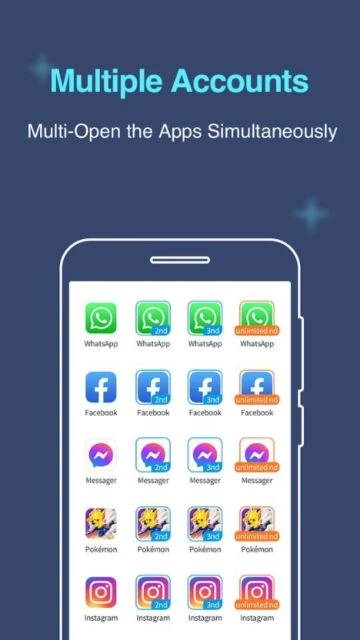
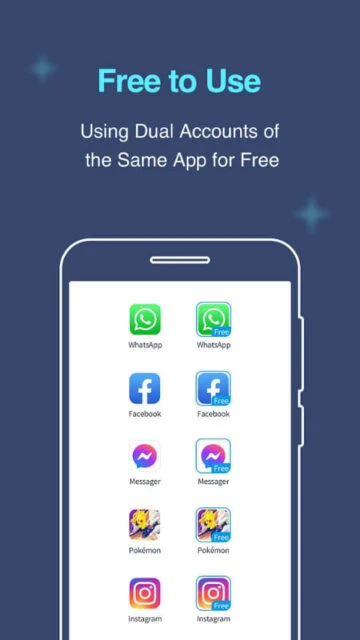
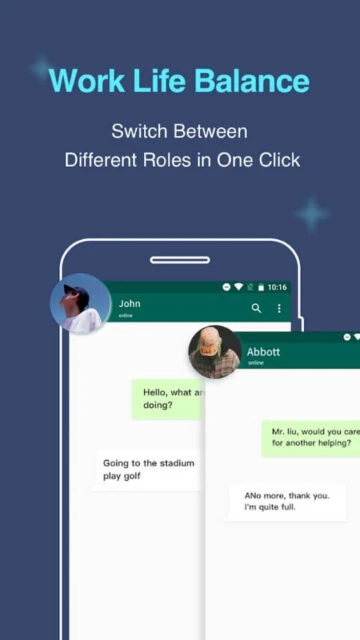
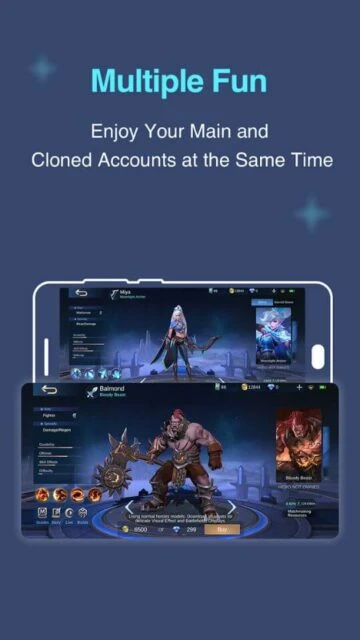
Multiple Accounts – Dual Space targets Android users who want fast, consumer-focused cloning for social networks, messengers, and games. Unlike Island’s managed profile approach, it builds a virtualized space that can host many cloned apps with minimal setup. This guide covers onboarding, ideal users, supported platforms, integrations, alternatives, competitor comparison, privacy expectations, power tips, and support options.
How to Get Started with Multiple Accounts – Dual Space
Multiple Accounts – Dual Space focuses on speed: install the app, grant a few permissions, and start cloning popular services immediately. The initial configuration is short, but notification and battery settings deserve attention if you clone several data-hungry apps.
- Install and open Multiple Accounts – Download it from Google Play, launch the app, and accept the basic usage terms displayed on first run.
- Create your first virtual space – Let Multiple Accounts set up its container, which acts as an independent environment for cloned applications.
- Add social or game apps to clone – Tap the plus button, choose WhatsApp, Facebook, Instagram, or games you want to duplicate, and wait while the app creates parallel instances.
- Adjust notifications and battery settings – Exclude Multiple Accounts from aggressive battery optimization and configure per-app notification preferences so secondary accounts deliver alerts reliably.
Who Should Use Multiple Accounts – Dual Space
Multiple Accounts – Dual Space fits people who prioritize convenience over deep system-level isolation and want an easy way to juggle multiple logins on one phone.
- Social media managers – Users who switch between brand and personal accounts on Instagram, Facebook, or X throughout the day.
- Gamers with alternate profiles – Players running secondary game accounts for experimentation or progression in parallel.
- Online sellers and marketers – Small-business owners maintaining separate chat accounts for personal and customer communication.
- NOT ideal for – Users who require open-source transparency, enterprise-style work profiles, or tight data separation for regulated environments.
Multiple Accounts – Dual Space Platform Compatibility
Multiple Accounts – Dual Space is built exclusively for Android smartphones and tablets. It relies on virtualization inside the app rather than a system-managed profile, which improves reach across vendors but limits cross-platform options.
| Platform |
Min. Version |
Unique Features |
Limitations |
| Android |
5.0+ |
Virtual space for cloned apps, multi-account shortcuts, notification management |
Heavier battery and RAM usage when many clones run simultaneously |
| iOS |
N/A |
Not available |
No iPhone or iPad version, cannot clone iOS apps |
| Web |
N/A |
No browser-based dashboard |
All management happens on the Android device only |
| Desktop |
N/A |
No native desktop client |
Cannot mirror or control virtual space from PC or Mac |
Multiple Accounts – Dual Space Integrations & Ecosystem
Multiple Accounts – Dual Space integrates by hosting existing apps, so its ecosystem value depends on popular services you choose to clone. Its virtualization layer works with most mainstream communication, social, and game clients from Google Play.
- WhatsApp and WhatsApp Business – Run both personal and business numbers on a single phone without logging out.
- Facebook and Messenger – Separate private and page admin accounts while keeping notifications from each space organized.
- Instagram and TikTok – Manage creator accounts or client profiles alongside personal feeds in cloned instances.
- Mobile games – Maintain alternate progressions, test strategies, or support roles without installing games on another device.
Best Alternatives to Multiple Accounts – Dual Space
Alternative tools may suit users who want fewer ads, stronger isolation, or vendor-supported duplication. Choosing the right option depends on whether simplicity, privacy, or OEM integration matters most.
- Island – Best for privacy-focused users who prefer a managed work profile sandbox and app freezing controls.
- Parallel Space – Best for users who want theme customization and a polished interface for multiple social accounts.
- Dual Apps (OEM feature) – Best for owners of phones with built-in dual-app toggles baked into system settings.
- Secure Folder (Samsung) – Best for Samsung users who value Knox-backed isolation and biometric protection for sensitive apps.
Multiple Accounts – Dual Space vs Top Competitors
Multiple Accounts – Dual Space competes in a crowded multi-account market, where trade-offs revolve around battery usage, ad load, isolation strength, and how tightly cloning integrates with the Android system.
| Feature |
Multiple Accounts – Dual Space |
Island |
Parallel Space |
| Pricing |
Free with ads, optional paid version to remove ads |
Completely free and ad-free |
Freemium with subscriptions and in-app purchases |
| Key Strength |
Fast cloning for popular apps with minimal configuration |
System-level isolation using managed work profiles |
Polished interface with themes and floating windows |
| Target Users |
Casual users and social media managers |
Technical users, testers, and privacy advocates |
Users who want style and convenience |
| Unique Feature |
Dedicated virtual container that runs many clones together |
Freeze function to fully suspend apps |
Theme packs and customization for cloned app workspace |
| Offline Mode |
Partial, depends on each cloned app’s capabilities |
Partial, apps run like standard work profile apps |
Partial, virtualization layer remains active in background |
Multiple Accounts – Dual Space Privacy & Security Overview
Multiple Accounts – Dual Space introduces a virtual layer that touches many cloned apps, so understanding its permissions and data practices is important before placing sensitive services or payment-heavy games inside the container.
| Security Aspect |
Implementation |
User Control |
| Data Encryption |
Relies on Android system storage encryption rather than its own scheme |
Users manage device encryption from system security settings |
| Authentication |
Uses main device lock; no separate container password by default |
Users can lock the app with pattern or similar methods where supported |
| Data Collection |
May collect usage and device information for analytics and ad personalization |
Users can limit permissions, reset advertising ID, and review privacy policy |
| Third-Party Sharing |
Ad networks integrated for the free tier may receive contextual data |
Users may reduce tracking via system-level privacy controls and premium upgrades |
Multiple Accounts – Dual Space Accessibility Features
Multiple Accounts – Dual Space inherits Android accessibility behavior, but the virtualized environment means assistive services must be allowed to inspect overlays and cloned app content where necessary.
- Screen Reader – Works with TalkBack when overlay permissions and accessibility services are enabled globally.
- Visual – Respects system-wide font size, display scaling, and dark mode in most cloned apps.
- Motor – Compatible with Android gesture alternatives and voice access controls for interacting with clones.
- Languages – Follows the device language settings, including supported right-to-left interfaces in hosted apps.
Power User Tips for Multiple Accounts – Dual Space
With thoughtful configuration, Multiple Accounts – Dual Space can manage many parallel identities while keeping performance acceptable and notifications under control on mid-range devices.
- Limit background-heavy clones – Avoid cloning too many chat apps that sync constantly, which can drain battery quickly.
- Pin frequently used clones – Add shortcuts for key cloned apps to the home screen to reduce navigation time.
- Separate work and personal time – Silence notifications from specific cloned apps during off-hours using Android’s notification channels.
- Use premium to remove ads – Consider upgrading if full-screen ads interfere with switching between multiple accounts.
- Backup cautiously – Remember that some backup tools may not capture data from the virtual space reliably; rely on in-app cloud sync when available.
Multiple Accounts – Dual Space Support & Community
Support for Multiple Accounts – Dual Space is primarily app-store driven, with in-app help options and email contact, complemented by user reviews that highlight compatibility trends across Android brands.
- Official Help Center – Accessible from the app’s settings, linking to basic guides and FAQs.
- Community Forum – User feedback and tips appear mainly in Google Play reviews and third-party discussion boards.
- Social Media – Occasional product updates and promotions may be posted on the developer’s social profiles.
- Contact Support – Users can reach the developer via the email address listed under “Developer contact” in Google Play.