Is Motion Ninja free to use?
Yes, Motion Ninja offers a comprehensive free version with many features. Premium features like 4K export and advanced effects are available through in-app purchases ranging from $0.99 to $14.99.
 55
55
Professional Motion Design & Video After Effects Editor
Advanced multi-layer video editor with keyframe animations, 500+ effects, and 3D camera tracking for professionals and amateurs.
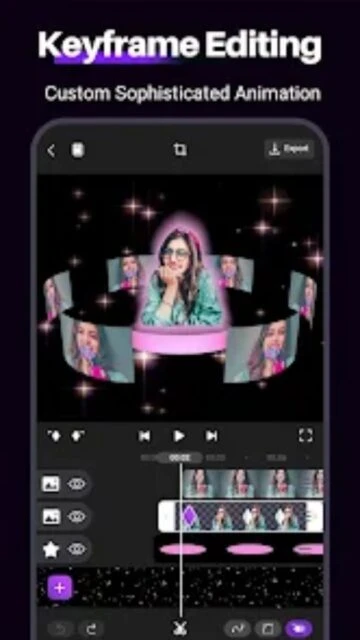
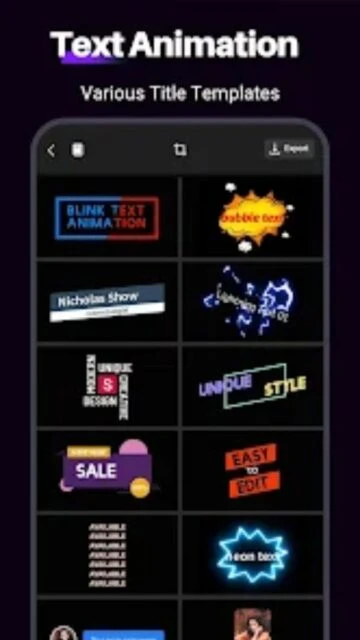
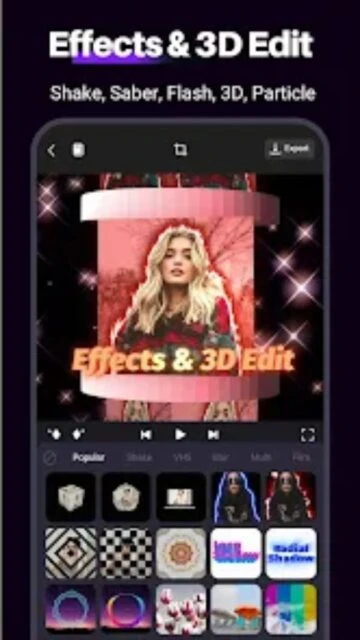
Motion Ninja is a professional video editor delivering After Effects-like features directly on mobile devices. The app empowers creators to produce cinematic animations, motion graphics, and fan edits with advanced keyframe controls, 3D camera tracking, and 500+ visual effects without requiring desktop expertise.
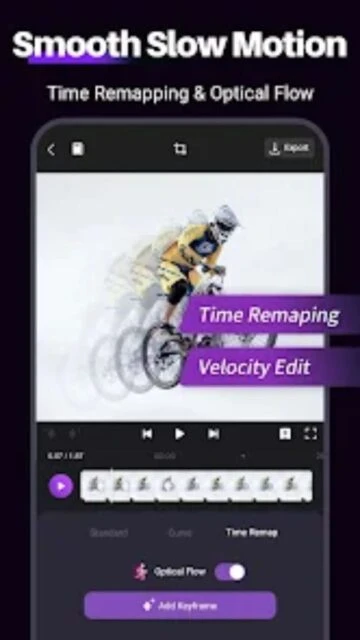
The editor combines ease of use with professional-grade capabilities including multi-layer editing, smooth slow-motion with optical flow, custom animation curves, and comprehensive color correction tools. Perfect for TikTok, YouTube, and Instagram content creators seeking studio-quality results.
Free with in-app purchases ($0.99 - $14.99)
| Feature | Free | Premium |
|---|---|---|
| Multi-layer Editing | 5 layers with basic transitions | Unlimited layers with advanced masking |
| Video Effects | 100+ basic effects available | 500+ advanced effects with customization |
| Export Resolution | 1080p maximum resolution | 4K and custom resolution options |
| Keyframe Animation | Basic position and scale keyframes | Full keyframe control with custom curves |
| Color Correction | Basic brightness and contrast | HSL, curves, and advanced color grading |
| Speed Control | Standard speed adjustment | Velocity curves and optical flow slow motion |
Yes, Motion Ninja offers a comprehensive free version with many features. Premium features like 4K export and advanced effects are available through in-app purchases ranging from $0.99 to $14.99.
Motion Ninja runs on Android 5.0+ and iOS 13.0+ devices. It requires at least 285MB of storage space for installation.
Premium users can import certain Adobe After Effects project files into Motion Ninja for mobile editing, though complex projects may have compatibility limitations.
Free version exports include Motion Ninja watermark; premium users can export watermark-free videos in 4K resolution.
Motion Ninja supports MP4 and GIF export formats with customizable resolution up to 4K and frame rates up to 60fps for premium users.