Can I use Outlook with non-Microsoft email accounts?
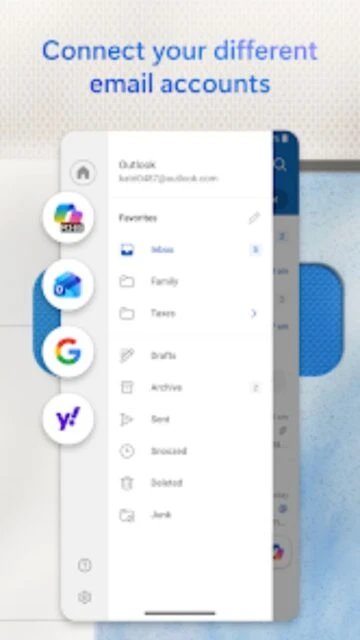
Yes, Outlook supports multiple email providers including Gmail, Yahoo Mail, iCloud, and standard IMAP/POP3 accounts. You can manage all your accounts from a single unified inbox.
 43
43

Secure email, calendar and file management
Microsoft Outlook is an enterprise-grade email and calendar application supporting multiple account types with integrated productivity features.
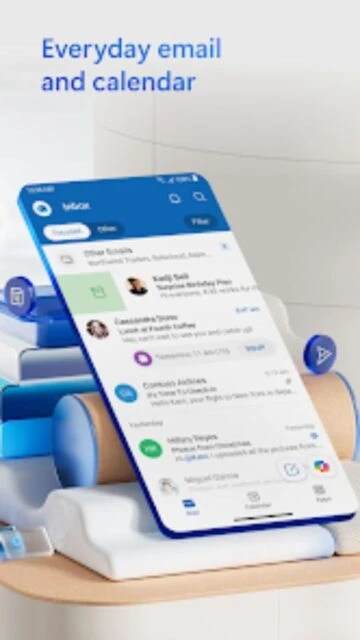
Microsoft Outlook is a comprehensive email and productivity application developed by Microsoft Corporation serving over 1 billion users. The app consolidates email accounts, calendar management, file access, and Office document editing into a unified interface supporting multiple email providers.
With advanced security features protecting against phishing and spam, intelligent email organization separating Focused from Other messages, and seamless integration with Microsoft 365 services, Outlook provides enterprise-grade communication management for professionals and personal users alike.
Free with optional Microsoft 365 ($6.99 - $20.00/month)
| Feature | Free | Premium |
|---|---|---|
| Cost | Completely free | Microsoft 365 $6.99-$20.00/month |
| Email Accounts | Multiple accounts supported | Multiple accounts supported |
| Cloud Storage | Limited cloud access | 1TB per user with 365 subscription |
| Office Integration | View only | Full editing capabilities |
| Advanced Security | Standard protection | End-to-end encryption |
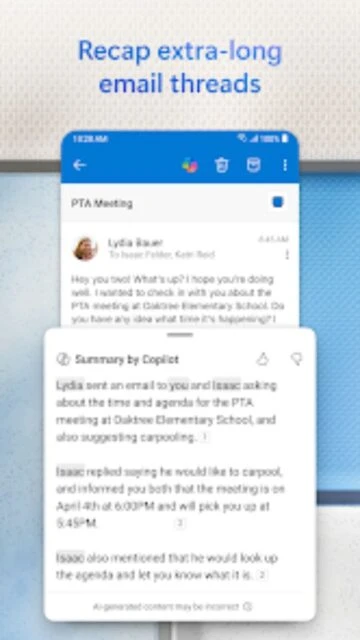
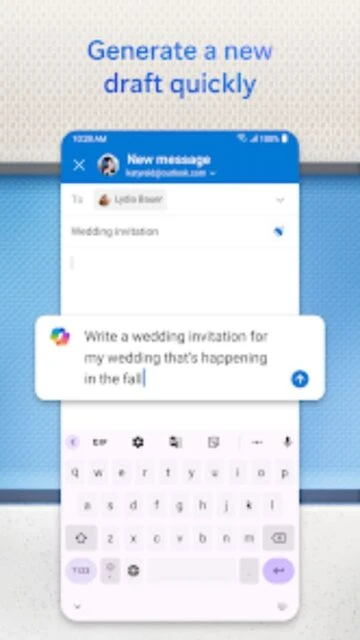
| AI Assistance | Not available | Copilot integration available |
Yes, Outlook supports multiple email providers including Gmail, Yahoo Mail, iCloud, and standard IMAP/POP3 accounts. You can manage all your accounts from a single unified inbox.
Free Outlook includes email management and basic calendar features. Premium Microsoft 365 subscriptions add 1TB cloud storage, Office document editing capabilities, and advanced security features like encryption.
Yes, Outlook includes integrated calendar management with ability to view multiple calendars simultaneously, schedule meetings, receive event reminders, and sync across devices.
Yes, Outlook allows opening and editing Word, Excel, and PowerPoint documents from attachments without switching to separate apps, available with Microsoft 365 subscriptions.
Outlook uses enterprise-grade security with advanced threat detection, automatic spam filtering, and malware protection. Microsoft 365 subscribers get additional encryption and security features.