Microsoft OneDrive is a cloud storage solution that keeps your photos, videos, and documents secure, synchronized, and accessible across all your devices. With automatic photo backup, Microsoft 365 integration, and real-time collaboration features, OneDrive makes it easy to organize digital life and share securely with family and friends. The app provides 5GB of free storage or premium plans up to 1TB per person with Microsoft 365 subscriptions.
Why Choose OneDrive?
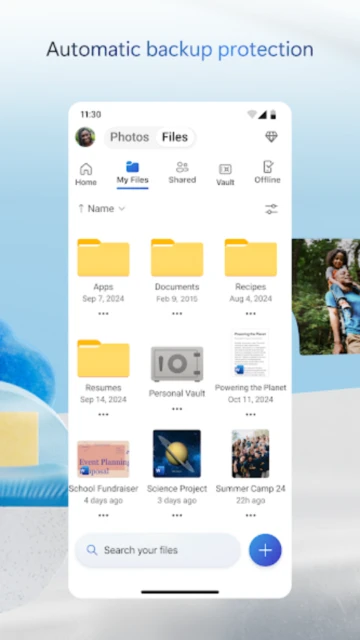
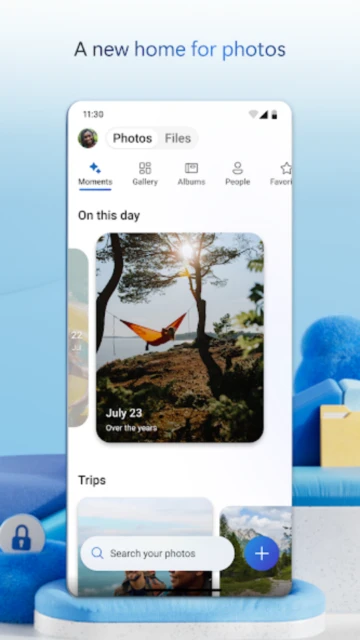
OneDrive seamlessly integrates with Microsoft Office applications, allowing real-time editing and collaboration on Word, Excel, PowerPoint, and OneNote files. The Personal Vault feature protects important documents with identity verification, while advanced security includes ransomware detection and file recovery up to 30 days after attacks or accidental deletion. Automatic photo backup to your private photo locker ensures memories are protected, and smart search finds files by content, not just names.
- Microsoft Office Integration: Edit and collaborate in real-time on Office documents directly from OneDrive without switching apps
- Ransomware Protection: Detect malicious file changes and restore files up to 30 days after attacks or corruption
- Personal Vault Security: Protect important documents with biometric verification and advanced encryption
How It Works
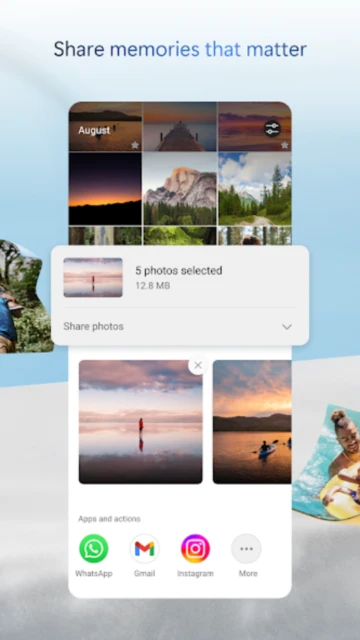
Install OneDrive, sign in with your Microsoft account, and enable automatic photo backup from your camera roll. Files sync across your phone, tablet, computer, and web browser instantly. Access files offline, and they update automatically when you reconnect. Share files and folders with secure links that can require passwords and set expiration dates. Collaborate with others in real-time on Office documents, with changes reflected immediately for all participants.
Who Should Use It?
OneDrive is perfect for Microsoft Office users who want seamless cloud integration and collaboration features. Ideal for families managing shared documents and memories, professionals backing up work files with version history, and anyone wanting automatic photo protection. Those with Microsoft 365 subscriptions get premium storage and advanced security features including ransomware recovery and identity-verified Personal Vault.