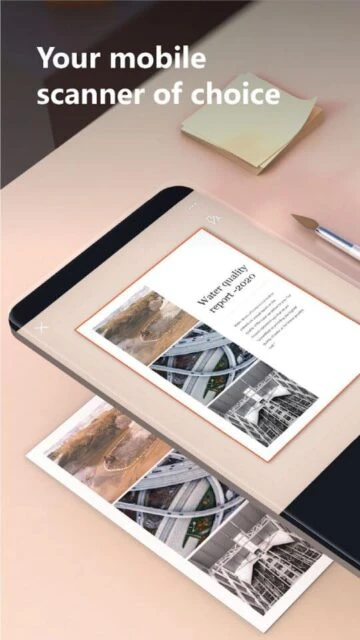
Microsoft Lens is a professional document scanning application that converts physical documents, whiteboards, and photos into editable Microsoft Office formats. Acquired by Microsoft and integrated into their productivity ecosystem, Lens leverages advanced machine learning for document recognition and enhancement. The app has achieved 50 million downloads across iOS and Android platforms, earning 4.9-star average ratings from over 950,000 Android users. However, Microsoft announced discontinuation of the Lens app, transitioning functionality to Microsoft 365 Copilot app starting December 2025.
Why Choose Microsoft Lens?
Microsoft Lens seamlessly integrates with Microsoft 365 applications, enabling direct export of scans to Word, PowerPoint, and Excel. The app’s intelligent document detection automatically captures perfect angles and crops images for professional appearance. Advanced OCR technology converts handwritten and printed text into editable content. For users already invested in Microsoft’s ecosystem, Lens provides convenient mobile document capture with native application compatibility.
- Office Format Integration: Convert scanned documents directly to Word, Excel, PowerPoint, and PDF formats maintaining formatting and editable text automatically.
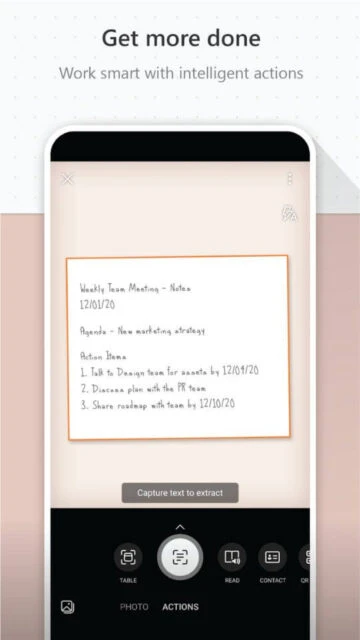
- Handwriting Recognition: Advanced OCR recognizes both printed and handwritten text including mathematical equations and diagrams for comprehensive digitization.
- Business Card Scanning: Extract contact information from business cards automatically and save directly to device contacts and OneNote.
How It Works
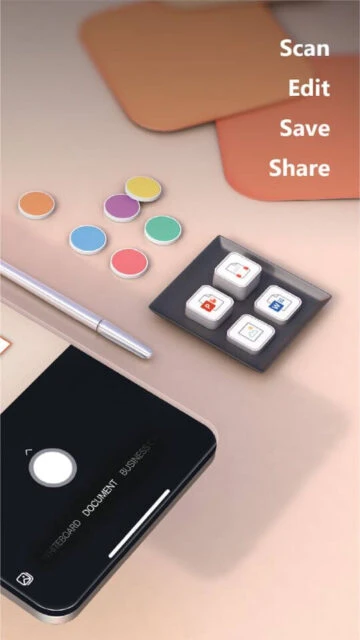
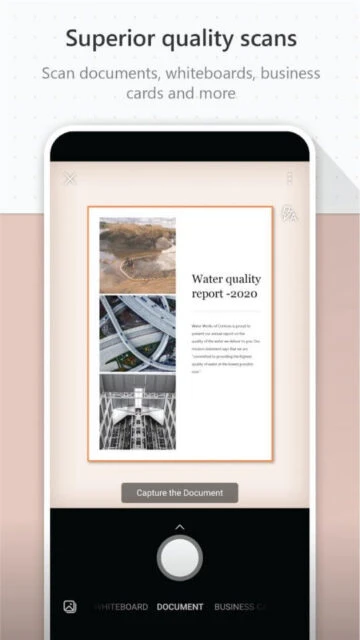
Launch Microsoft Lens and select your capture mode including document, whiteboard, or business card. Point camera at content and capture. The app automatically detects edges, enhances contrast, and corrects perspective. Review the processed image and confirm. Choose export format—Word, PowerPoint, Excel, PDF, or image. Select destination for saving whether device, OneDrive, or specific Office application.
Who Should Use It?
Microsoft Lens primarily serves Microsoft 365 subscribers and Office users requiring mobile document capture. Students use it for digitizing handwritten notes and textbook pages. Office workers capture whiteboards and documents for sharing. The app benefits business professionals who frequently need to convert physical materials into digital formats while maintaining Microsoft Office compatibility. However, users should note the app discontinuation timeline and consider alternative solutions.